An MCP workspace for connected project knowledge
Nodary exposes a remote MCP endpoint for compatible AI clients to work with project knowledge. Access is authenticated and requires the workspace’s team MCP plan or an individual MCP seat. The endpoint is https://nodary.ai/api/mcp.
No account needed · Guide updated
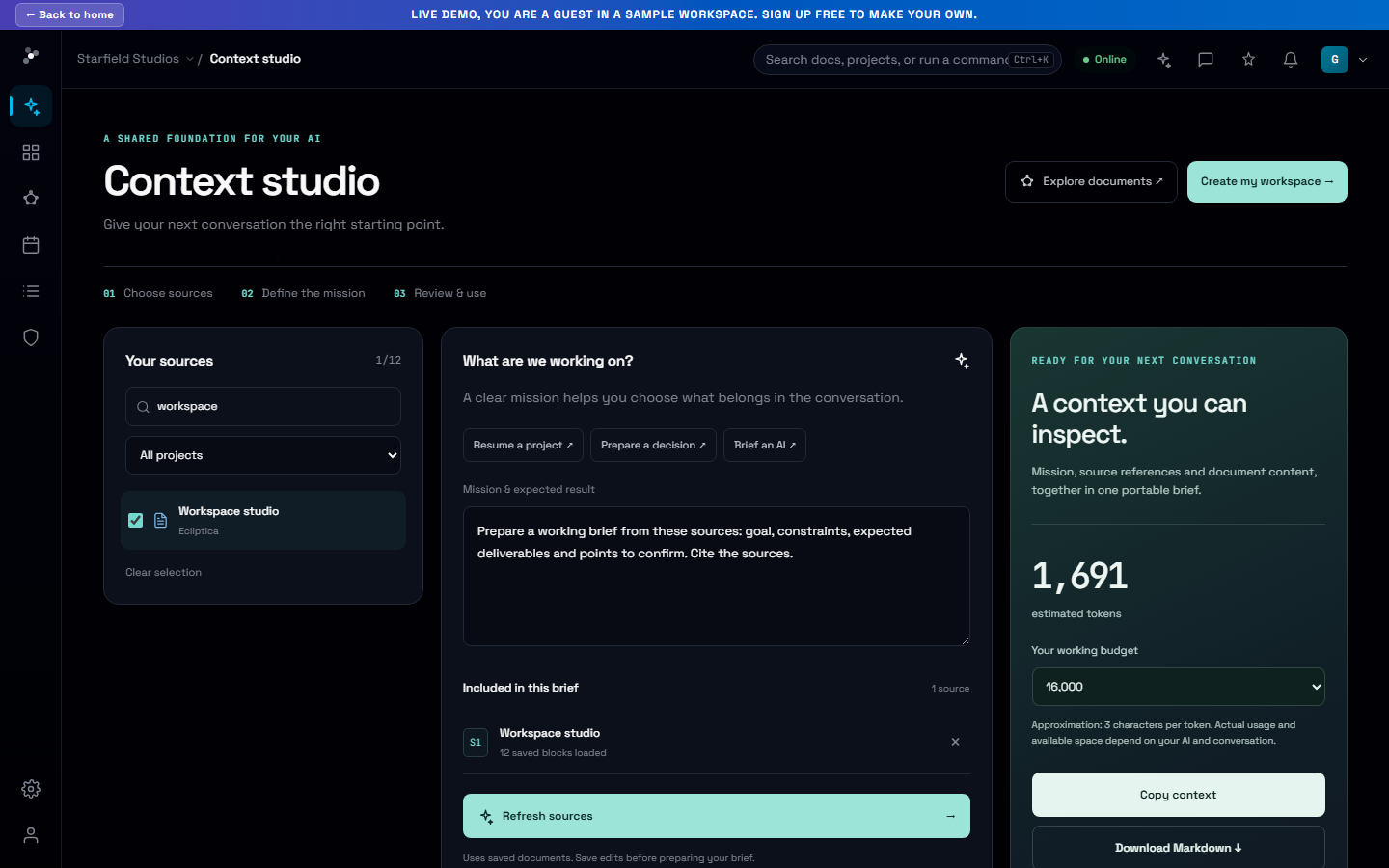
Give an authorized AI client tools that can work with your project documents.
Connect through a supported client
An owner manages MCP access from Back-office → MCP. Once access is available, a client that supports Nodary’s remote OAuth flow can open the sign-in and consent process. The platform also supports API keys and provides setup information in Profile → API keys & MCP. The exact configuration depends on the client’s remote transport and authentication support; an ordinary chat window is not automatically an MCP client.
Choose between a prepared brief and tool access
A context brief is a portable snapshot that you select and review before sharing. An MCP connection lets an authorized client invoke the tools exposed by Nodary, including document operations within its permissions. Use the brief for a bounded handoff, or configure MCP when the client needs to interact with the workspace. Review the requested operations and the resulting document changes as part of your workflow.
Your first workflow
- Ask the workspace owner to enable the team plan or grant your MCP seat.
- Check the compatible client’s support for remote MCP and authentication.
- Use https://nodary.ai/api/mcp with the supported sign-in flow or your personal API-key configuration.
- Start by reading a known project document, then review any editing operations you request.
Brief an engineering task
Prepare an implementation brief from the selected project documents. Describe the requested behavior, interfaces, dependencies and constraints. Identify what still requires inspection in the codebase.
Sources to gather
- Feature specification
- Architecture and interface notes
- Known issues and acceptance criteria
Expected result
An implementation outline, unresolved technical questions and observable acceptance checks. Separate documented behavior from proposals. Do not claim to have inspected code or executed tools.
Adapt the mission to your project and choose the sources to include. The template contains no project documents.
Frequently asked questions
Is MCP included for every free account?
No. MCP tool calls require the team MCP plan or a per-member MCP entitlement. Current plans are described in the product’s pricing and workspace billing controls.
Can a public crawler read my workspace through MCP?
No. The endpoint authenticates its callers and checks access. A public product guide or discovery file does not grant access to private project documents.
Is the demo a live MCP connection?
No. The linked demo shows the context-brief workflow with sample documents. It does not sign you in to MCP or execute tools against a real workspace.
Compatibility depends on the client’s transport, authentication and tool support. Nodary does not claim that every AI product has a built-in integration or that connecting MCP gives an assistant permanent memory.