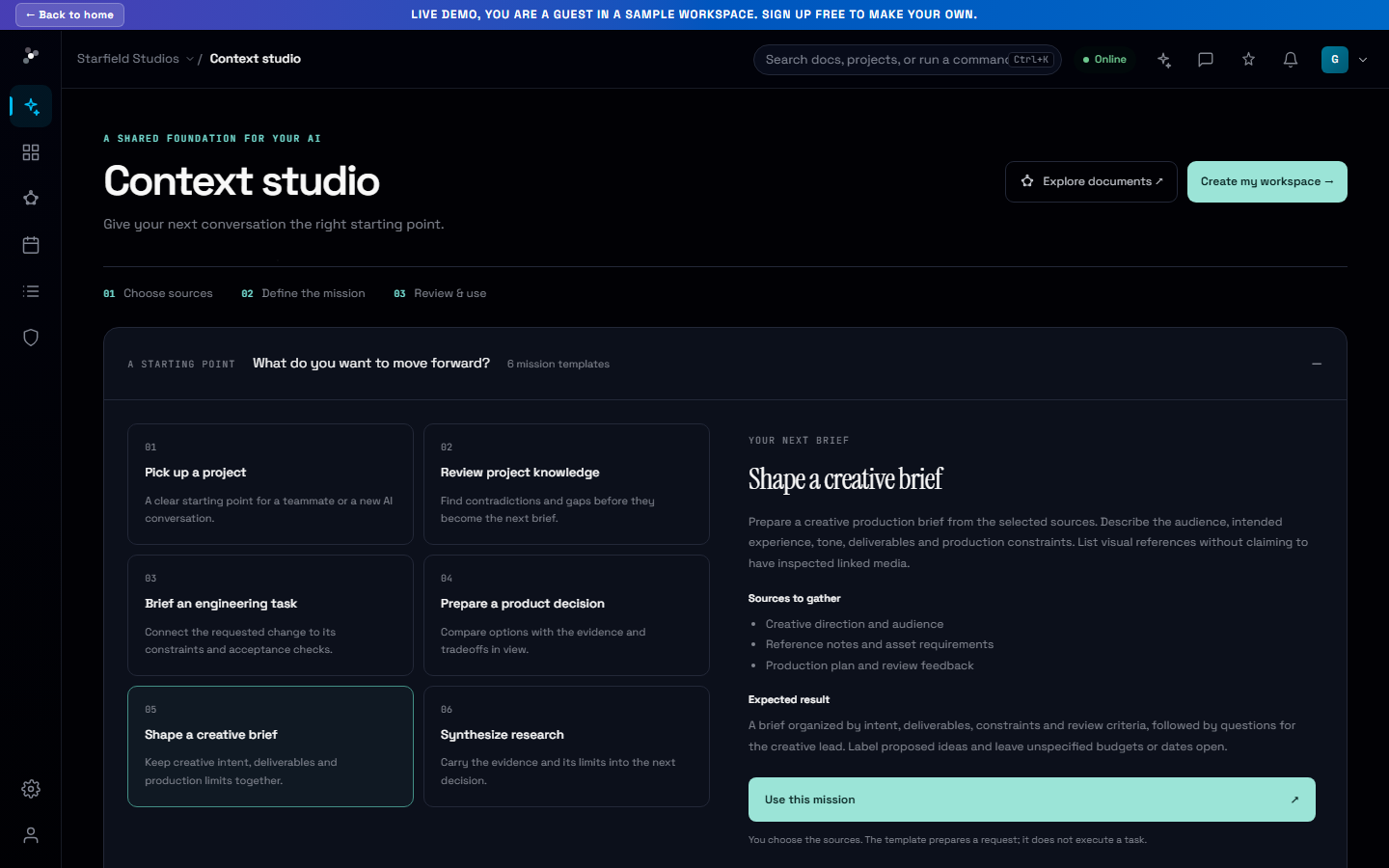
Your next project starts with the right context.
Six practical guides connect your team’s work to Nodary: from creative briefs and product decisions to research handoffs and authenticated MCP access. Read, explore and take the guide with you in Markdown.
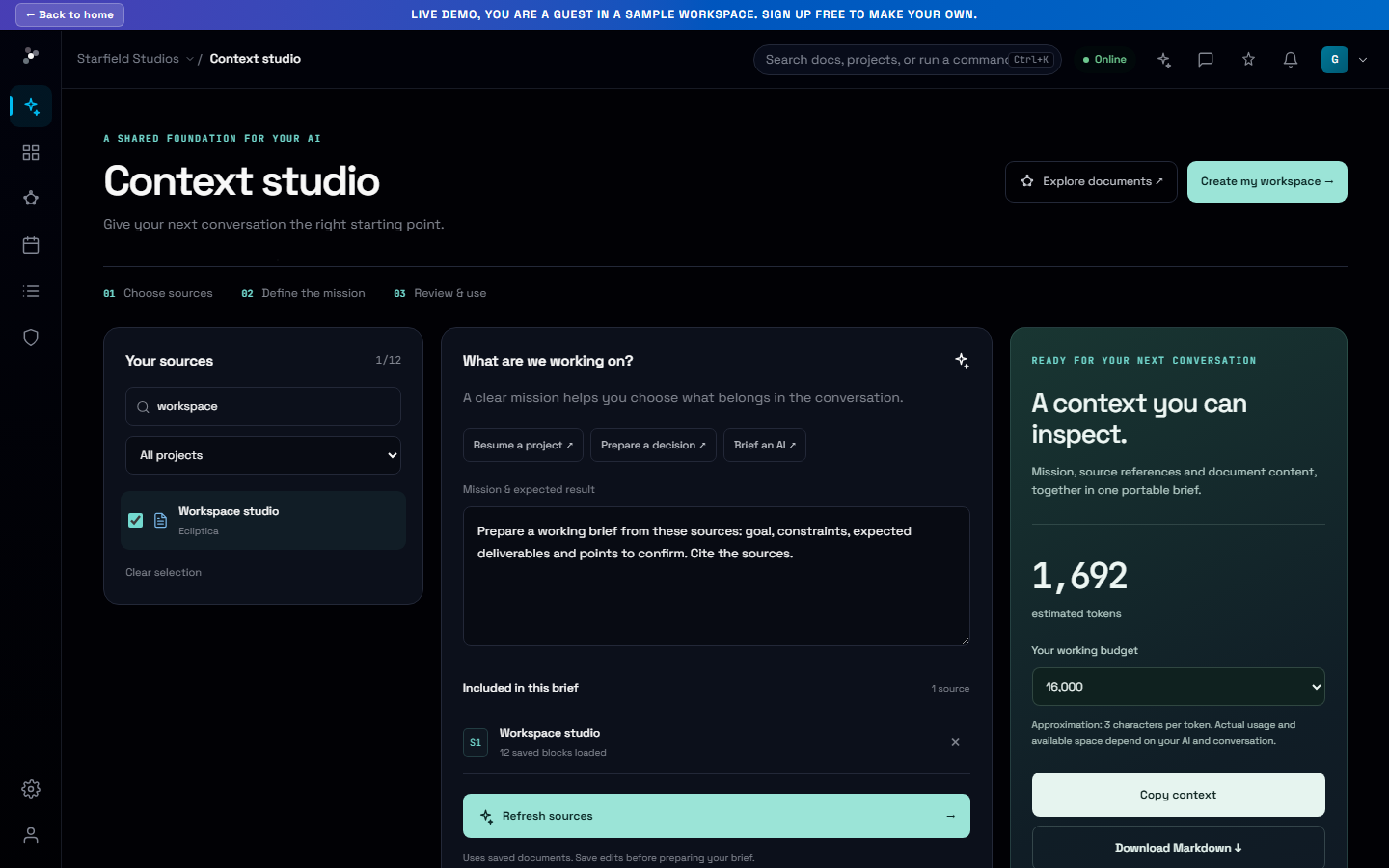
The useful question is what your team can do with its knowledge next. Our new Solutions space starts there, with six guides that connect a real project task to a workflow you can explore in Nodary.
Choose the work you want to move forward
Prepare an AI context brief, organize connected documentation or understand authenticated MCP access. Team guides show how product and engineering teams, creative and game studios, and research and consulting teams can bring decisions, references and constraints into the same project context.
Go from a question to an example
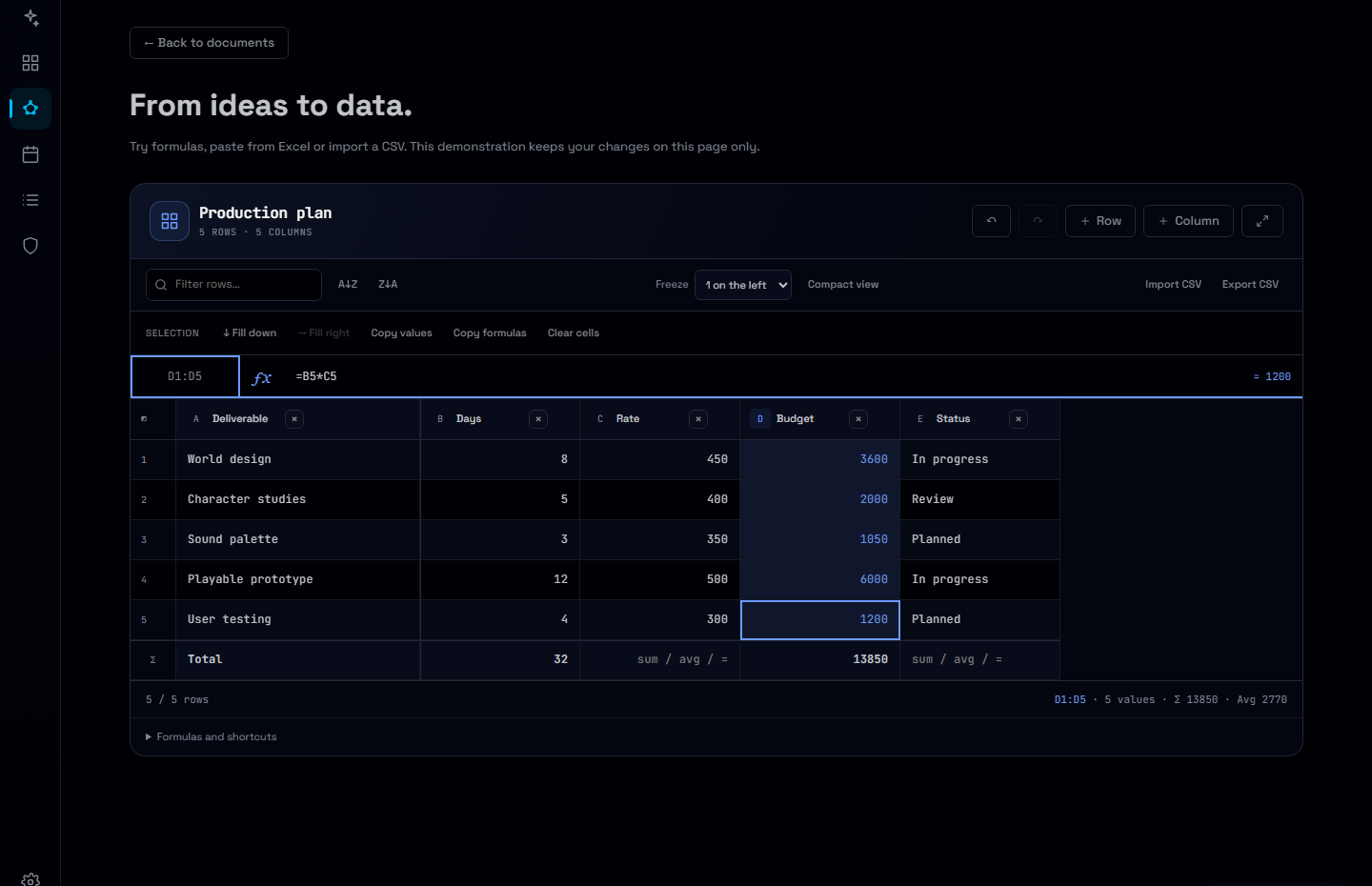
Each guide explains the workflow, gives you a starting sequence and answers practical questions. Follow its demonstration link to explore the relevant interface without creating an account. Related guides connect source organization, context preparation and the next step in your team’s work.
Take the guide with you
Every guide is available in English and French, with a dark or light reading theme. The Markdown version contains the same explanation, steps and availability notes as the web page, making it useful for a shared brief or an AI conversation about adopting Nodary.
Try it in your workflow
- Open Solutions from the Nodary homepage.
- Choose a workflow that fits the project you are starting or handing over.
- Read its steps and try the public demonstration, then use Read as Markdown to take the guide into your planning.
The guides describe existing product capabilities. Public demonstrations use sample data. Real project access requires sign-in, and MCP access depends on your workspace or member entitlement and the client you use. Context briefs are snapshots of saved sources; they do not give every external assistant permanent memory.