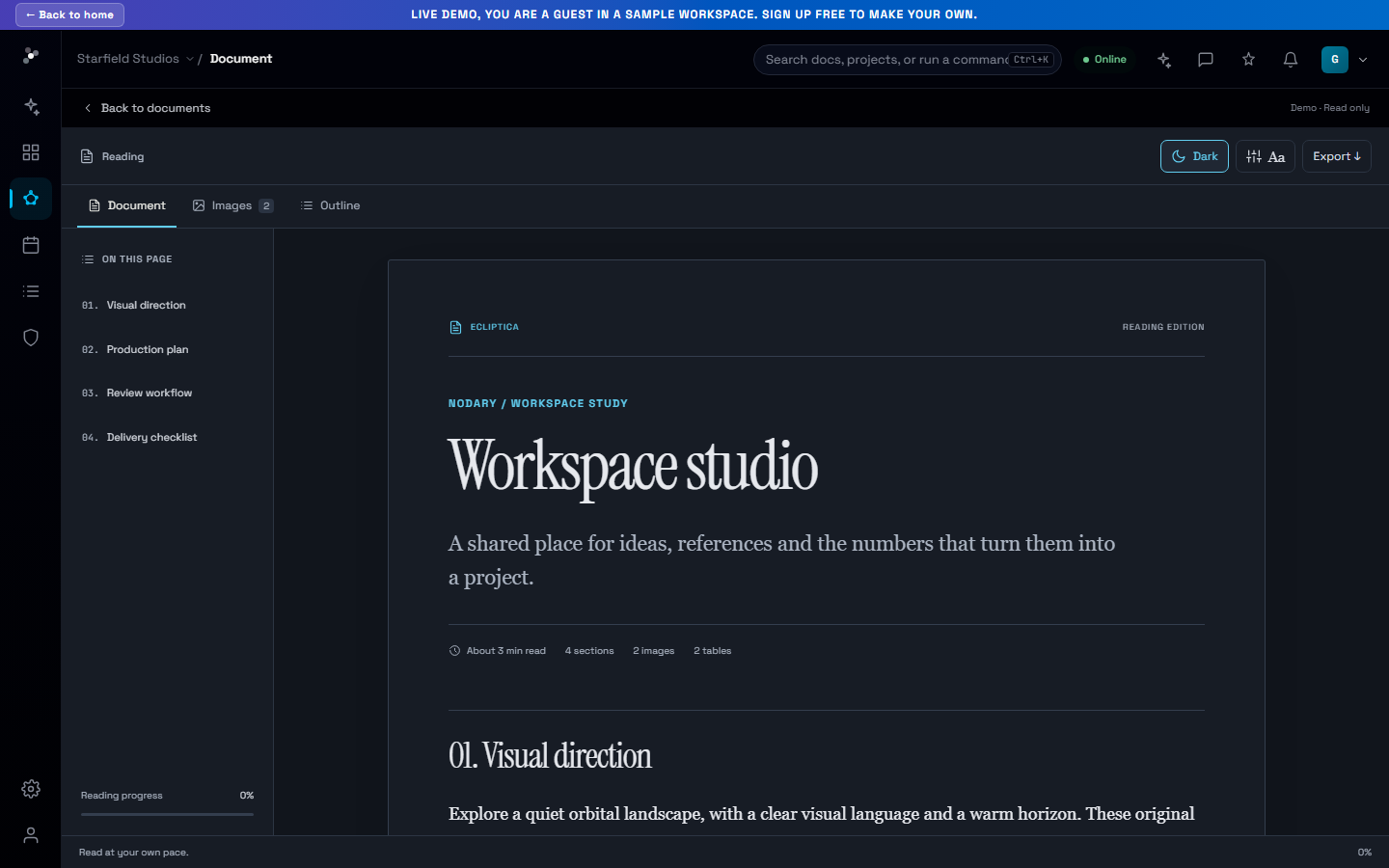
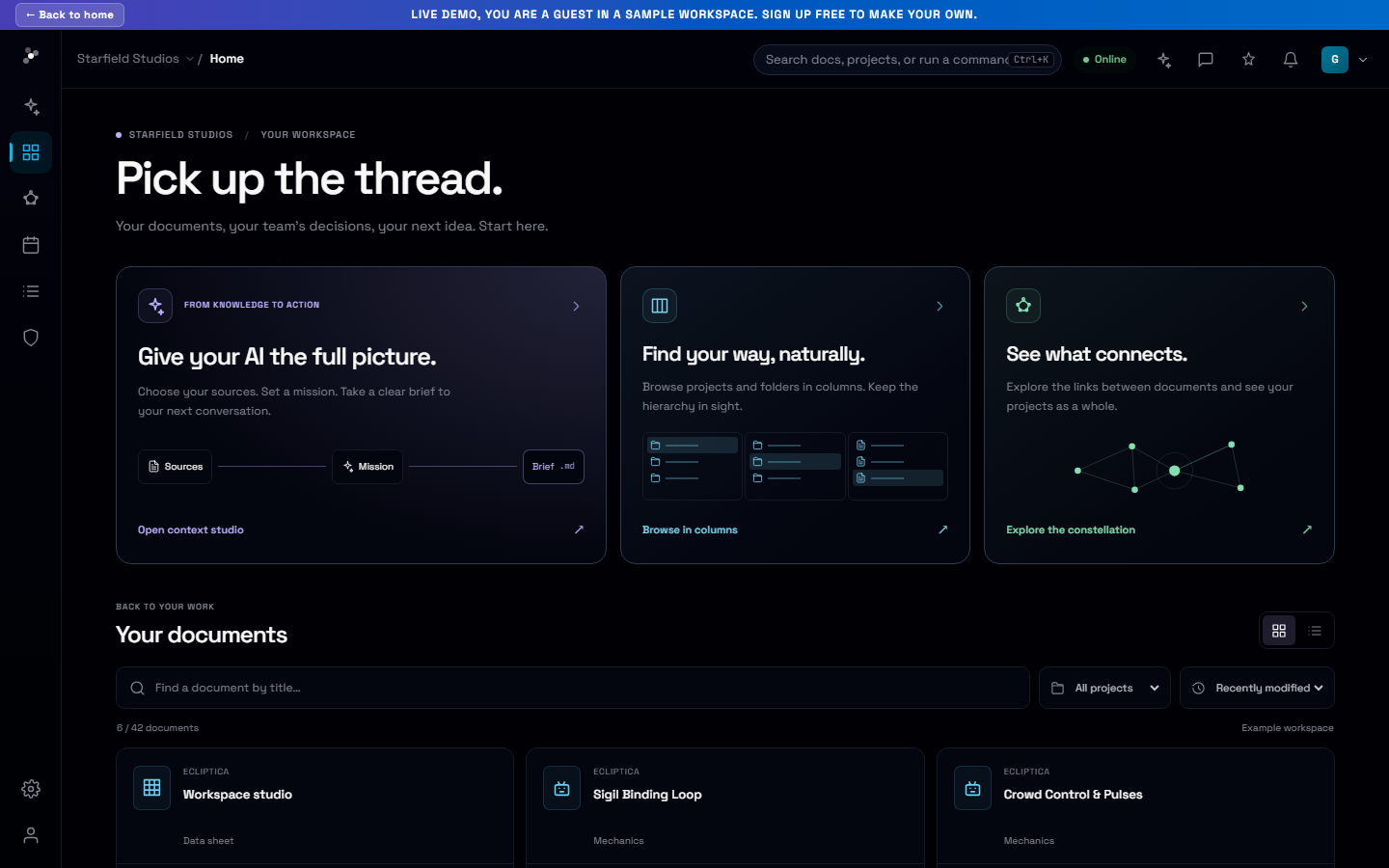
See the connections. Follow the path.
Explore the same constellation through a familiar column browser, with nested folders, quick previews and a clear route back to the map.
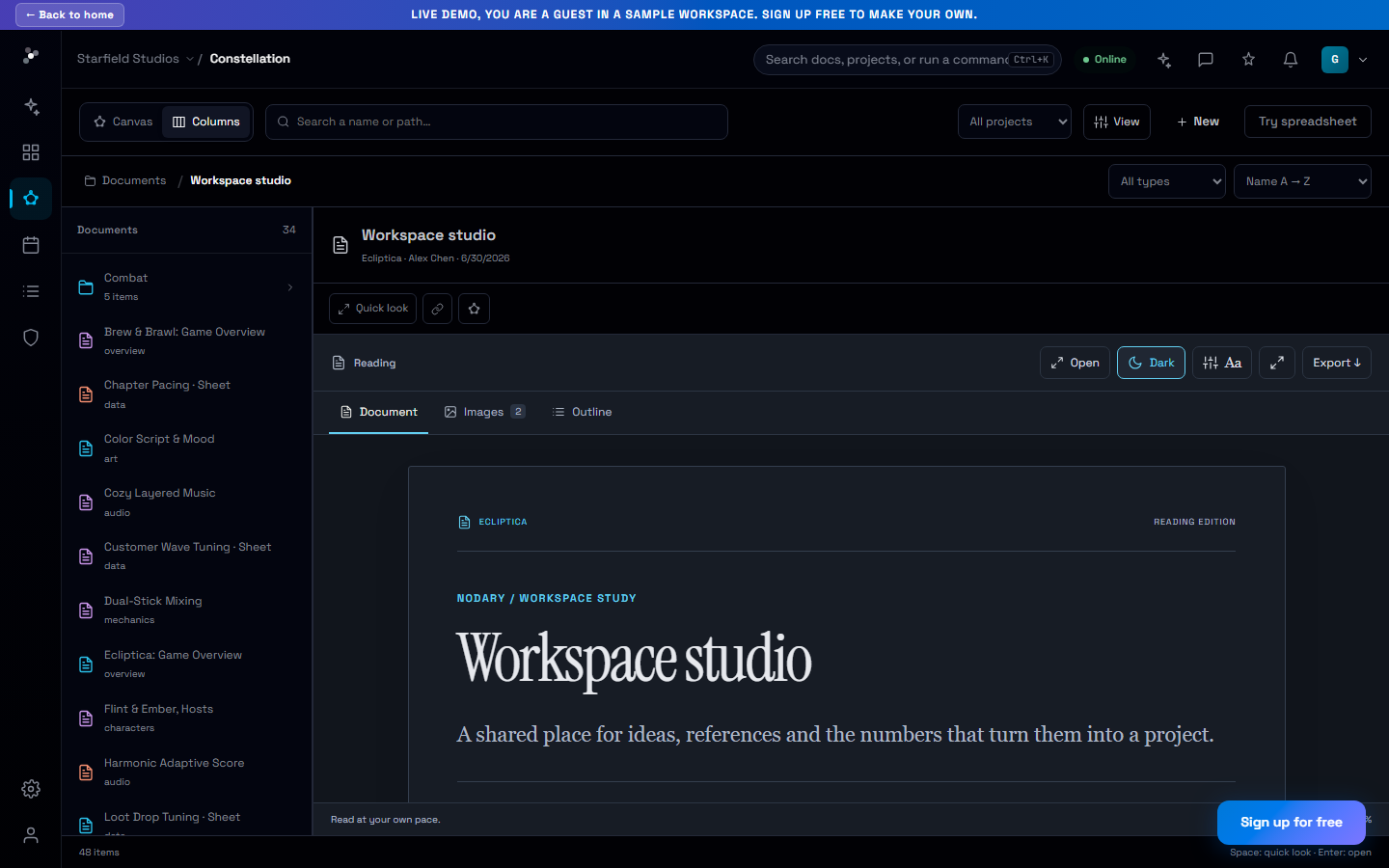
Sometimes you want to see how ideas connect. Sometimes you know the folder you need. The column browser adds a second way into your constellation, built around the same projects, clusters and documents.
Keep the hierarchy in view
Move through nested folders with the path visible across columns. Search, filter by project and adjust sorting, density and column width. Your view and selection are remembered, making it easier to return to the same part of the project.
Preview first, open when you are ready
Select a document to read its preview, or press Space for quick look. Use the keyboard to move through folders, then reveal a document on the constellation when you need its wider connections. These are two views of the same hierarchy, so switching views does not create a second set of documents.
Try it in your workflow
- Choose Columns in the constellation browser.
- Open folders and select a document to preview it.
- Press Space for quick look or reveal the document on the map.