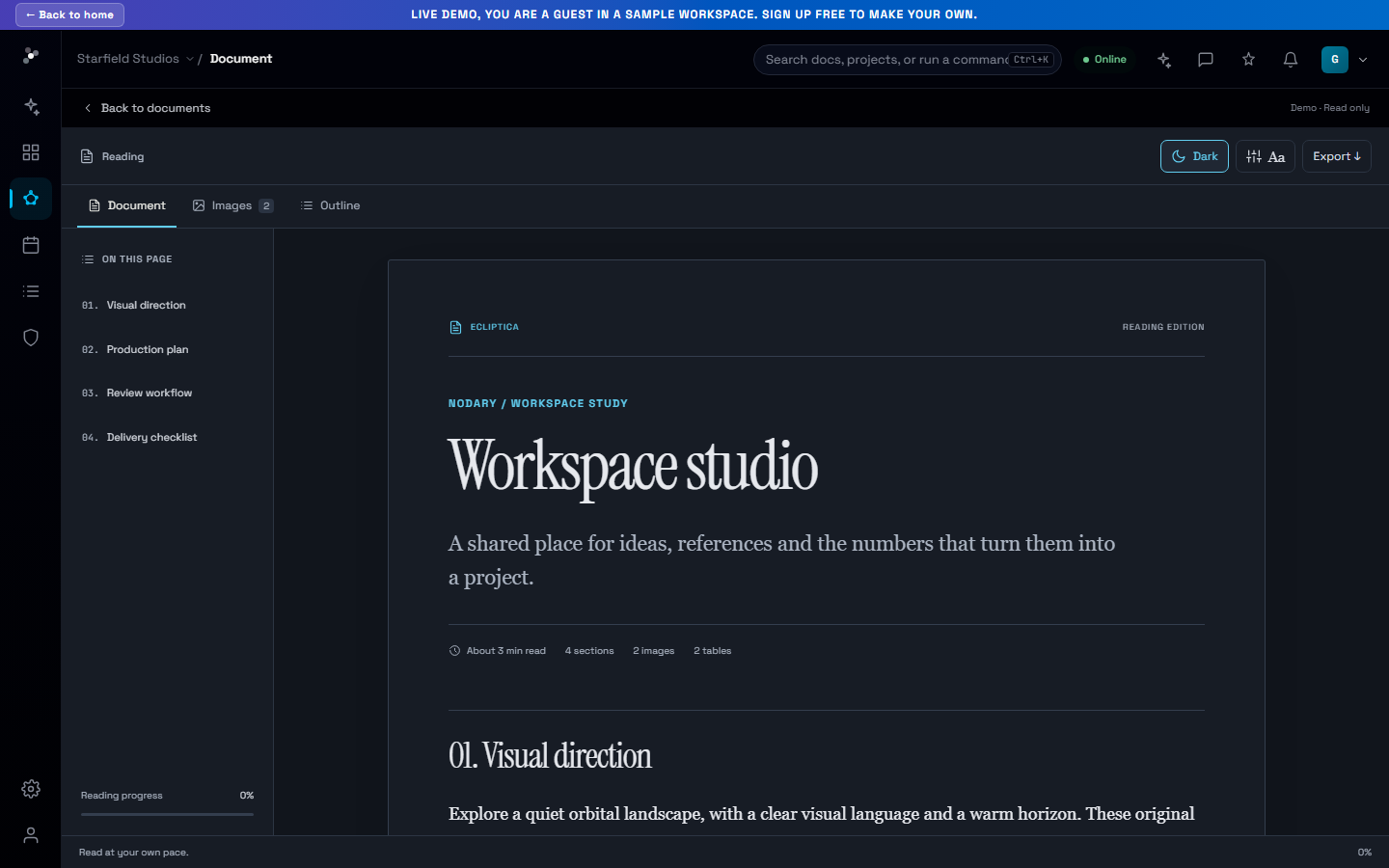
Your work, one step closer.
A new home puts documents within reach, with search, project filters and direct paths into your project’s context.
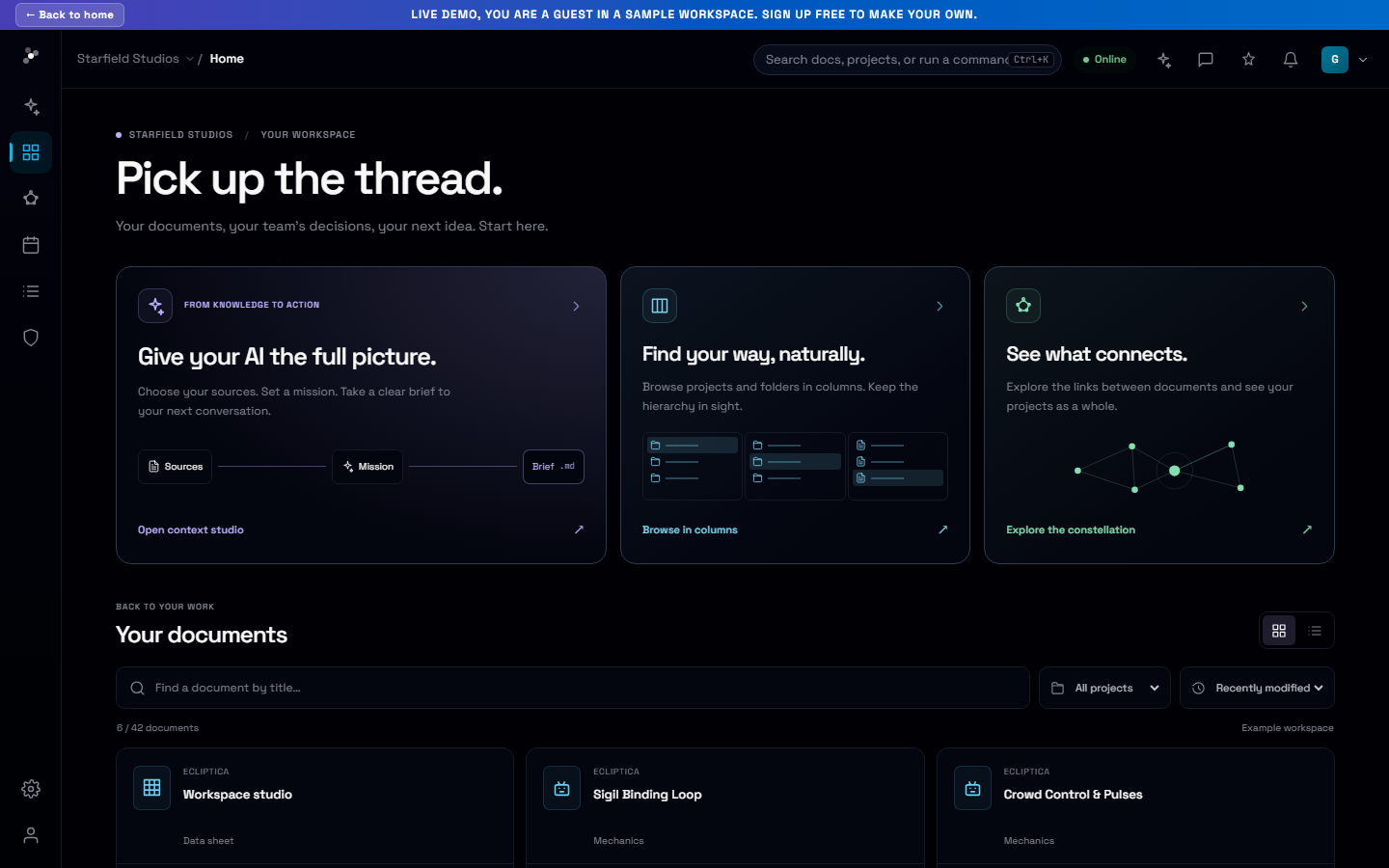
Coming back to a project should start with the work itself. Nodary’s new home brings documents forward, so your next step can be opening a brief rather than navigating through a stack of project cards.
Find the document you came for
Search document titles, narrow the collection to a project or the shared library, and switch between cards and a compact list. Sorting by last update or title helps you scan the collection in a way that matches the task.
Move from the document to the bigger picture
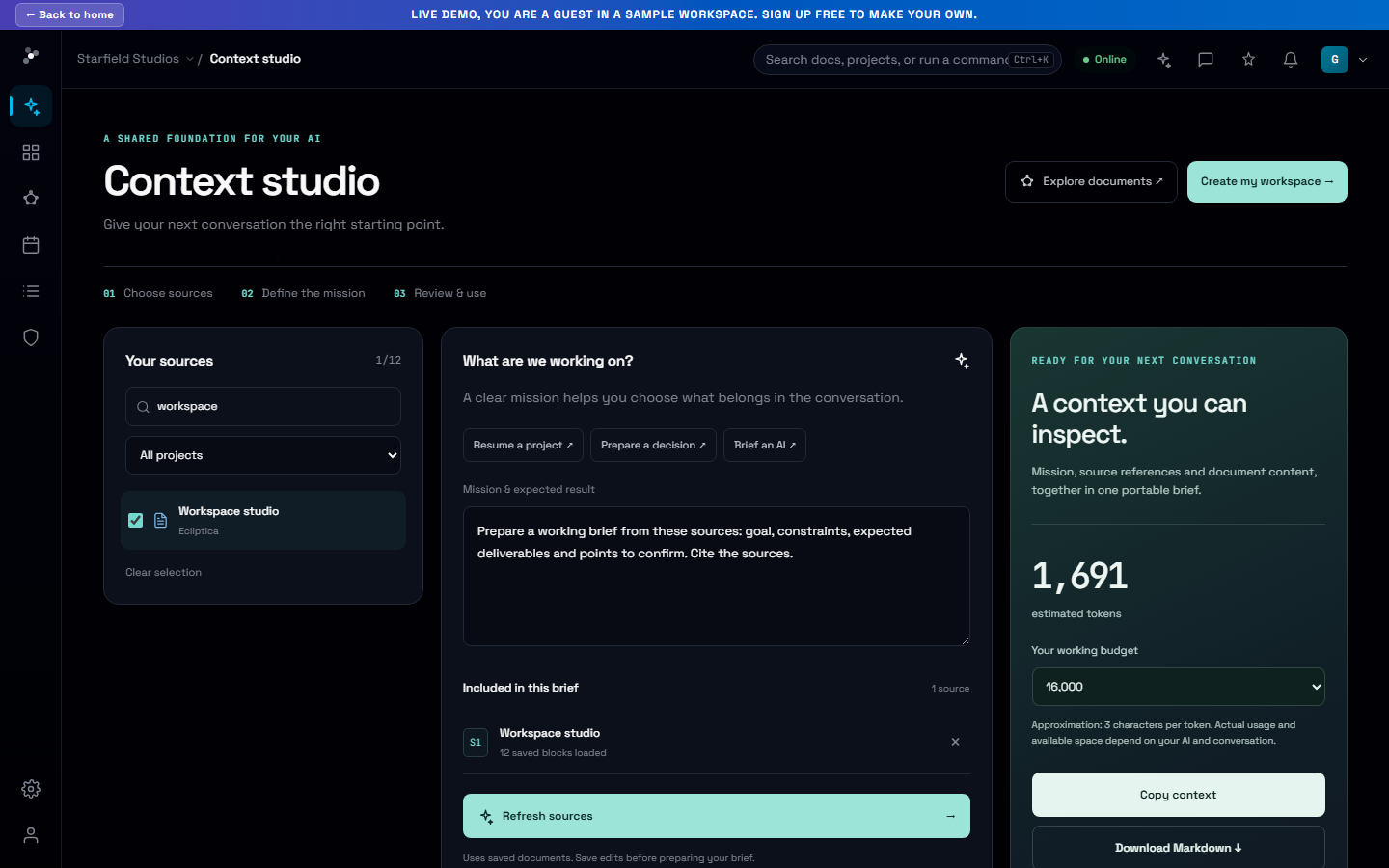
Open a document directly or locate it in the column browser. Three starting points lead into context preparation, the folder hierarchy and the constellation, whether you are reviewing a product brief, a creative reference or a technical specification.
Try it in your workflow
- Open Home and search for a document title.
- Filter by project or shared library.
- Open the document, locate it in columns, or prepare an AI context brief.
Recently updated reflects document modification dates. Title search does not yet search inside document content.