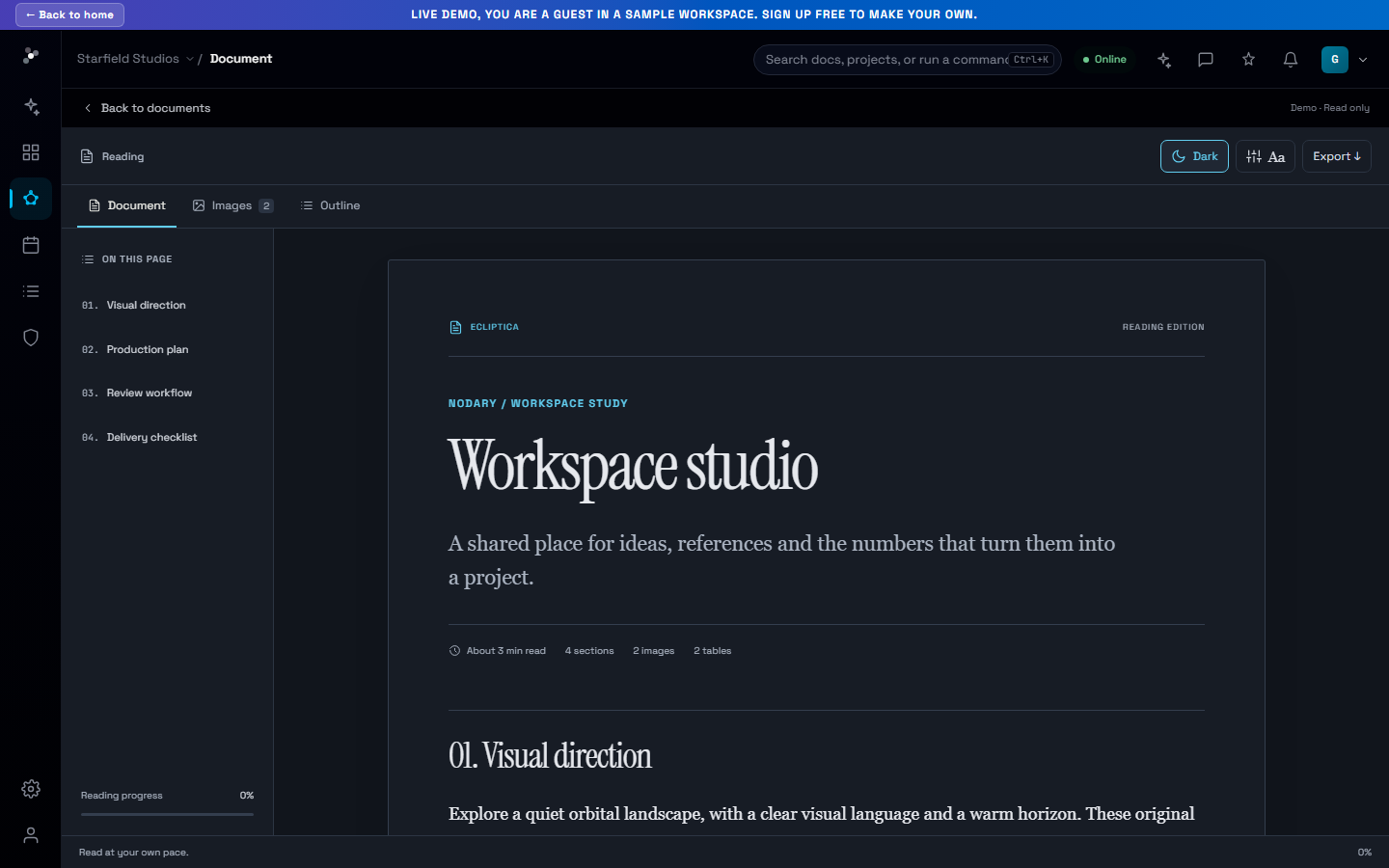
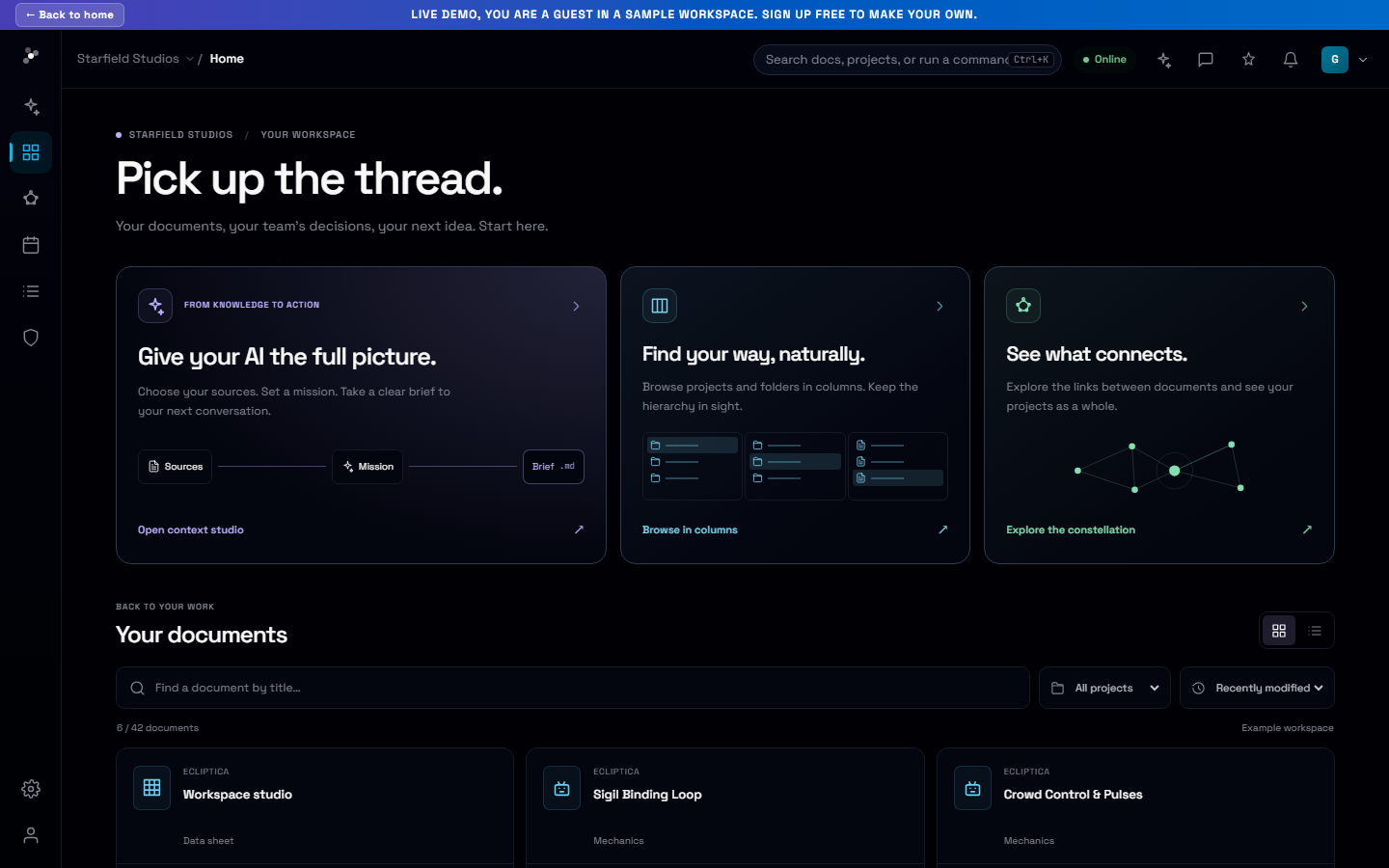
A better starting point for your next AI conversation.
Choose the project sources that matter, write the mission and prepare a portable context brief with references you can check.
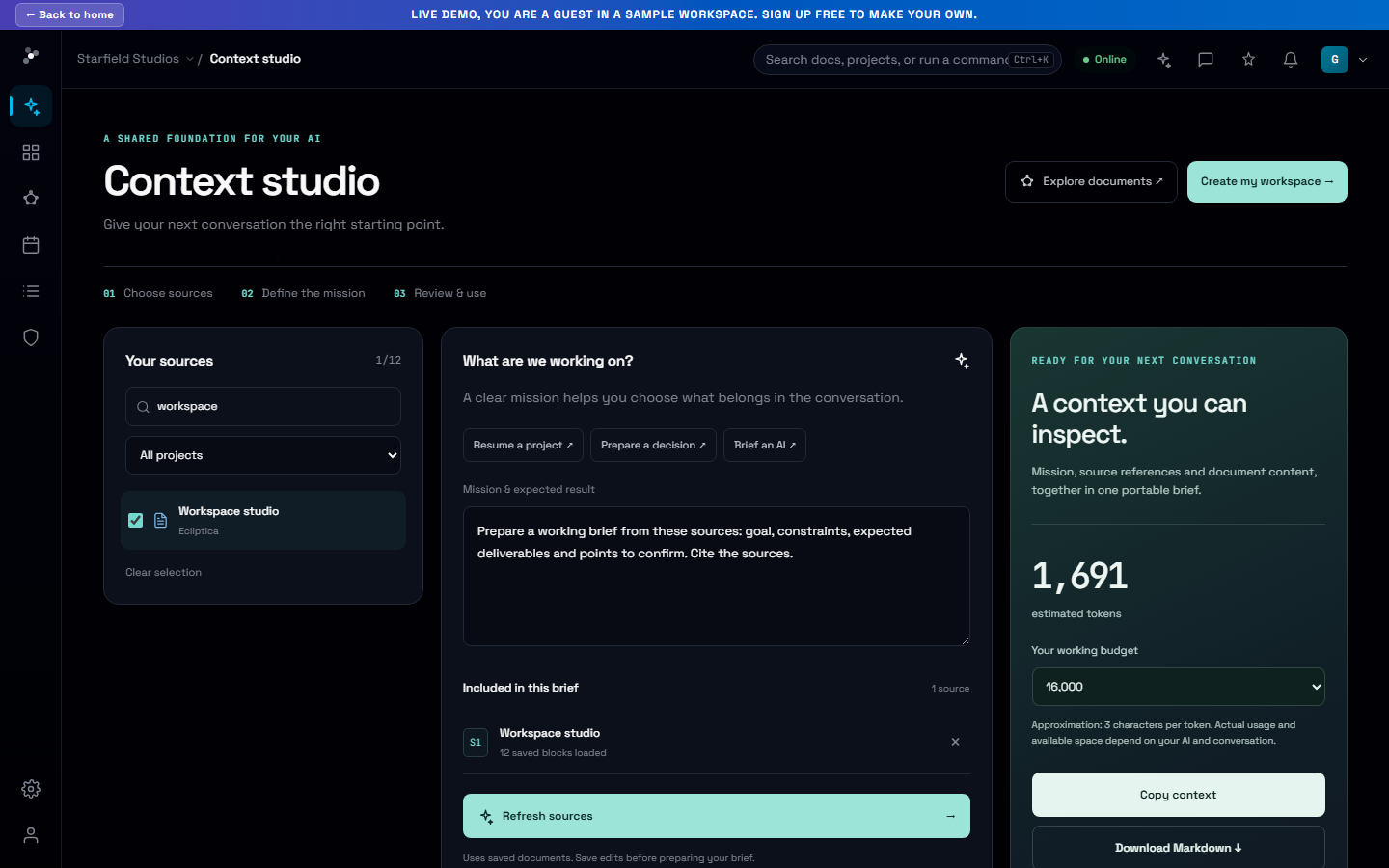
A new conversation often starts with the same work: finding the brief, pasting the decisions and explaining the constraints again. Context studio gives that preparation a home inside your project.
You choose what the conversation starts with
Select up to twelve project documents and write the mission. You can start with a handover, a decision or an AI brief, then adapt it to the question. A product team might bring a specification and review notes; a creative team might choose a treatment and production constraints.
A brief you can inspect and take with you
Prepare the saved content of your selected sources, inspect the full brief and check the numbered references and return links. Copy or download Markdown to use in your next conversation. Changing the source selection invalidates the prepared brief, so it can be rebuilt from the new selection.
Try it in your workflow
- Open Context studio and select the sources that matter.
- Write the mission and prepare the context.
- Review the brief, then copy or download it as Markdown.
This is a context snapshot from saved documents. It does not automatically select sources, save named context packs or send content to an external AI. Media remain linked.