Keep the numbers next to the decisions.
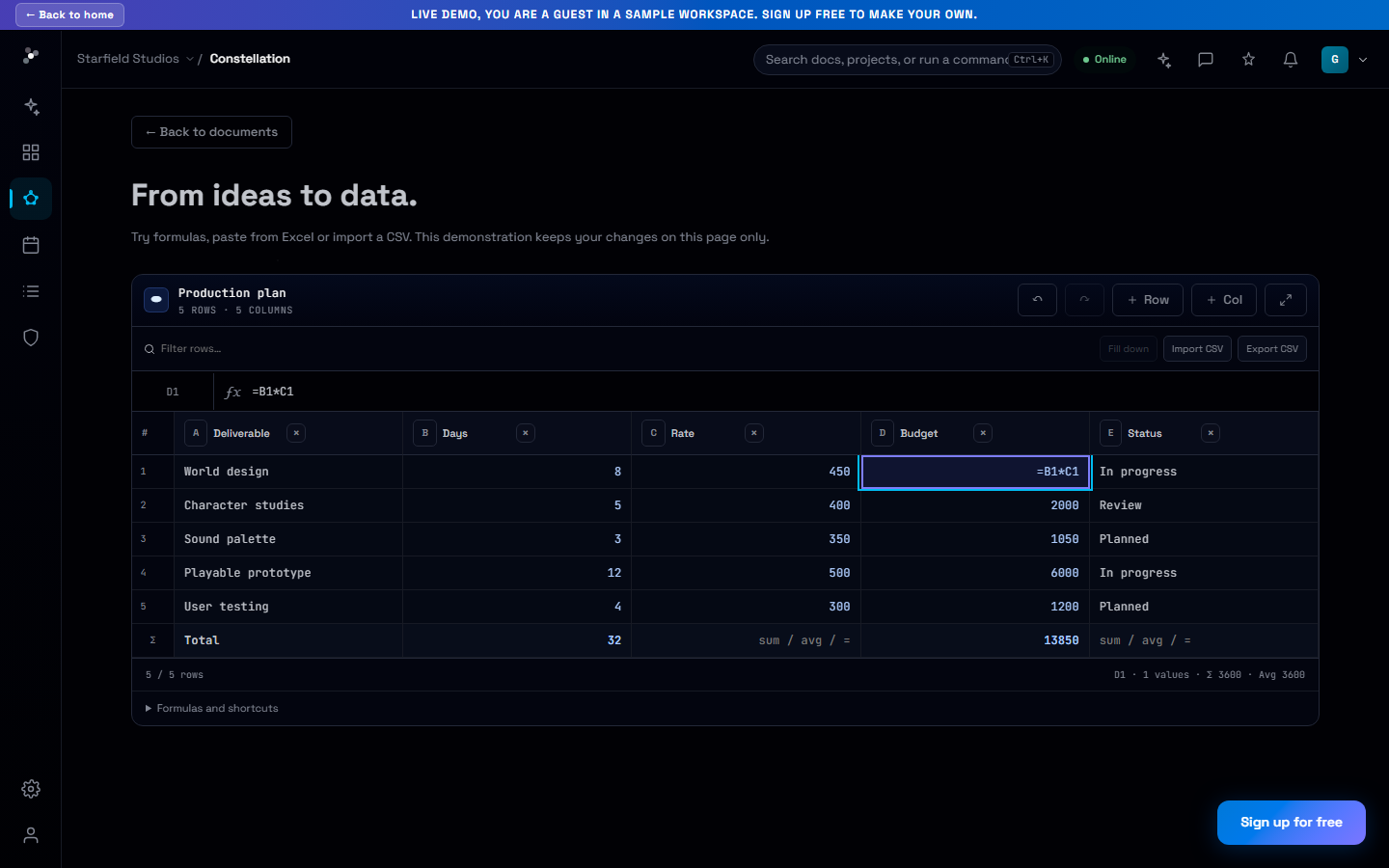
Work through budgets and plans with a formula bar, range selection, matrix paste and CSV exchange inside your project documents.
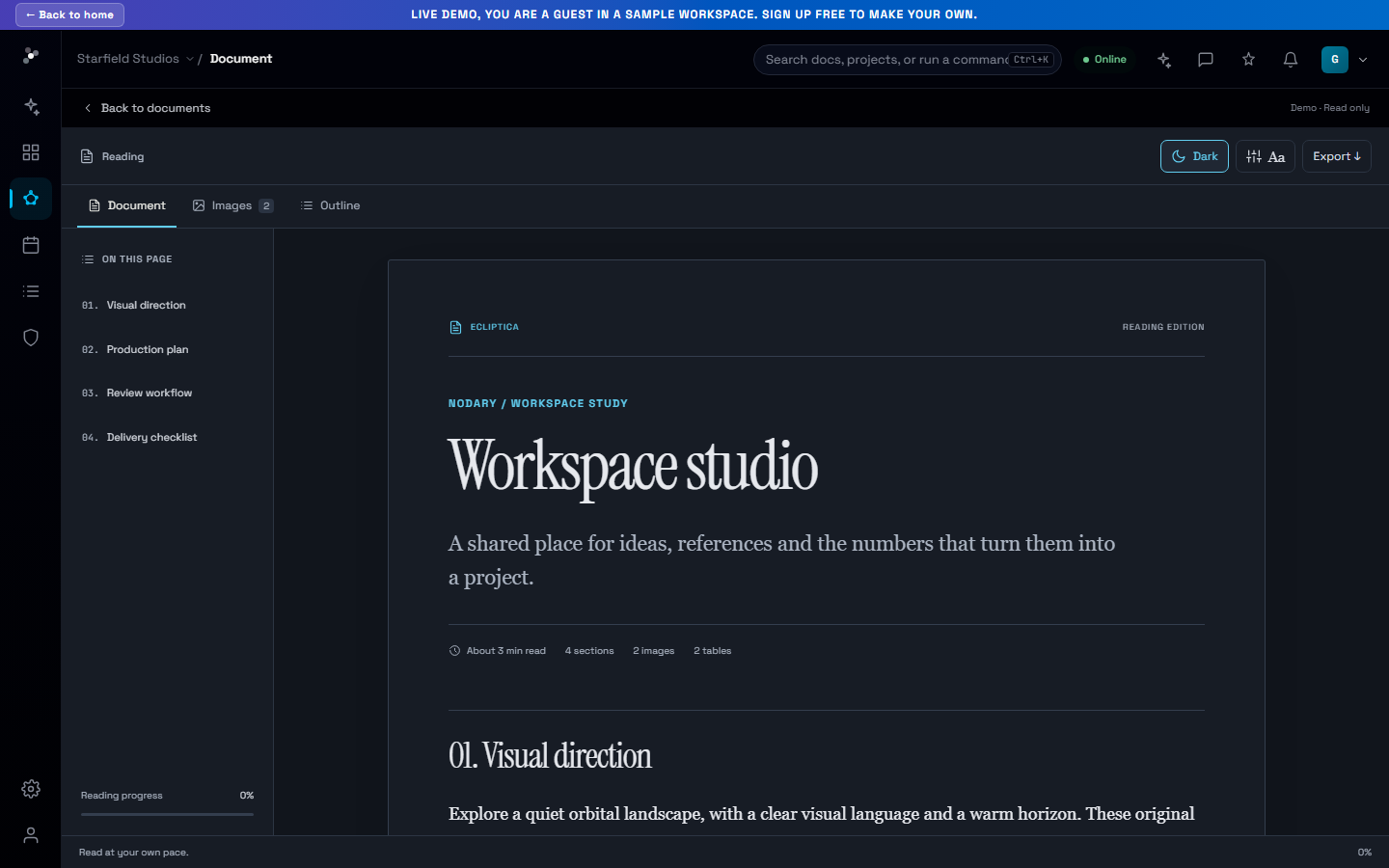
The production budget makes more sense next to the brief that explains it. Nodary’s spreadsheet improvements bring more of the everyday work with numbers into the project document itself.
Work with cells, not just a table
Use the formula bar, move with Tab, Enter and the arrow keys, and extend a selection with Shift. Numeric columns accept formulas. Fill down to repeat calculations while preserving absolute and mixed references, and inspect the statistics for the selected range.
Bring existing data along
Paste a matrix from another spreadsheet or import CSV/TSV, including quoted fields and line breaks. Undo and redo local changes, filter and sort the view, and export evaluated values to CSV. Sorting the view keeps the identities of cells and their references intact.
Try it in your workflow
- Open a spreadsheet block or the public spreadsheet example.
- Select a cell and enter a value or formula in the formula bar.
- Select a range to fill down, copy values or export CSV.
This release does not include multi-sheet workbooks, cross-document references, charts, conditional formatting or XLSX export.