Class diagrams without the syntax.
Edit UML classes, attributes, methods and relations in a form while the Mermaid source stays yours: every line the form does not touch is kept exactly as written.
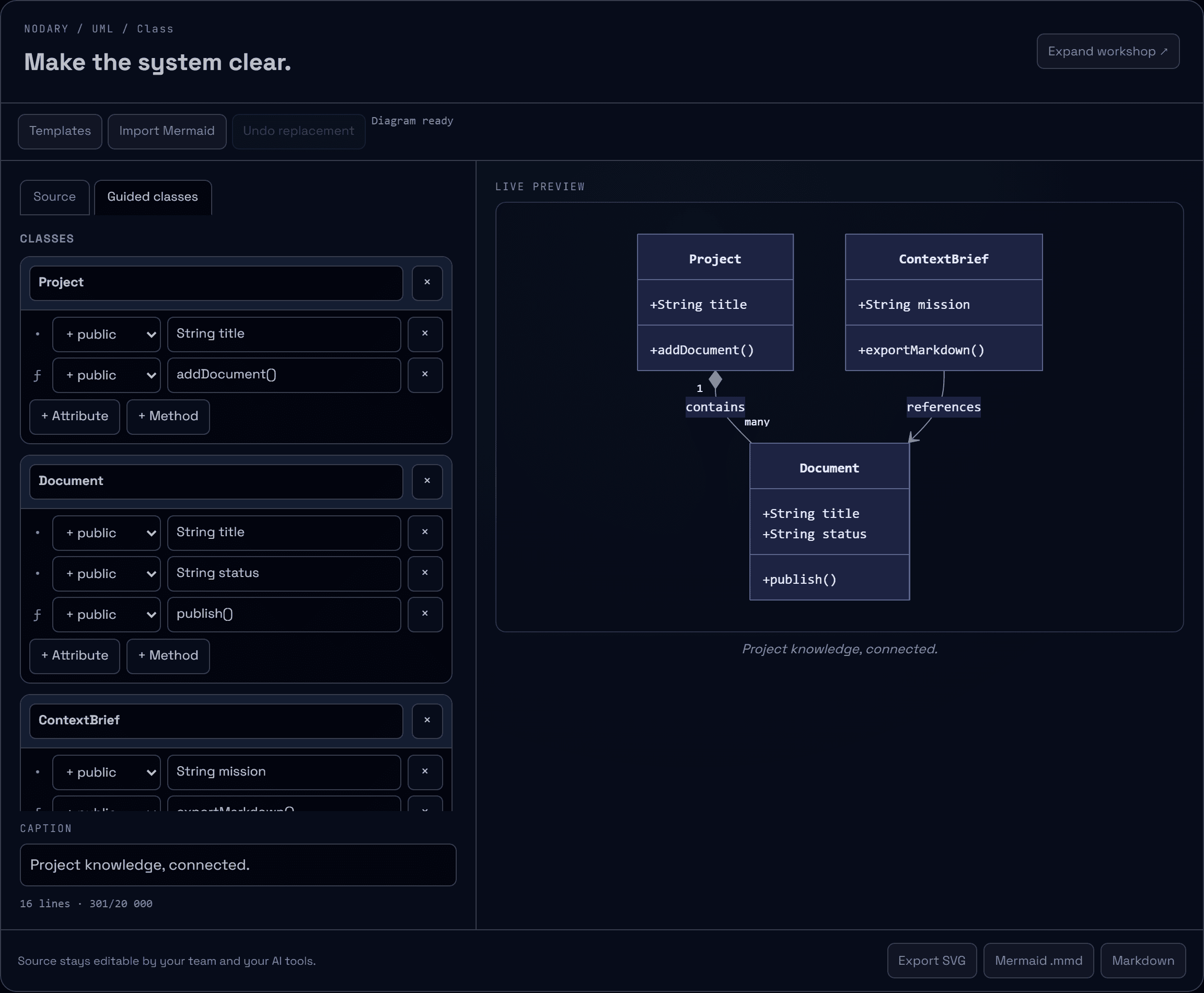
A class diagram says a lot with little, as long as you remember the syntax for a composition or a cardinality. Mermaid class diagrams now open in a guided form, next to their source.
Classes and members in a form
Open a class diagram and choose Guided classes. Rename a class, and its declaration, members and relations follow; labels and quoted text are left alone. Add attributes and methods, pick their visibility, edit their text, or remove them. The live preview updates as you go.
Relations you can read
Each relation shows its two classes, its type in plain words (inheritance, realization, composition, aggregation, association, dependency or link), the cardinality at each end and its label. Add a relation or change its type without looking up the arrow.
Your source stays yours
The form rewrites only the lines it edits. Comments, styling, notes, namespaces, click actions and anything else it does not understand are kept exactly as written, and listed with their line numbers so you know what the form leaves alone. The Source tab is always one click away, and Mermaid still decides how the diagram renders.
Try it in your workflow
- Open the example and choose UML & diagrams, then Guided classes.
- Rename Project, add an attribute and change its visibility.
- Change the first relation to an aggregation and add a label to the second.
- Switch to Source to see that only those lines changed.
Guided editing covers Mermaid class diagrams (classDiagram): classes, members, stereotypes shown as written, and relations with cardinalities and labels. Other diagram kinds keep the source editor. Class names use letters, digits and underscores. Unsupported syntax is preserved, not edited. Concurrent edits to the same diagram still ask you which version to keep. The demonstration keeps changes on this page only.

