One look, from the map to the page.
Buttons, fields, menus and windows now share the same sizes, corners and text across the map, documents, spreadsheets, boards, print and the AI panel, and main actions look like main actions again.
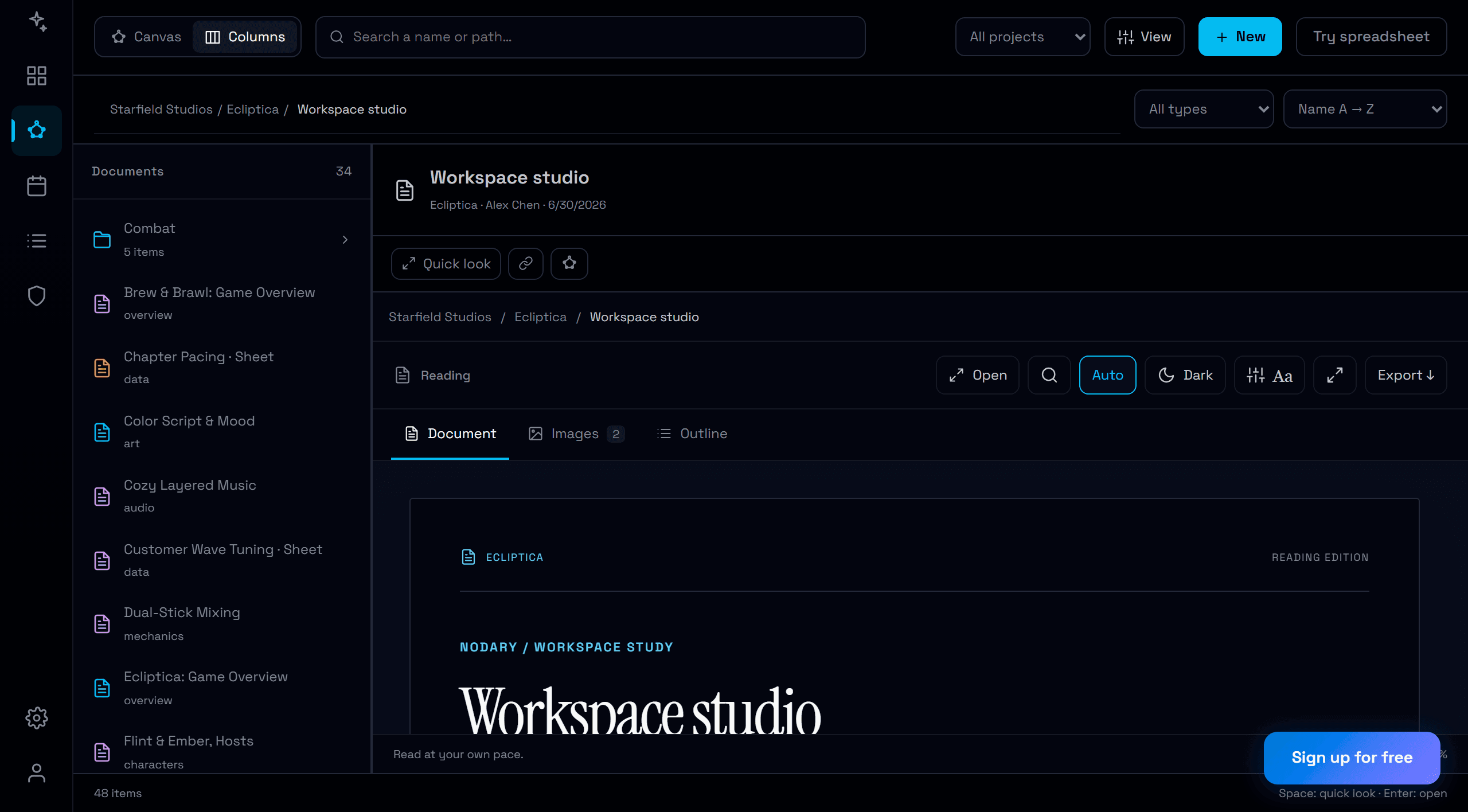
Nodary grew module by module, and it showed: a button was a little taller here, rounder there, its text a notch smaller in the next window. Every control now follows one scale, so moving from the map to a document, a spreadsheet or a board feels like one product.
One scale for every control
Buttons, fields, lists, tabs and menu items use one of four heights, one corner shape and one of three text sizes, from the map toolbar to the spreadsheet tools, the board palette, the print settings and the AI panel. Compact tools stay compact and large actions stay large, but the same kind of control always looks the same.
Windows that behave alike
The import window is now a real dialog, like the others: it is announced to screen readers, keeps the keyboard inside, and closes with Escape or the same close button as every other window. A double click never closes a window by accident, and a window never closes while it is importing.
Main actions look like main actions
Thirty-one main actions across the product, such as New, Import and Save, were drawn as plain text because of a naming slip. They now have the colour and weight of a main action again. An automated check measures every control on each surface, so the scale holds as the product grows.
Try it in your workflow
- Open the demonstration in column view.
- Compare the toolbar, the reading actions and the document tabs.
- Open Import, then Export: the windows share one layout and one close button.
- Expand a diagram and use its controls.
The check covers the public demonstration and the signed-in pages, including the editor with a spreadsheet, a board, a diagram and an image. Rows of lists and cards keep their own size on purpose: they are content to read, not controls to press.

