One night sky, from the site to your workspace.
The app, the sign-in pages and the demo now share the site’s look, and a line of light crosses the screen when you change page, so you see where you left and where you arrive.
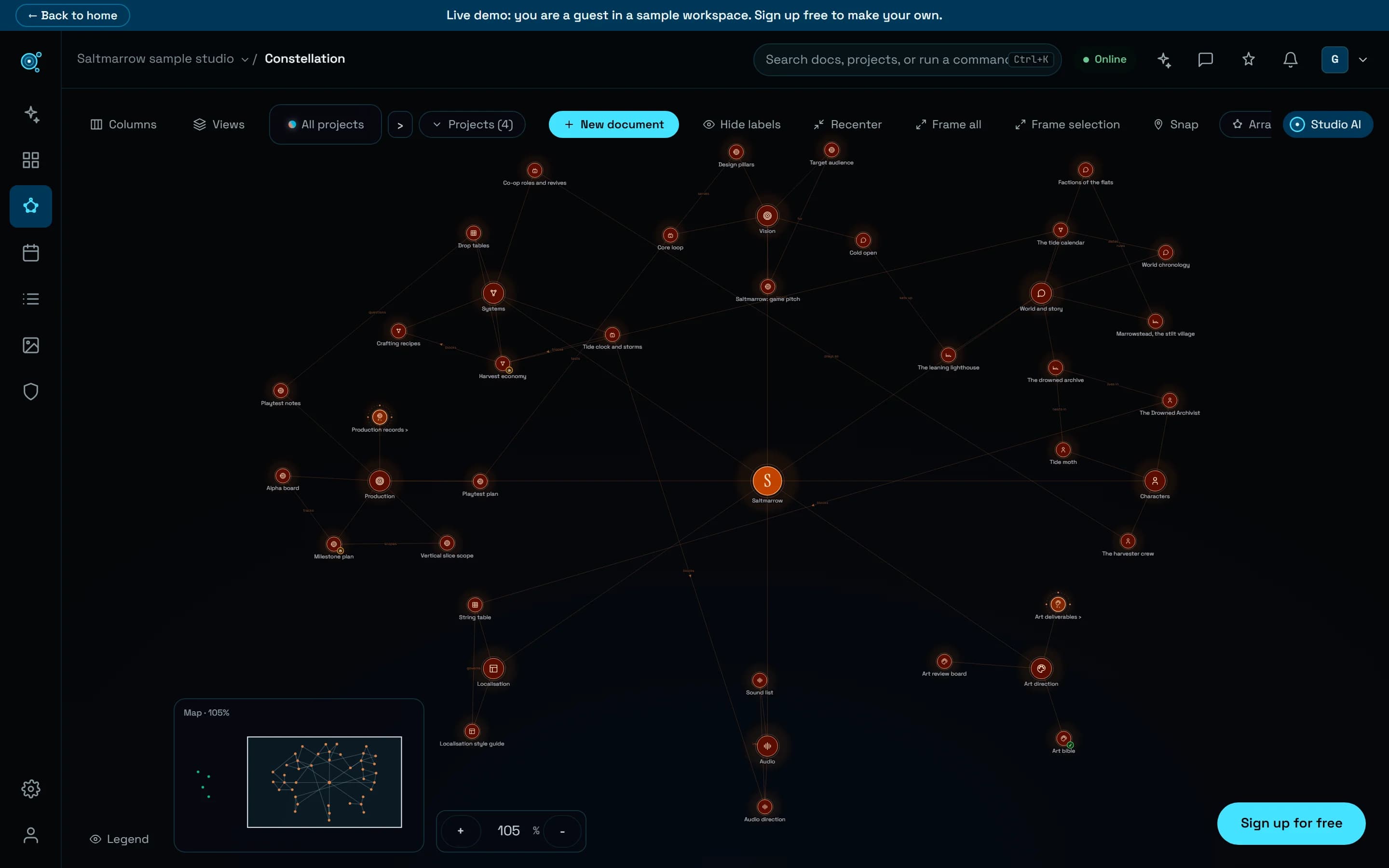
Until now Nodary was two places: the site you read before signing up, and a workspace that looked like another product, with its own purple, its labels in capitals and a logo that was not the logo. They are one place now. The workspace stands in the same night as the site, with the same type, the same cyan for what you can act on, and the same mark.
A line of light when you change page
Changing page used to be a cut. Now the page you leave steps back, a thread runs under the bar while the next one loads, and a line of light crosses the screen: the new page appears in its wake. Going back crosses the other way, so the direction tells you where you are going. Inside the workspace only the page area is crossed; the rail and the top bar stay where they are. If your device or your Nodary preference asks for reduced motion, the page simply changes.
The workspace in the site’s colours
The ground is the same night everywhere, rules are thin and tinted with cyan, and one colour, the cyan of the site, marks the action to take and where the keyboard is. Labels read in sentence case instead of small capitals. Page titles use the serif of the site. The figures at the top of the calendar, the schedule, the back-office and your profile are plain columns instead of boxes.
Your project keeps its colour
A project’s colour still belongs to the project: its stars on the map, its chip on a document, its cards in the calendar. What changed is that buttons, the assistant’s panel and the dialogs no longer borrow it, so an action looks the same in every project.
Signing in under the real sky
The sign-in and sign-up pages show the map of Saltmarrow, the sample game used across the site, drawn by the same code as the home page. The illustration it replaces showed an invented teammate and invented figures; nothing on these pages is made up now.
Try it in your workflow
- Open the live demo and move between the map, the home and a document: watch the line cross.
- Press Back in your browser: the line comes home the other way.
- In your workspace, open the calendar and change view with its tabs: the line under the tab slides to your choice.
The look of a document itself (its headings, tables and captions) has not changed, nor have printed pages and shared links. The Light theme follows the same rules with its own colours. The line that slides under a tab needs a recent browser; in others the tab simply changes.

