Present a board, frame by frame.
Walk through a board one frame at a time from the keyboard. People in the document can choose to follow you, and step away whenever they like.
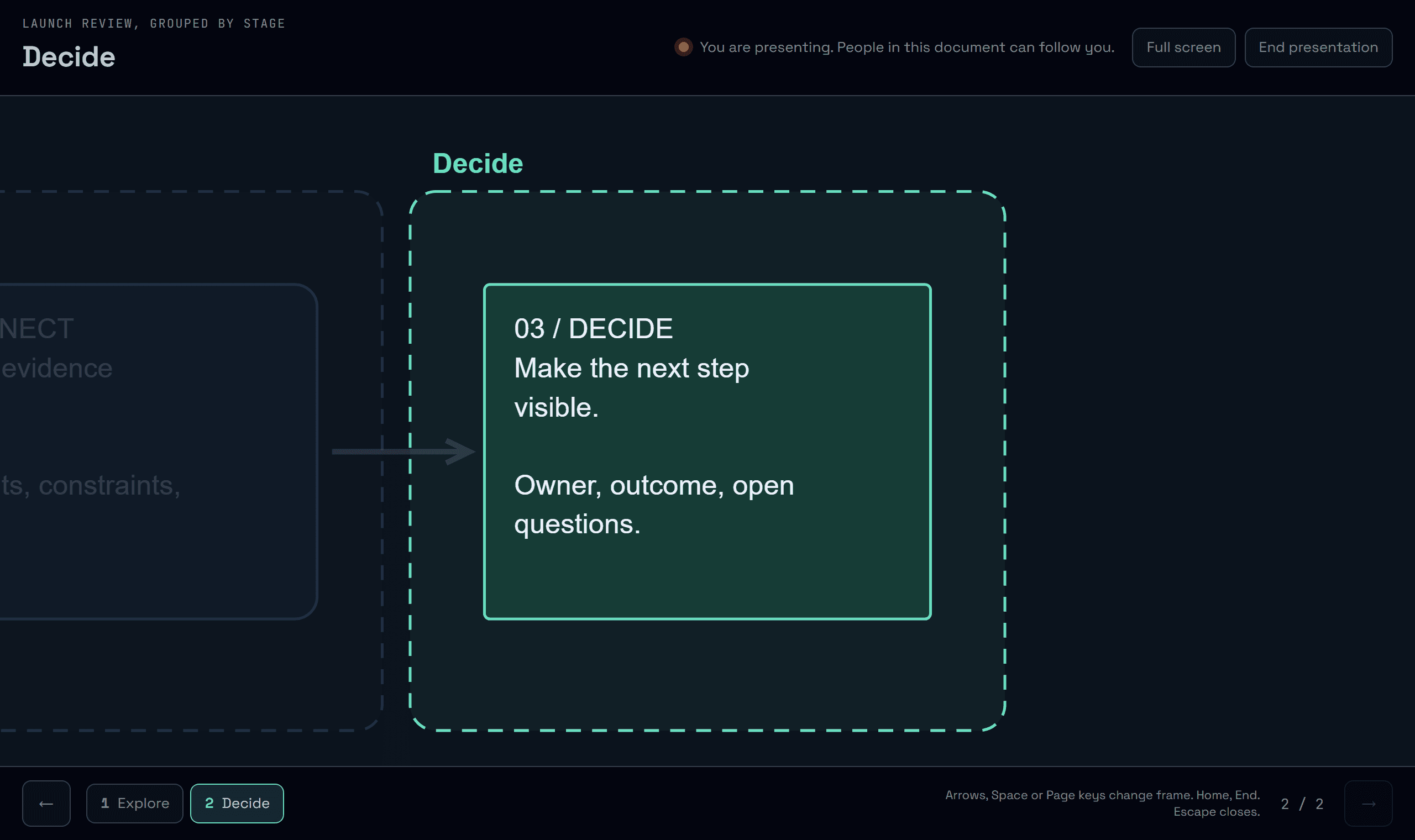
Frames already group a board into stages. Now they become the steps of a presentation, and the people reading the same document can follow along without anyone taking over their screen.
One frame at a time
Choose Present above a board that has frames. Each frame fills the screen with its name, and everything outside it fades back. Frames play in reading order, row by row and left to right. Arrows, Space and the Page keys move between them, Home and End jump to either end, F goes full screen and Escape closes. The board itself is never edited while you present.
Following is a choice
While you present, people in the same document see that you are presenting and a Follow button. Nothing moves on their screen until they press it. Once they follow, they see each frame you show, as you show it.
Step away, come back
A follower who moves on their own stops following straight away, and your presentation is never moved by anyone else. One click follows you again. When you end the presentation, followers are told and keep the last frame on screen.
Try it in your workflow
- Open the example board with frames and choose Present.
- Press the right arrow to move to the Decide frame.
- Use the numbered frame rail to jump back to Explore.
- Press Escape to end the presentation.
Presentation uses the frames of a board, in reading order; a board without frames has nothing to present. Following needs both people in the same document with the live connection available. Only the current frame is shared, never the pointer, the selection or the view outside the presentation. Nothing about a presentation is saved. The demonstration runs on this page only, so following cannot be tried there.

