A little less interface. A lot more document.
Meet the new reading experience: thoughtful typography, a visual library, complete exports and a dark mode that is yours to choose.
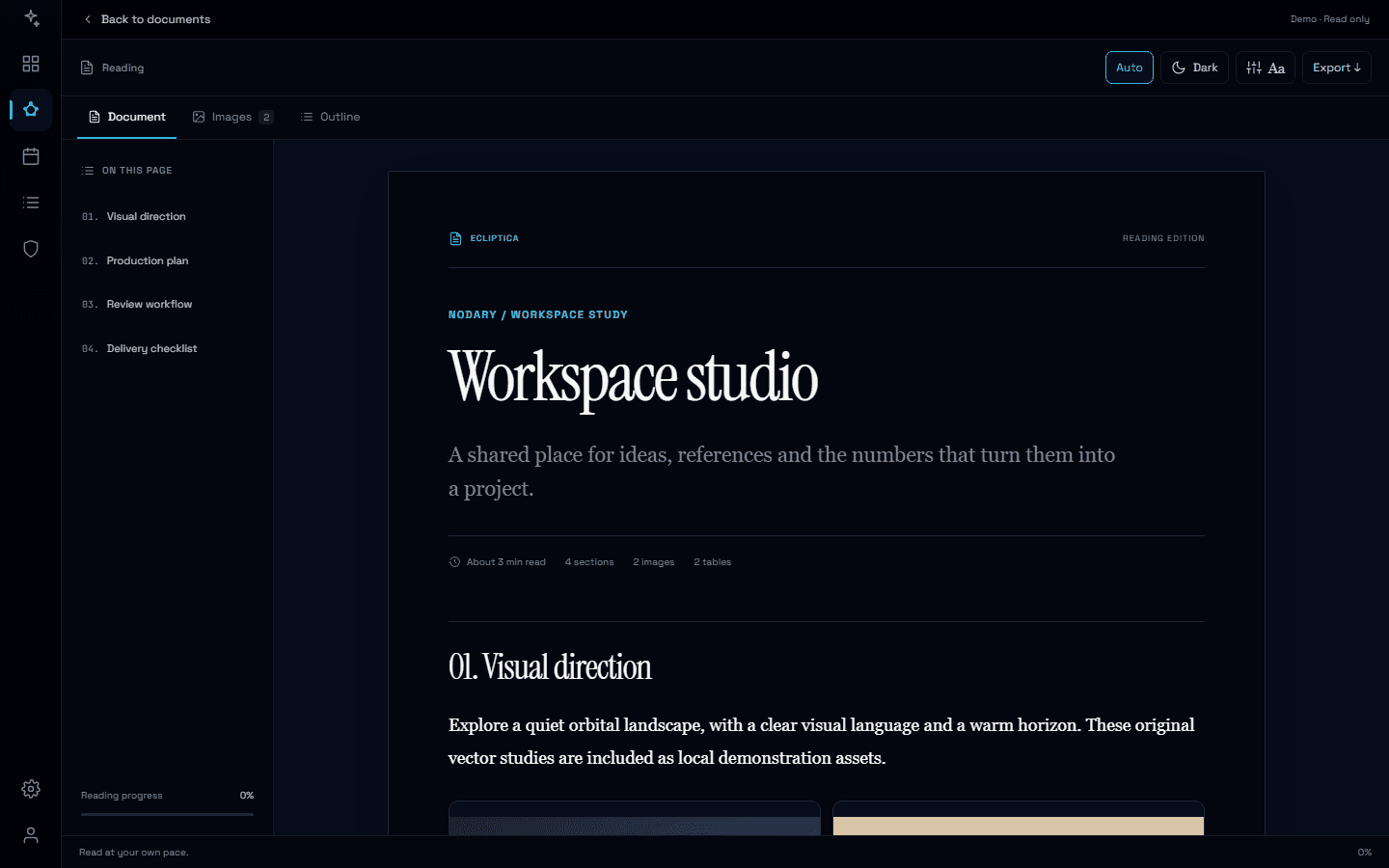
A design brief, a research note or a production plan deserves space to be understood. We have rebuilt Nodary’s document reader around that moment: when you stop editing and start taking it all in.
Settle into the document
An editorial layout gives titles, text, tables and visual references a clearer rhythm. Choose serif or sans-serif type, adjust text size and page width, then use the outline to jump to a section. Switch to images and back without losing your reading position.
Your workspace theme, from the first preview
Documents now follow the app’s theme by default, including column previews and expanded reading. The Auto button returns to that behavior whenever you want. Choose an independent dark mode with the moon button, or Paper in Reading appearance. Tables, diagrams, the outline and gallery follow the reading palette. Your choices stay in this browser, and Reset reading preferences restores the defaults.
Give references their own space
See the document’s images as a gallery, a contact sheet or a focused view. Open an image to zoom and move between references with the keyboard. When it is time to share the work, use Markdown, CSV, JSON or the PDF print layout from the reader.
Try it in your workflow
- Open a document preview or the editor’s reading view; it follows your workspace theme by default.
- Use Auto to follow the app, or choose Dark or Paper for independent reading.
- Explore Images, jump through the outline, or expand the reader.
These changes apply to the document reader. PDF export uses the browser’s print layout; Markdown keeps links to media rather than bundling their files.

