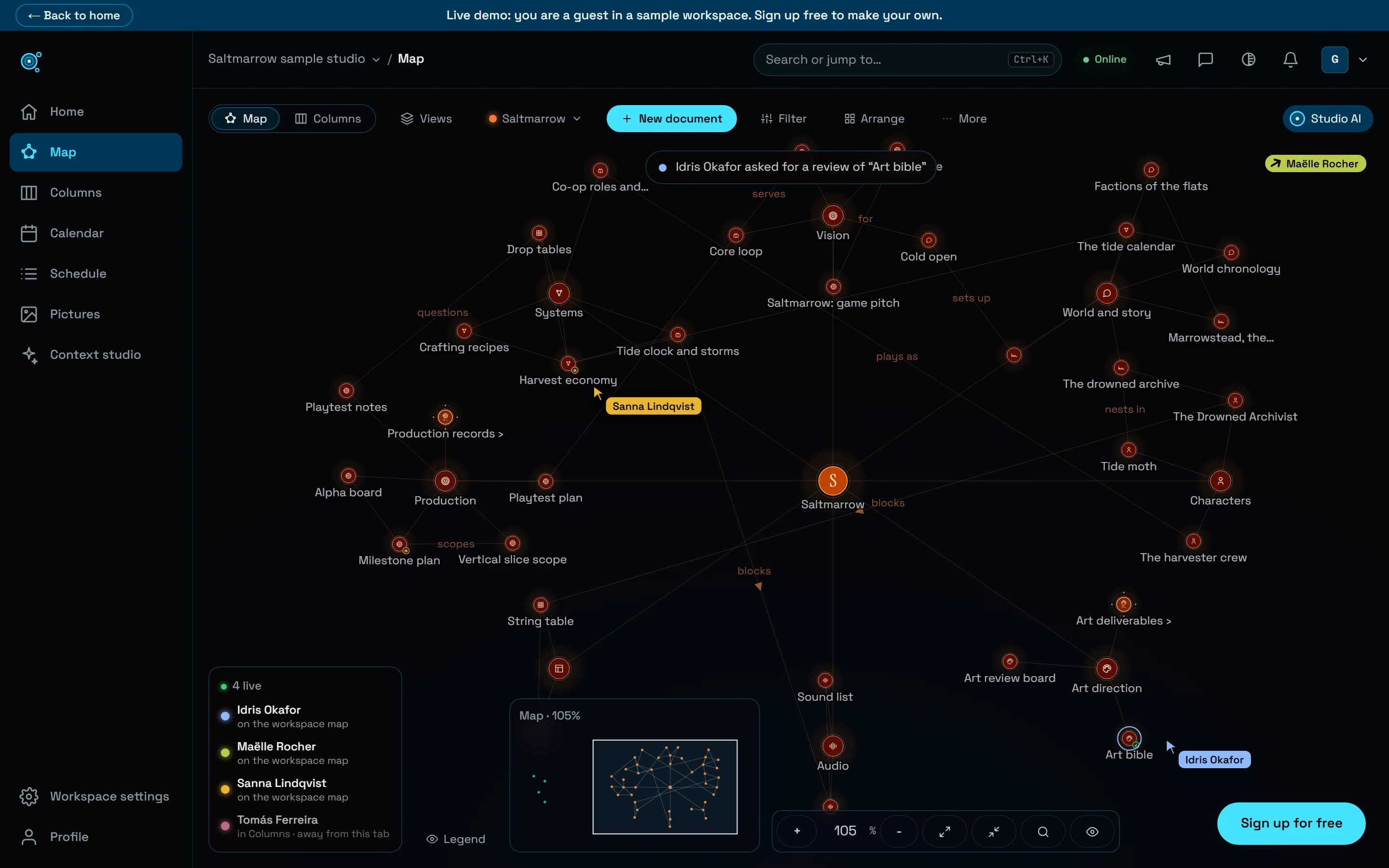
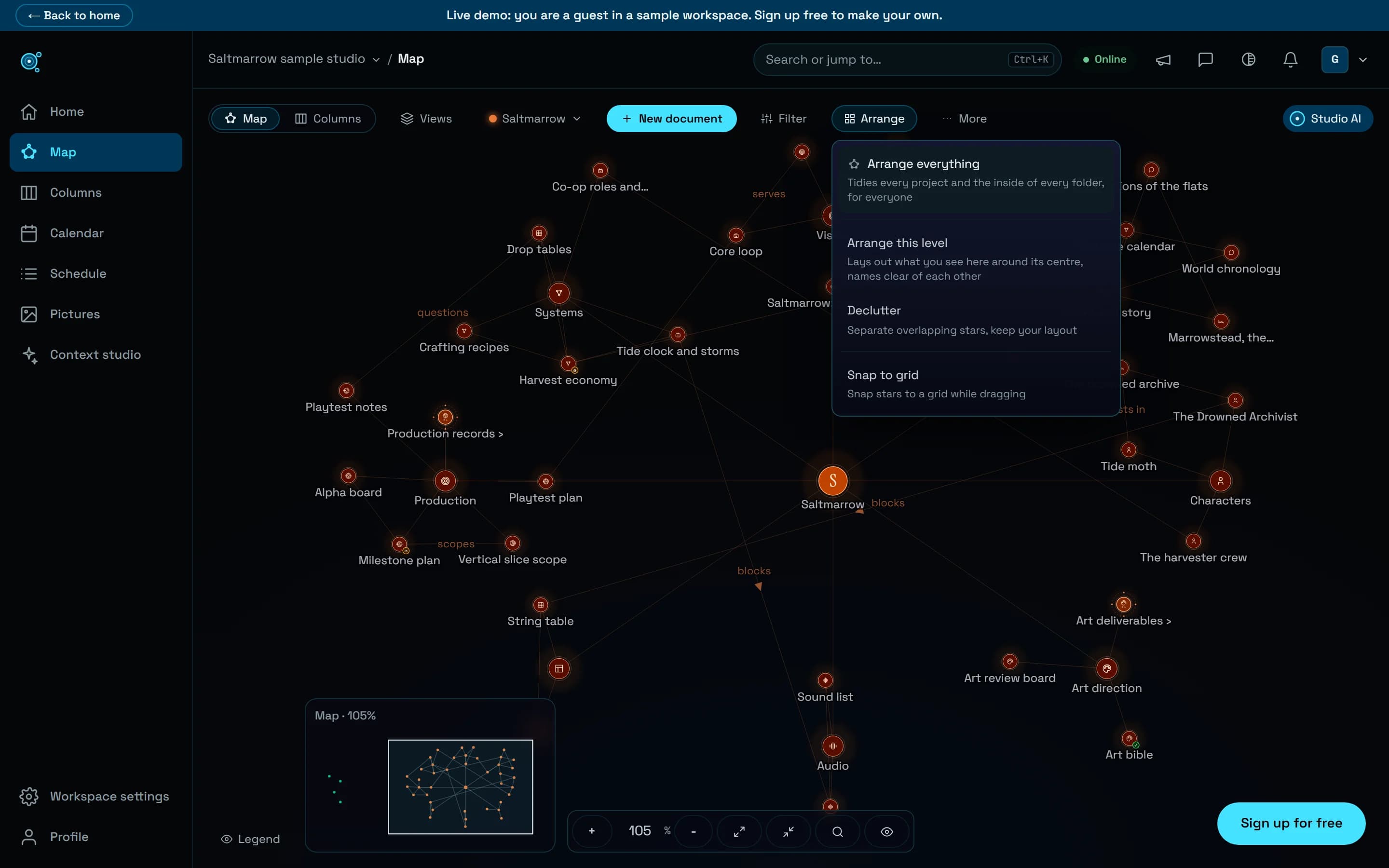
Move, duplicate and archive, and nothing gets lost.
Move a folder to another project with everything filed under it and no property value lost, duplicate documents and folders, and archive a project instead of deleting it.
Reorganising a project could cost work. Moving a folder to another project left its documents behind, a document could not be duplicated, and a project that was finished could only stay in every list or be deleted for good. Moving, copying and putting away are now safe, with a summary before and an Undo after.
A folder moves with everything in it
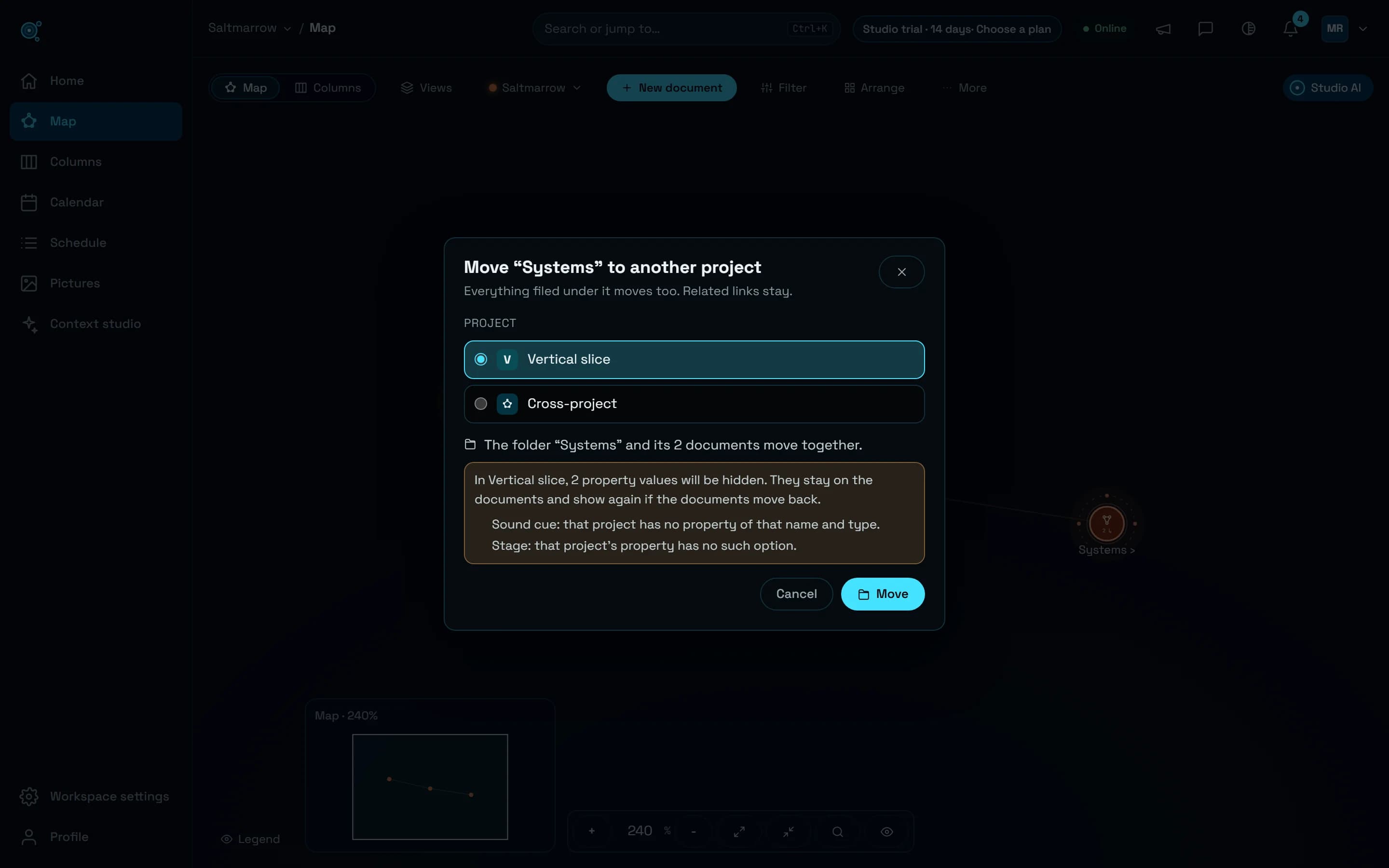
Move to project…, in a document’s More actions, in the map’s menu of a document or a folder and in the selection bar, moves it to another project with everything filed under it, its folders and documents kept in order. Before anything moves, the dialog says what goes: The folder “Systems” and its 2 documents move together. Properties carry over by name and type. A value the other project cannot hold, because it has no such property or option, or because the person named does not see that project, is hidden there rather than deleted, and shows again if the document comes back; the dialog names each one and why. The notice after the move has Undo, which puts every document back in its project, its folder and its place on the map. Dropping a star onto a folder of another project asks the same question first, and related links stay as they are.
Duplicate a document or a folder
Duplicate, in the same menus, copies a document or a whole folder beside the original, titled with (copy). The copy keeps the blocks, pictures and files, the properties, tags, category and truth status, and links between the copied documents point to the copies, links to a part included. It starts as a fresh draft of yours: you own it, with no workflow status, assignee, due date, review, lock or special access. Your plan’s document limit is checked for the whole copy before anything is made.
Archive a project instead of deleting it
A finished project can now be archived from its … menu on Home, by the workspace’s owners and admins. It leaves Home, the map, the calendar, search, Ctrl+K and the lists agents read, and becomes read-only for everyone, owners included: its notifications pause, its dates remind nobody, and its documents still count toward your plan. Archived projects, on Home and in Workspace settings, Usage and billing, lists it: open it to read it, or Unarchive it, and everything comes back.
Deleting asks for the name
Deleting a project stays with the workspace’s owners, and now asks for the project’s name, typed exactly. The dialog first offers to Download a ZIP of every document, and to Archive it instead.
Smaller steps that save time
On the map, a filter now offers to select every document it shows, Select these 12 for twelve, ready for the selection bar. Ctrl+K creates a document from what you typed when no title matches, Create “…” in the project you are working in, and opens Trash, where deleted documents are searched by title, ticked and restored together. On the calendar, No date lists the project’s documents without a due date: drag one onto a day, or pick a date from the keyboard, with Undo. Cards on the calendar and the schedule are real links: a middle click or Ctrl+click opens a document in a new tab.
Agents follow the same rules
Studio AI and agents connected over MCP use the same move: update_star moves a document to another project with everything under it and says which values are hidden there. duplicate_star copies a document or a folder, update_game archives and unarchives a project, and list_games leaves archived projects out unless asked.
Try it in your workflow
- On the map, open a folder’s menu and choose Move to project…: read what moves, then choose Move, or Undo afterwards.
- Open a document’s More actions and choose Duplicate.
- On Home, open a finished project’s … menu and choose Archive project.
- Press Ctrl+K, type Trash, and restore what was deleted by mistake.
A move takes up to 200 selected documents and folders, and 2,000 at most with everything under them; a duplicate makes up to 300 documents and folders. A project’s heart star cannot be moved or duplicated, and a locked document stops a move until it is unlocked. Moving needs the right to edit both projects, duplicating the right to edit the project, and an agent key bound to one project moves nothing out of it. Create, in Ctrl+K, appears only when no title is close to what you typed. The live demo is read only: these need a workspace of your own, Free included.