Reviews that carry a note and flag later changes.
Ask for a review with a note, withdraw it, and see when an approved document has changed since. Project admins review too, and Slack or Discord hear about requests.
A review in Nodary was a request and a decision, with little around them. The person asked could not see why, a request sent too soon could not be taken back, and an approval stayed on a document whatever happened to it next. Project admins were left out, a team’s channel heard only of decisions, and the discussions around a review had rough edges. This release fills those gaps.
A note with the request
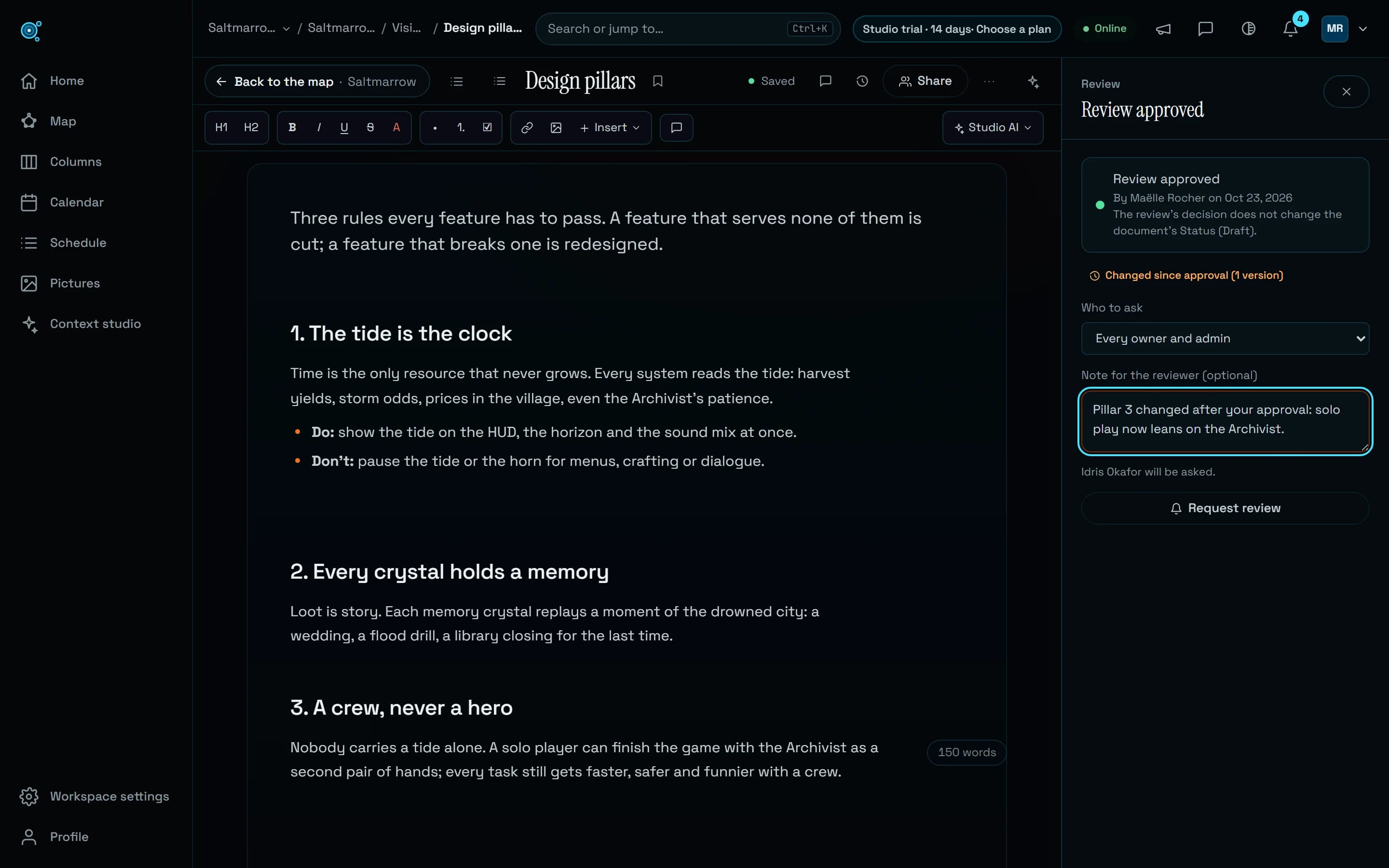
In a document’s review panel, Request review now has a Note for the reviewer (optional), under Who to ask. The person asked reads it in the review panel, after the requester’s name, in the bell and in the email. Asking again replaces the note.
Take a request back
Withdraw request takes back a pending request, for the person who asked, as long as they can edit the document, and for the workspace’s owners and admins and the project’s admins. The reviewers’ notices about it are marked read, and the history keeps a line saying who withdrew it. On the map, the document’s panel offers the same, with the note.
An approval that notices changes
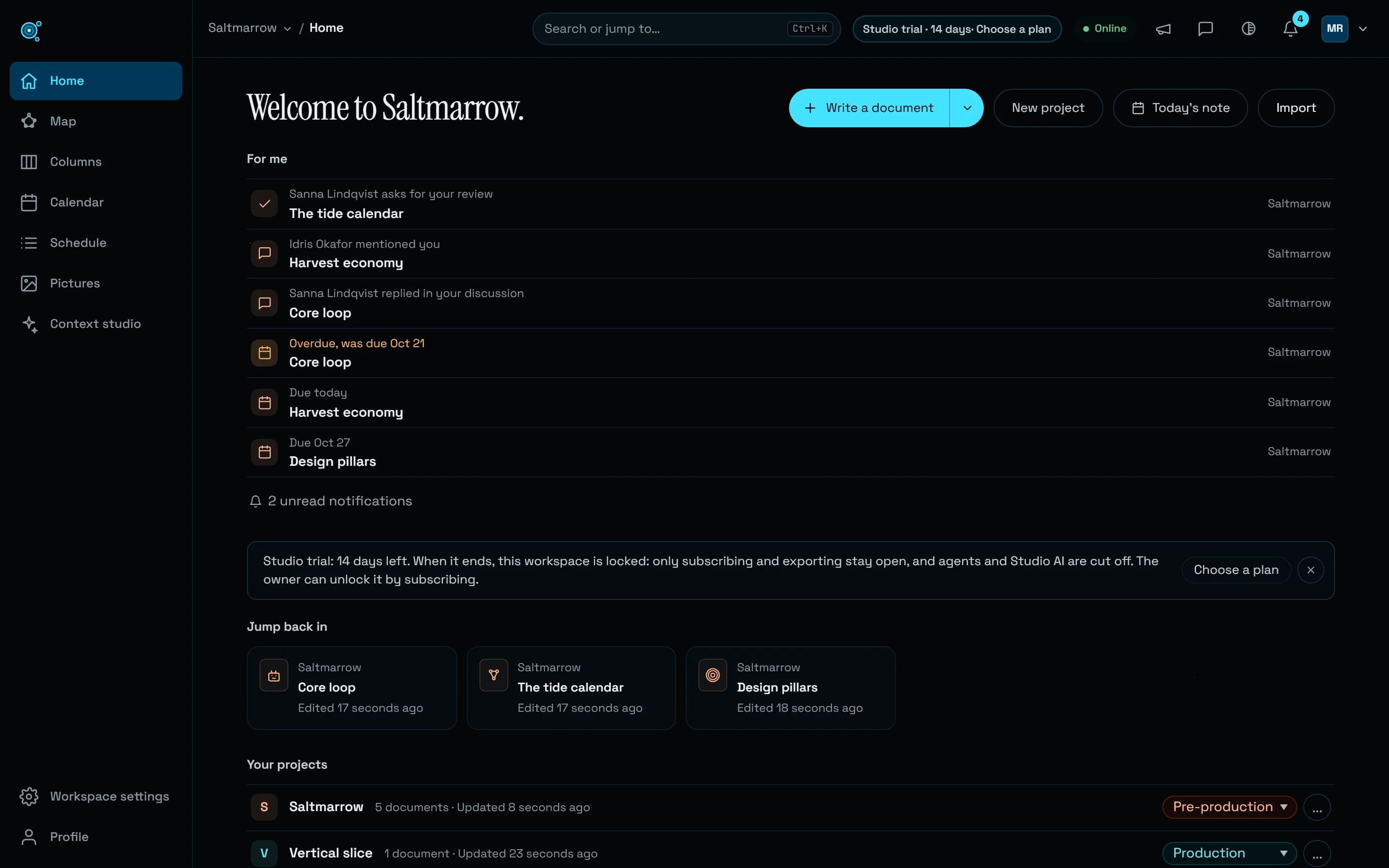
When an approved document changes, its review panel says Changed since approval, with the number of versions since, and the approval stands until someone asks for a new review. The map says it too: the document’s review mark turns amber with that count, in the map’s panel and on a dot of the editor’s More actions button. It compares the words themselves: a save that changes nothing, or that puts the approved words back, raises no flag.
Who decides
A project’s admins now receive the review requests of their project and decide them, beside the workspace’s owners and admins. The person who asked does not decide their own request while someone else can, and their panel says You asked for this review, so another reviewer decides it. When nobody else can, for instance on a request a sole owner makes from the map or through an agent, they decide it, and it shows as Approved by its author: nobody else could review it. Once decided, a review offers no decision again until someone asks anew. Agents follow the same rules: request_review takes a reviewer and a note, withdraw_review is new, and get_star says when an approved document has changed since.
Discussions with fewer rough edges
The comment button in a document’s header now counts open threads only, Comments, 2 open, where it used to count resolved ones too. Replies can be edited and deleted by their author, and an edited comment or reply says (edited), with the time on hover. Copy a link to this thread gives an address that opens the document with that thread in view. When someone else resolves your thread, you are told, in the bell, and by email if you chose All emails. Workspace owners and admins, and a project’s admins, can delete someone else’s comment or reply; nobody can rewrite someone else’s words.
Slack and Discord hear about requests
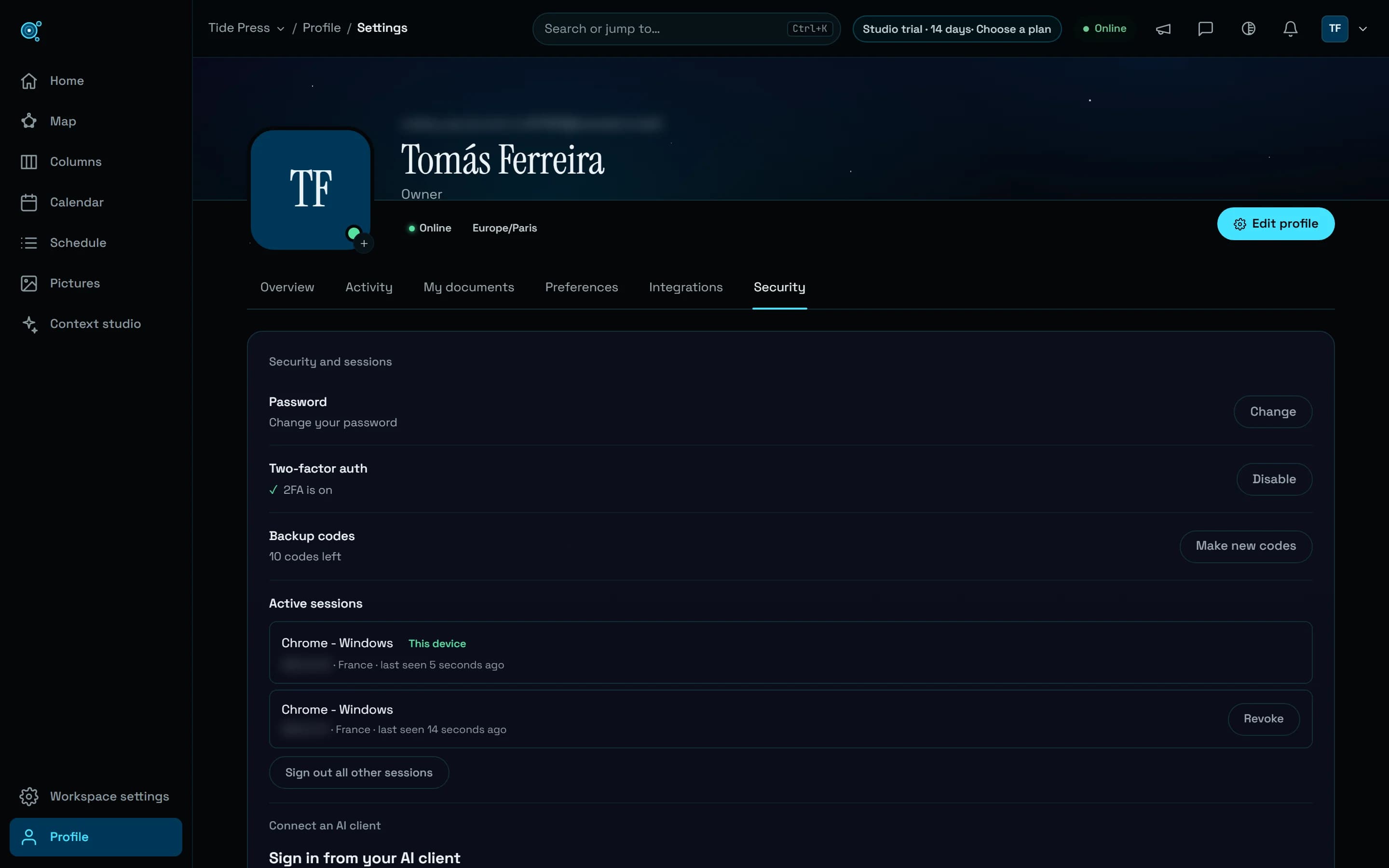
The channel a workspace connects in Profile, Integrations, Notifications now receives review requests as well as decisions, each with the document, who asked or decided, the note and a link, in the language of the workspace’s owner. Under Send to the channel, owners and admins turn Review requests and Review decisions on or off; both start on. Restricted projects are never posted, and only the webhook addresses Slack and Discord issue are accepted.
Try it in your workflow
- Open a document’s review panel, choose who to ask, write a note, and choose Request review.
- Changed your mind? Withdraw request takes it back.
- Approve a document, then change a sentence: its panel and the map say Changed since approval.
- In Profile, Integrations, Notifications, choose which review events reach your Slack or Discord channel.
Someone must be able to decide a review: a workspace’s owners and admins, or a project’s admins. Documents in an archived project cannot be reviewed. The channel speaks the workspace owner’s language, whoever acts, and a webhook address that goes through another service than Slack or Discord is refused, including one saved before. The live demo is read only: reviews need a workspace of your own.