What shipped, and how to try it.
Every Nodary release with what it changes for your team, a real screenshot and a working example you can open without an account.
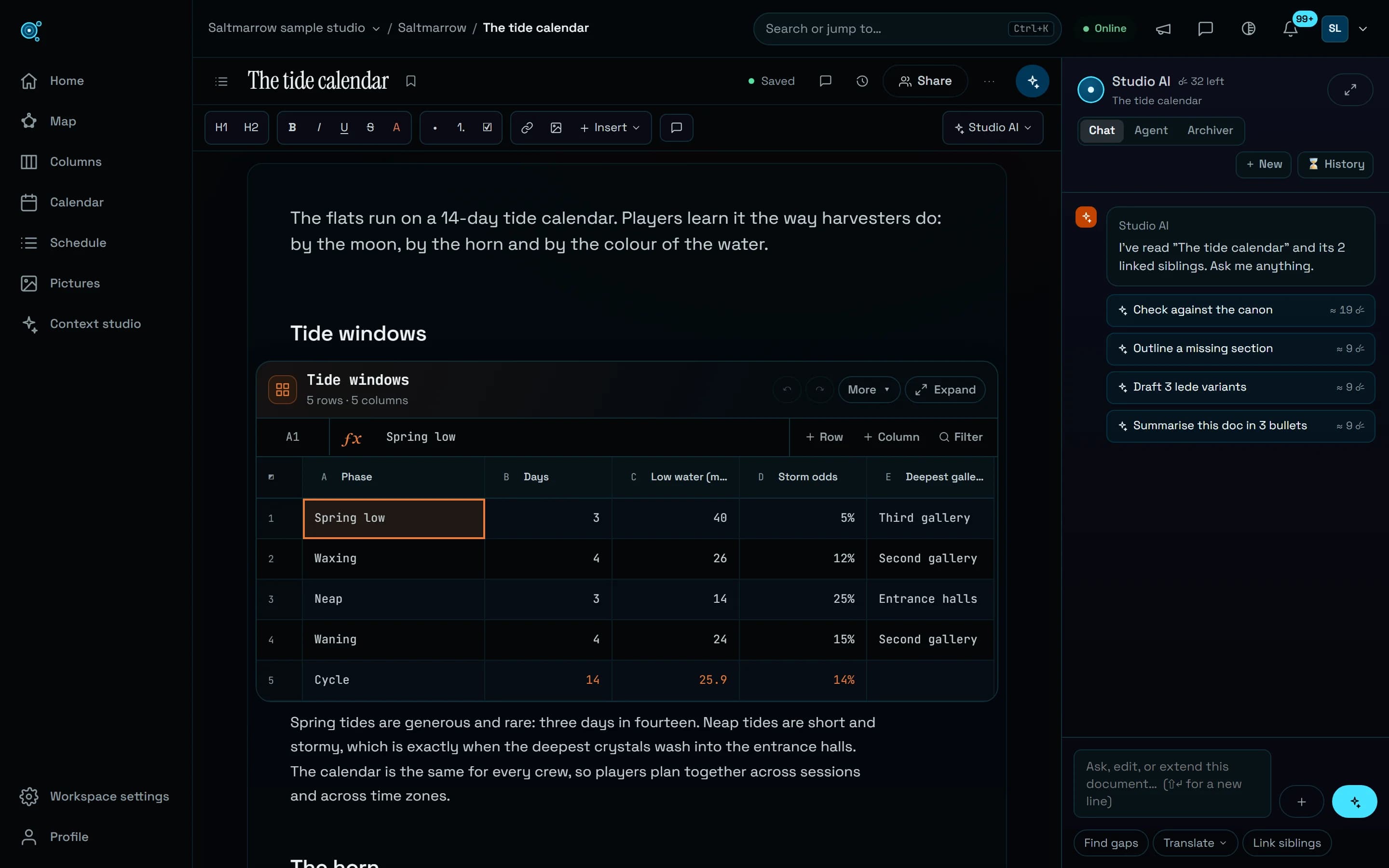
Sheets, diagrams and boards show their result first.
A sheet opens on its grid at the page’s width, a diagram on its drawing, a board ready to write on. Diagram errors are explained in plain words, and keys typed fast across cells land where you typed them.
Read the storyMore to explore
8 stories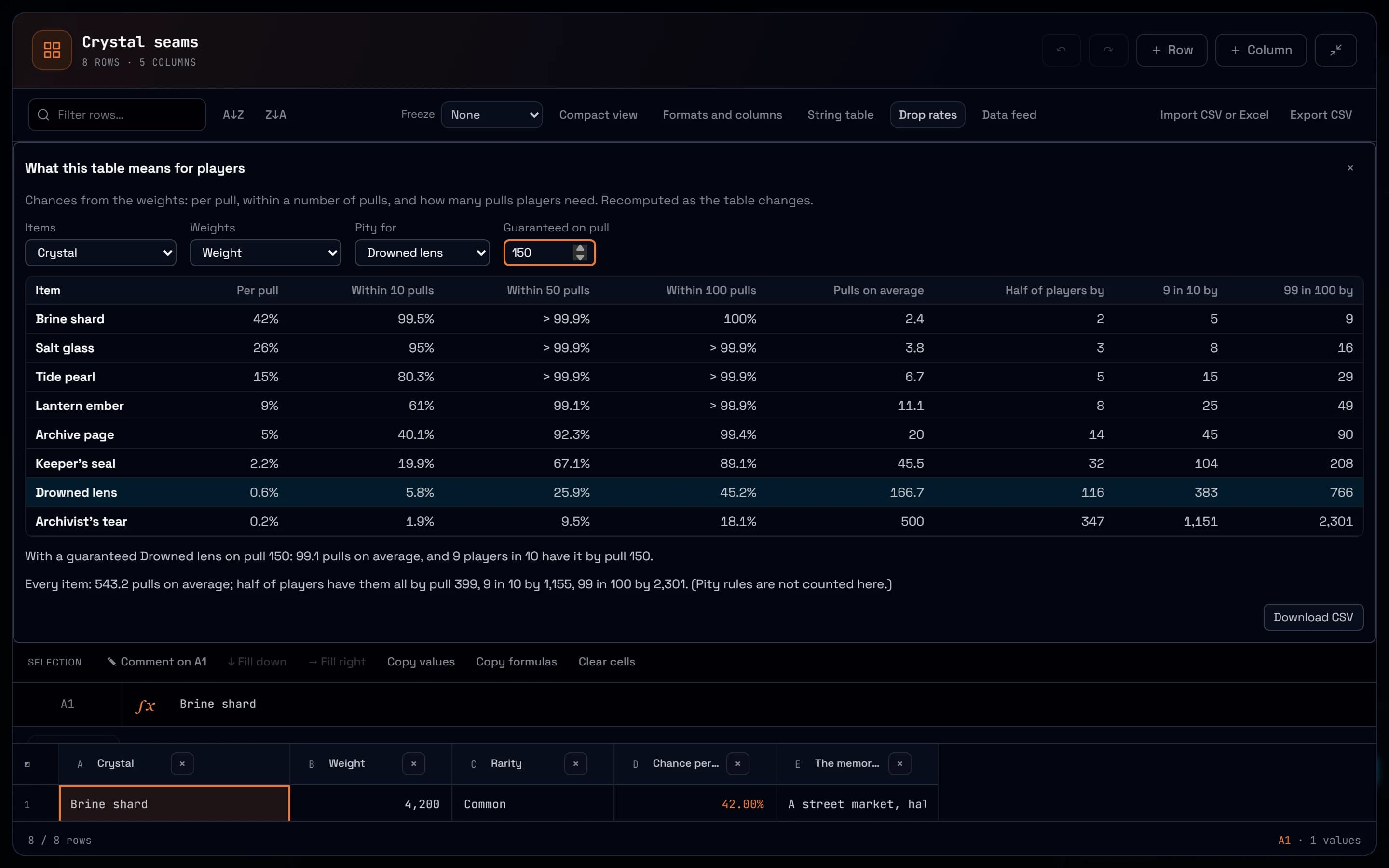
Read a loot table in players, not percentages.
Drop rates turns weights into what players live: the odds within 10, 50 or 100 pulls, the pull by which nine in ten have an item, and what a pity rule changes. Plus balancing formulas, live charts and a feed to your engine.
Read the story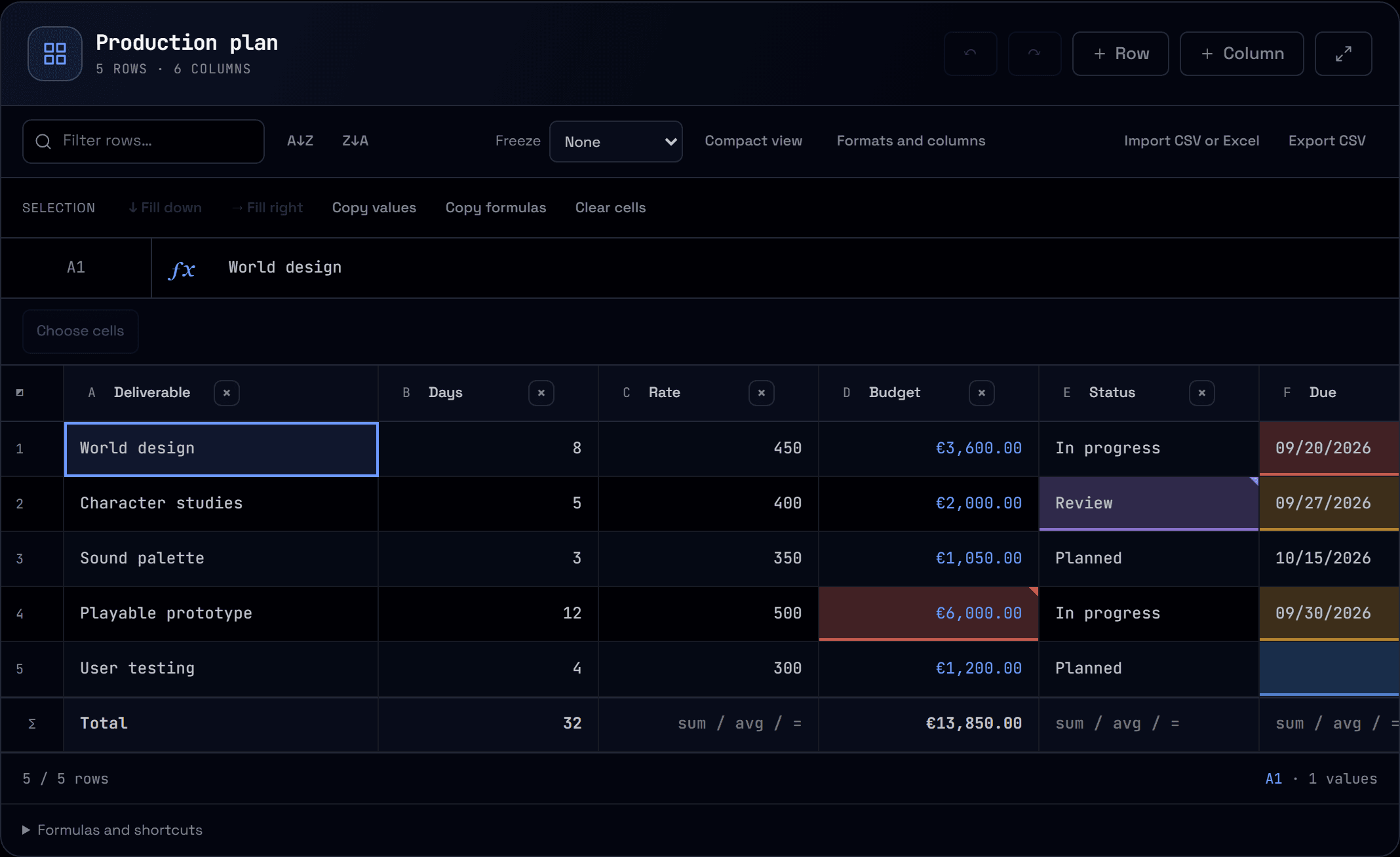
See what needs attention first.
Color past dates, upcoming deadlines, missing values and numbers over a threshold. Rules read calculated values, follow their column and appear in readers and printouts.
Read the story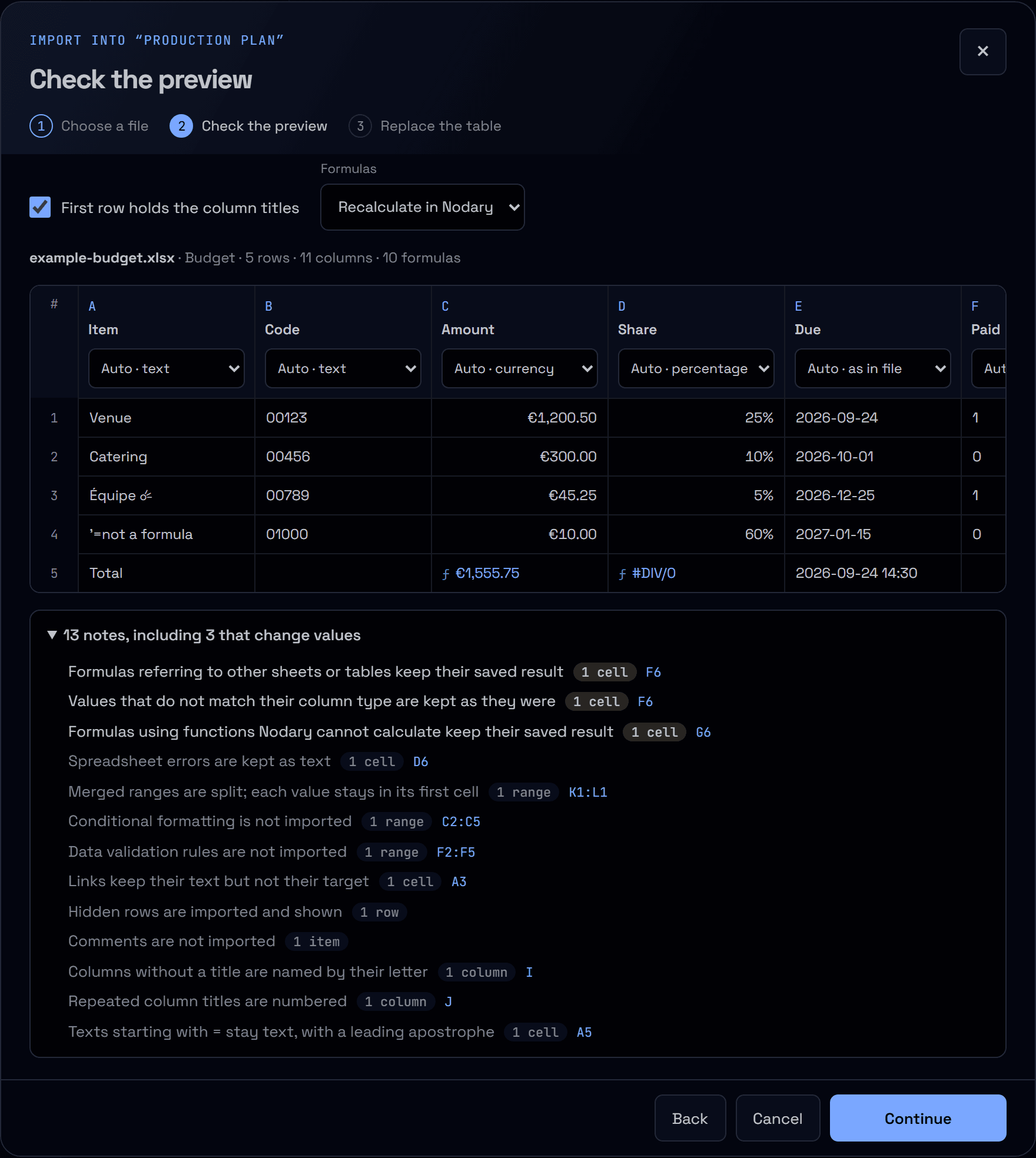
Bring your data in. Keep what matters.
Import a CSV or Excel workbook with a preview first. Choose the sheet, check each column’s type, keep leading zeros and see exactly what cannot come across before anything is replaced.
Read the story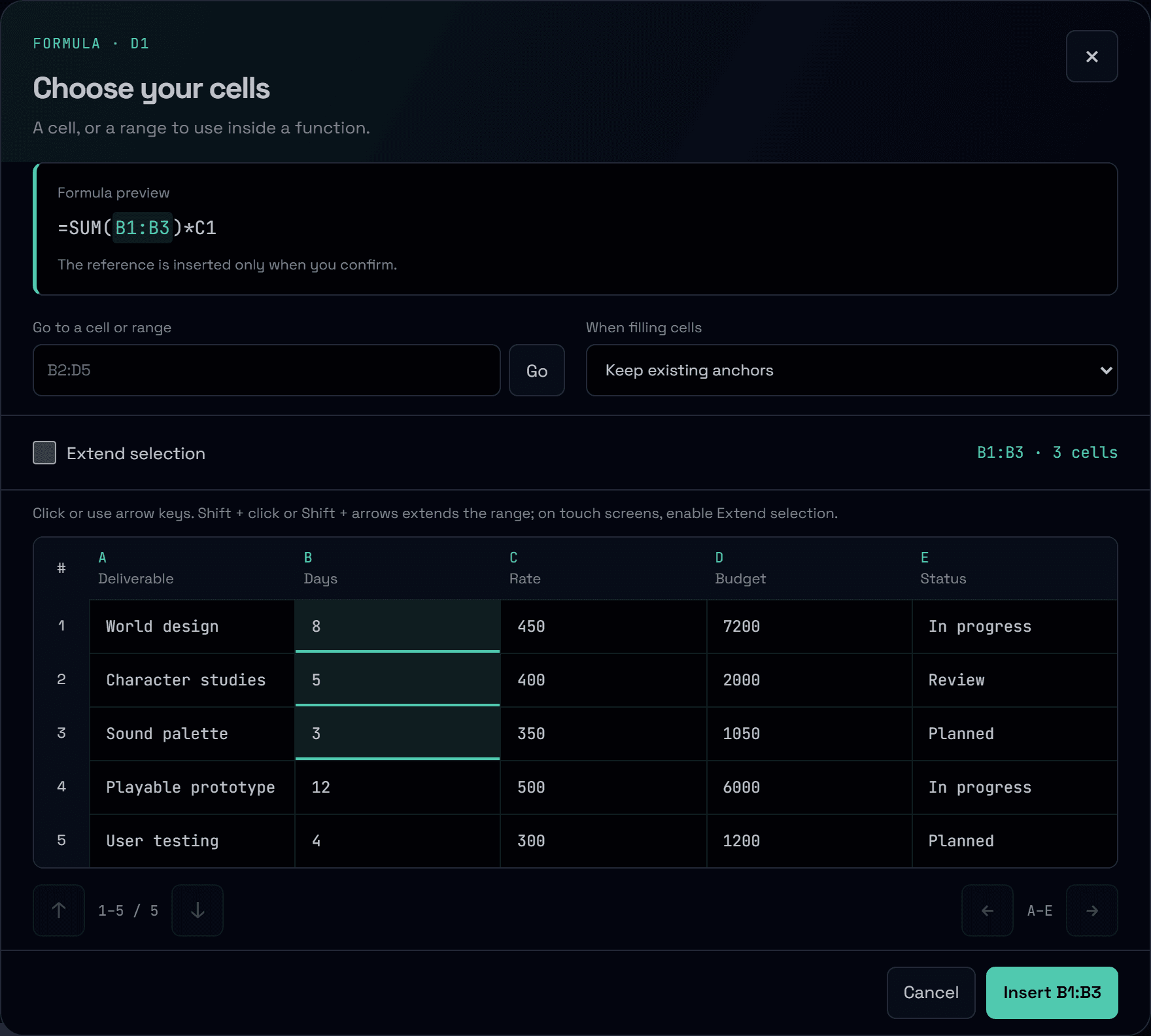
The right cells. A clearer calculation.
Choose the cells behind a formula, preview the reference before inserting it and turn an error code into a useful explanation. Build calculations with your data in view.
Read the story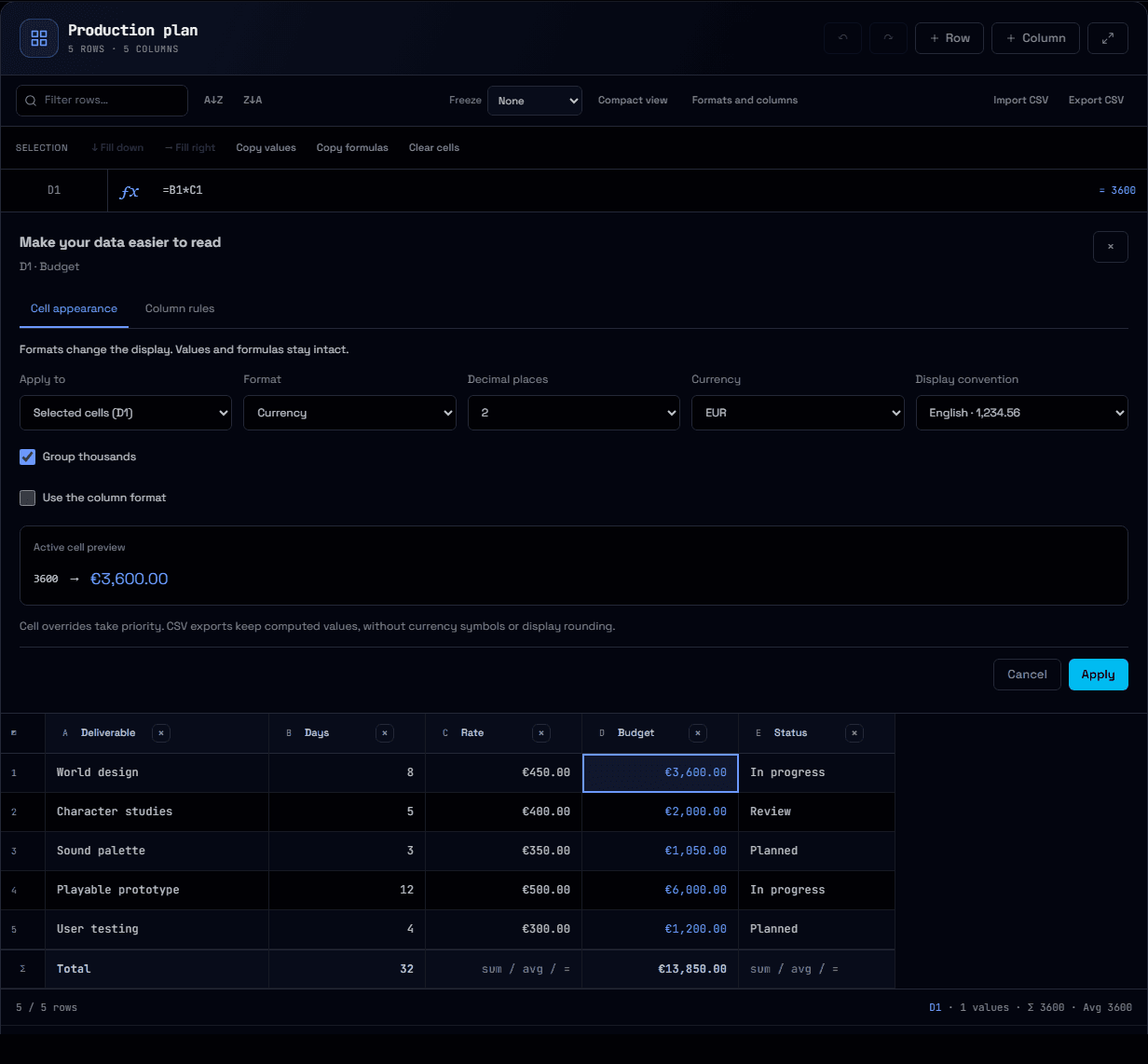
Clear numbers. Useful choices.
Give budgets their currency, ratios their percentages and statuses a choice list. Preview formats, guide input and review unexpected values while keeping your formulas and original data.
Read the story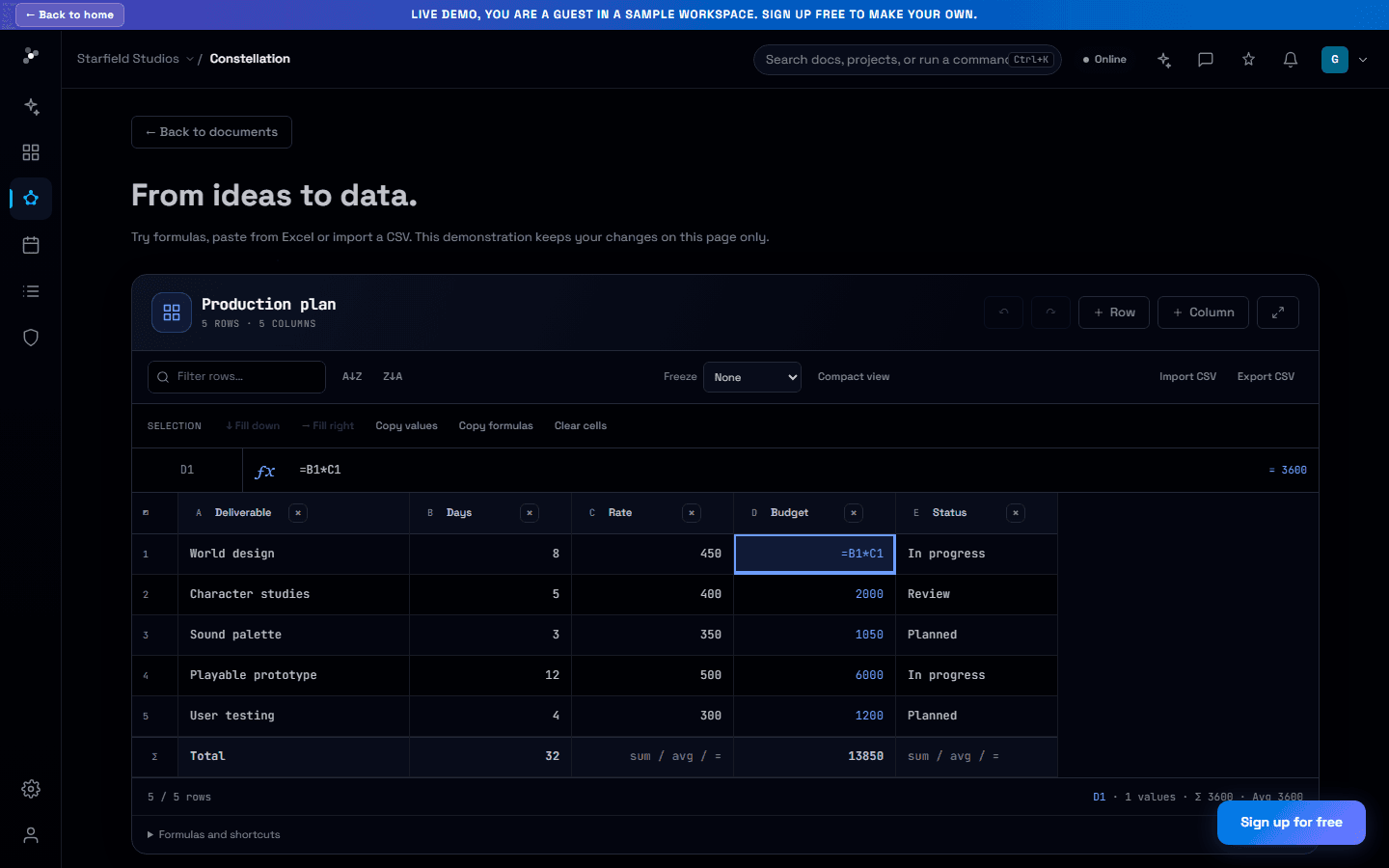
One spreadsheet. Room for everyone’s changes.
Update a budget while a teammate adds a note. Changes to different cells now combine, and surviving rows keep their identity when the sheet changes around them.
Read the story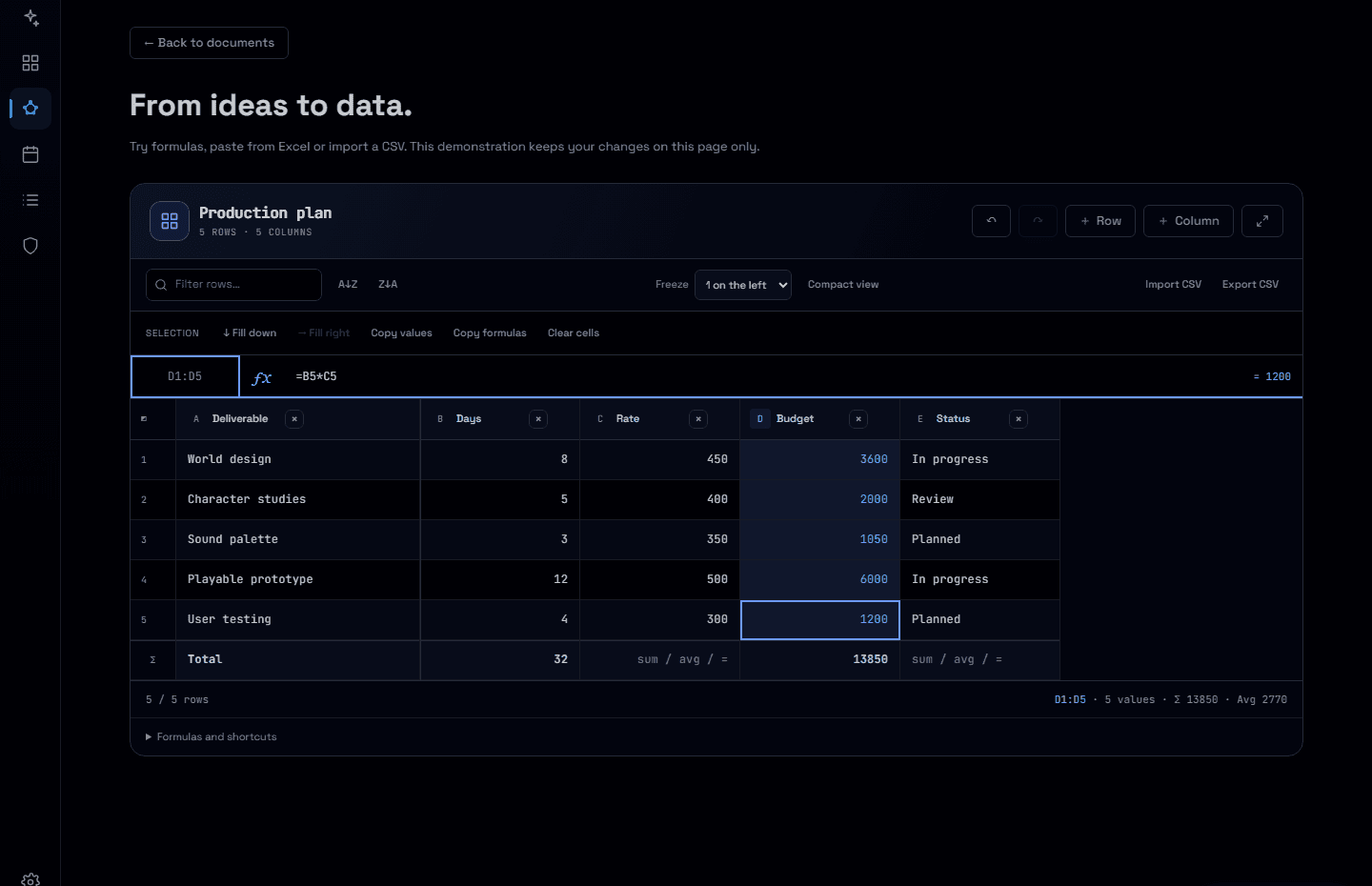
More room to work with your numbers.
Resize and freeze columns, act on visible ranges and build formulas with examples. Your project spreadsheets get a clearer workspace, from the first cell to the final CSV.
Read the story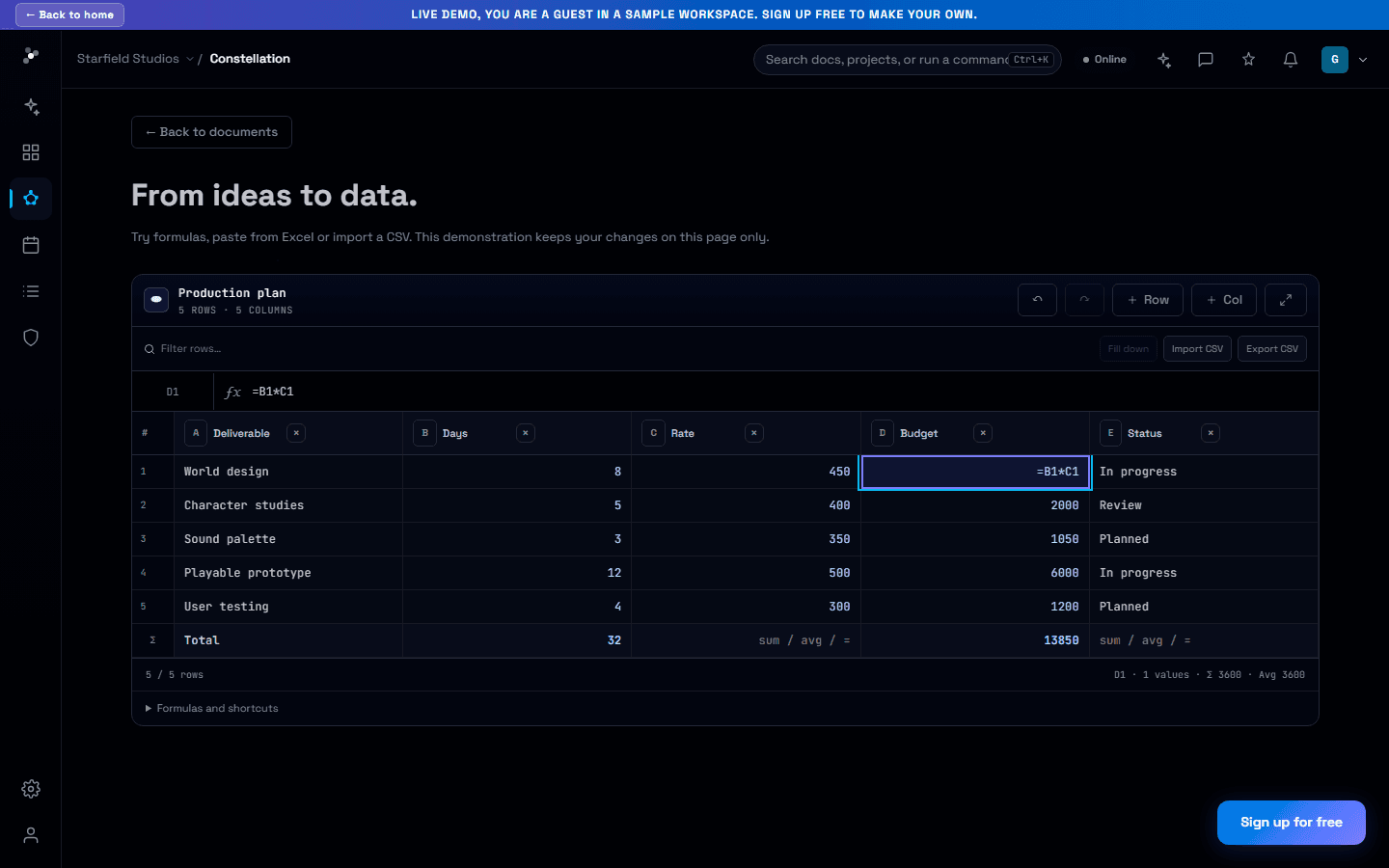
Keep the numbers next to the decisions.
Work through budgets and plans with a formula bar, range selection, matrix paste and CSV exchange inside your project documents.
Read the story