What shipped, and how to try it.
Every Nodary release with what it changes for your team, a real screenshot and a working example you can open without an account.

Write by hand, with the keys you already know.
A new document has a line to type on, bold and links stay in lists and tables, a bubble formats what you select and the shortcuts of other editors work. The way back from a document names where it goes, and gets there.
Read the storyMore to explore
25 stories![Nodary’s import window, opened from Home in the live demo, previewing a folder of fictional Saltmarrow field notes for the Saltmarrow project: Neap shore and Salt pans under Shore walks, Archive dives and Tide almanac, and a line saying that one link names a document in neither the import nor the project, [[Lantern keepers]] in Tide almanac.md, whose words stay.](/_next/image?url=%2Frelease-media%2F2026-10-import-from-home.webp&w=3840&q=75)
Imports with no dead ends. Exports that come back whole.
Import from Home, Ctrl+K or an empty page, choose what comes in when an archive is bigger than your plan, keep Obsidian’s [[wiki links]], and get sheets, screenplays and live views back from Markdown.
Read the story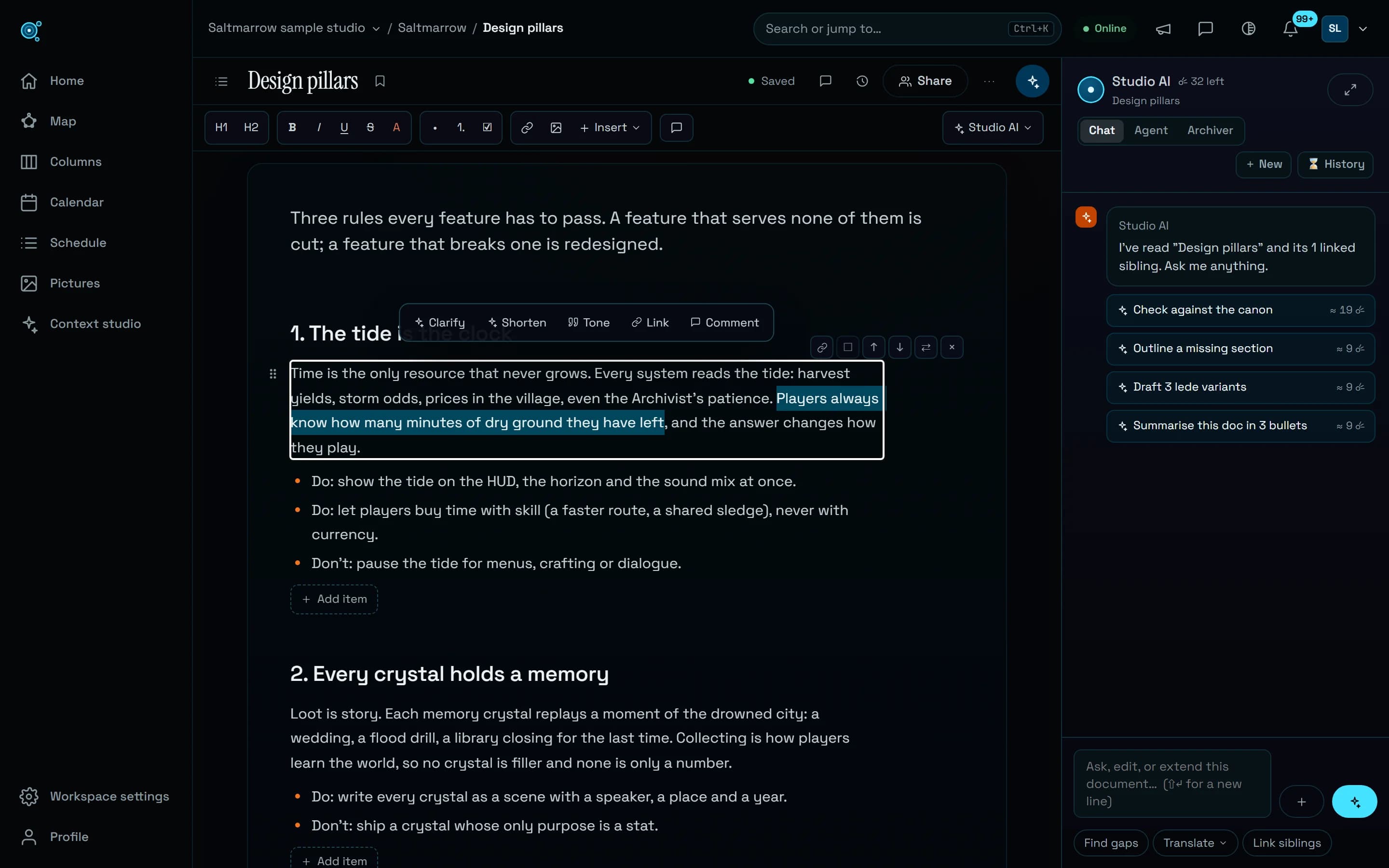
Open on the words. Write from the keyboard.
A document now opens on its text, under one bar. Enter, Backspace, / and Markdown shortcuts do what you expect, and Studio AI rewrites a selection in place, with Undo.
Read the story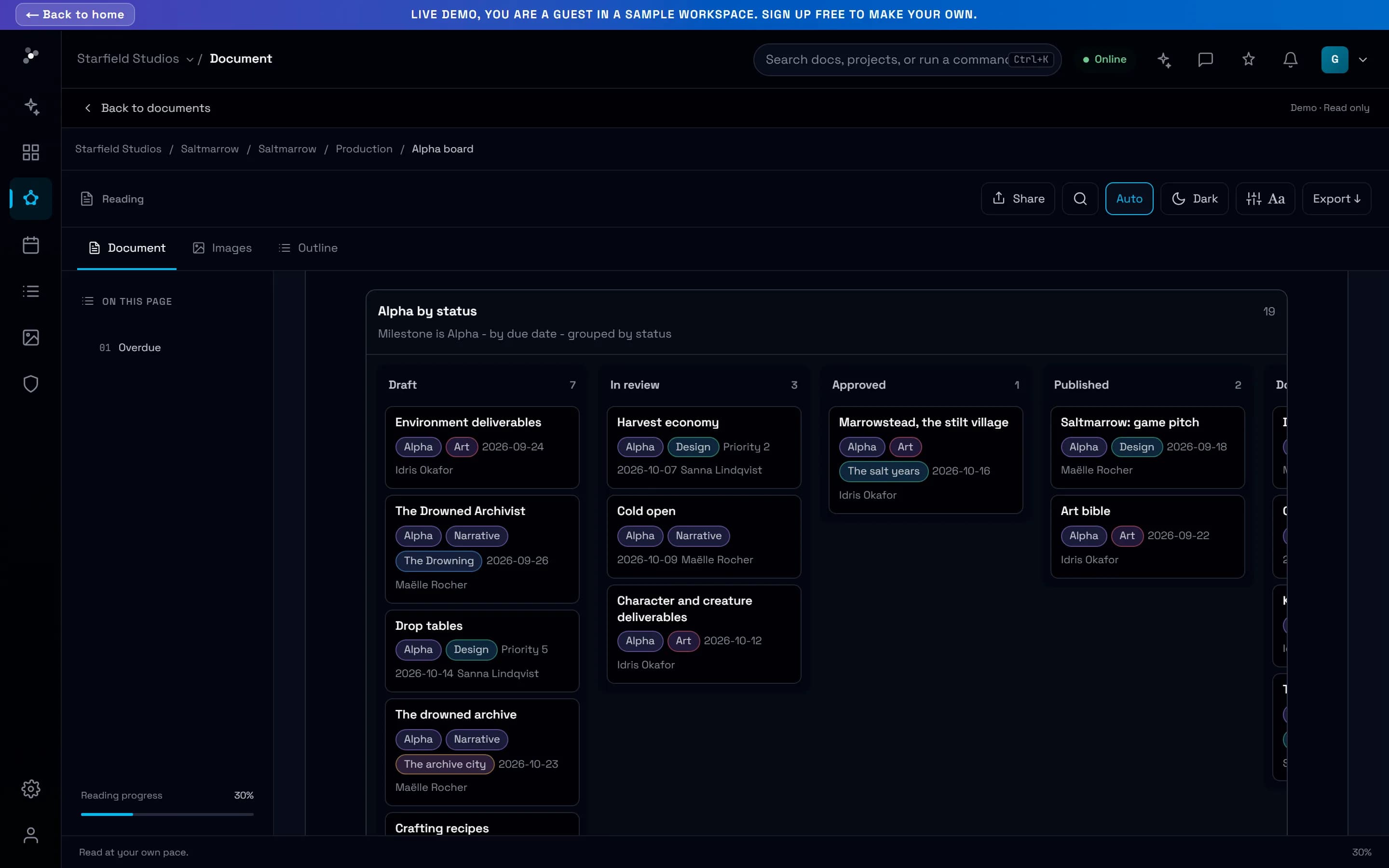
Open the sample game behind the site, in the live demo.
Saltmarrow, the fictional game this site shows, is now in the live demo: 44 linked documents, with live boards, timelines and progress, and no account.
Read the story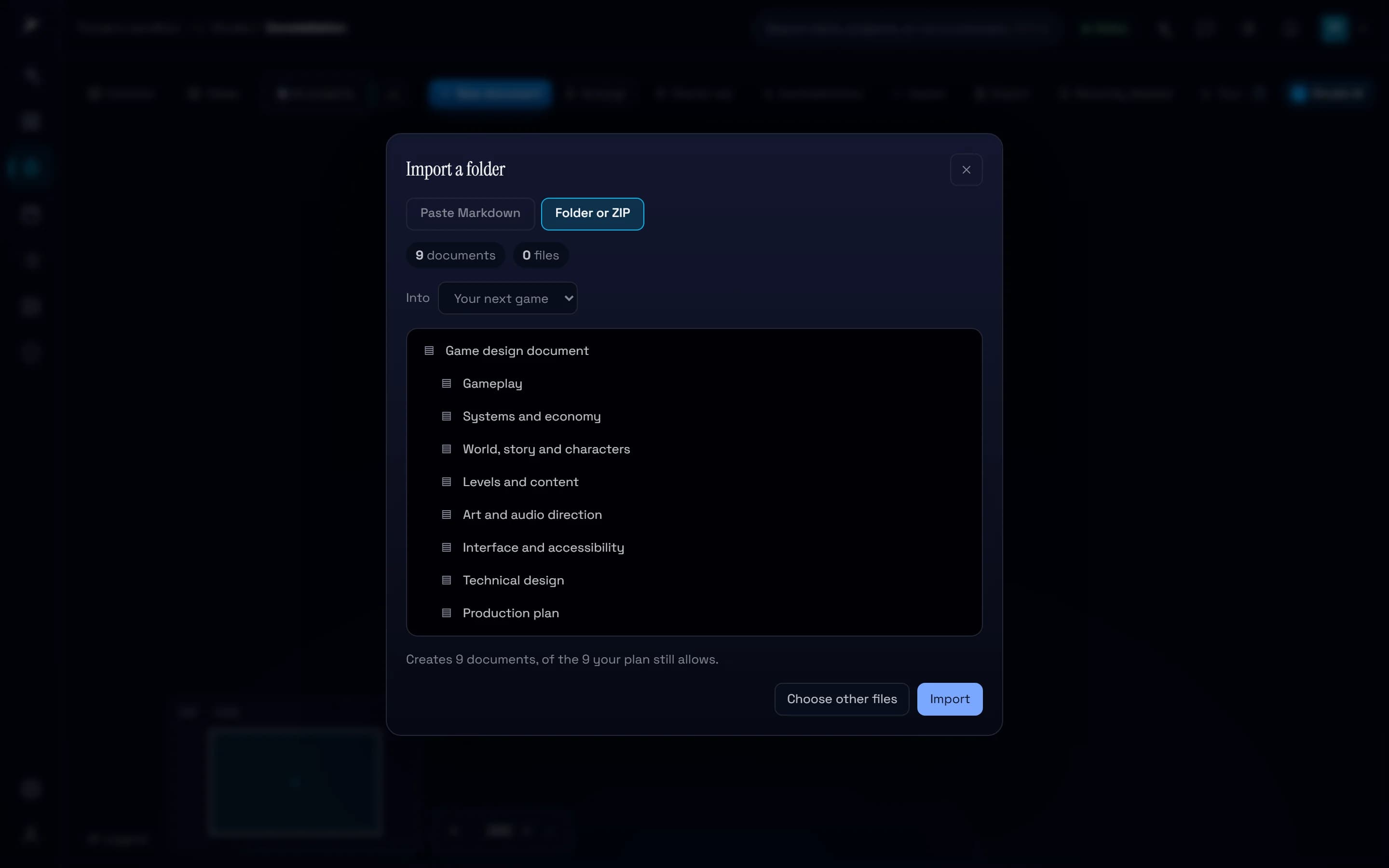
A free game design document template, in 12 languages.
Nine linked Markdown documents, from the pitch to the decision log, each saying what to write. Read them on the site, download the .zip, and import it into a project in one step.
Read the story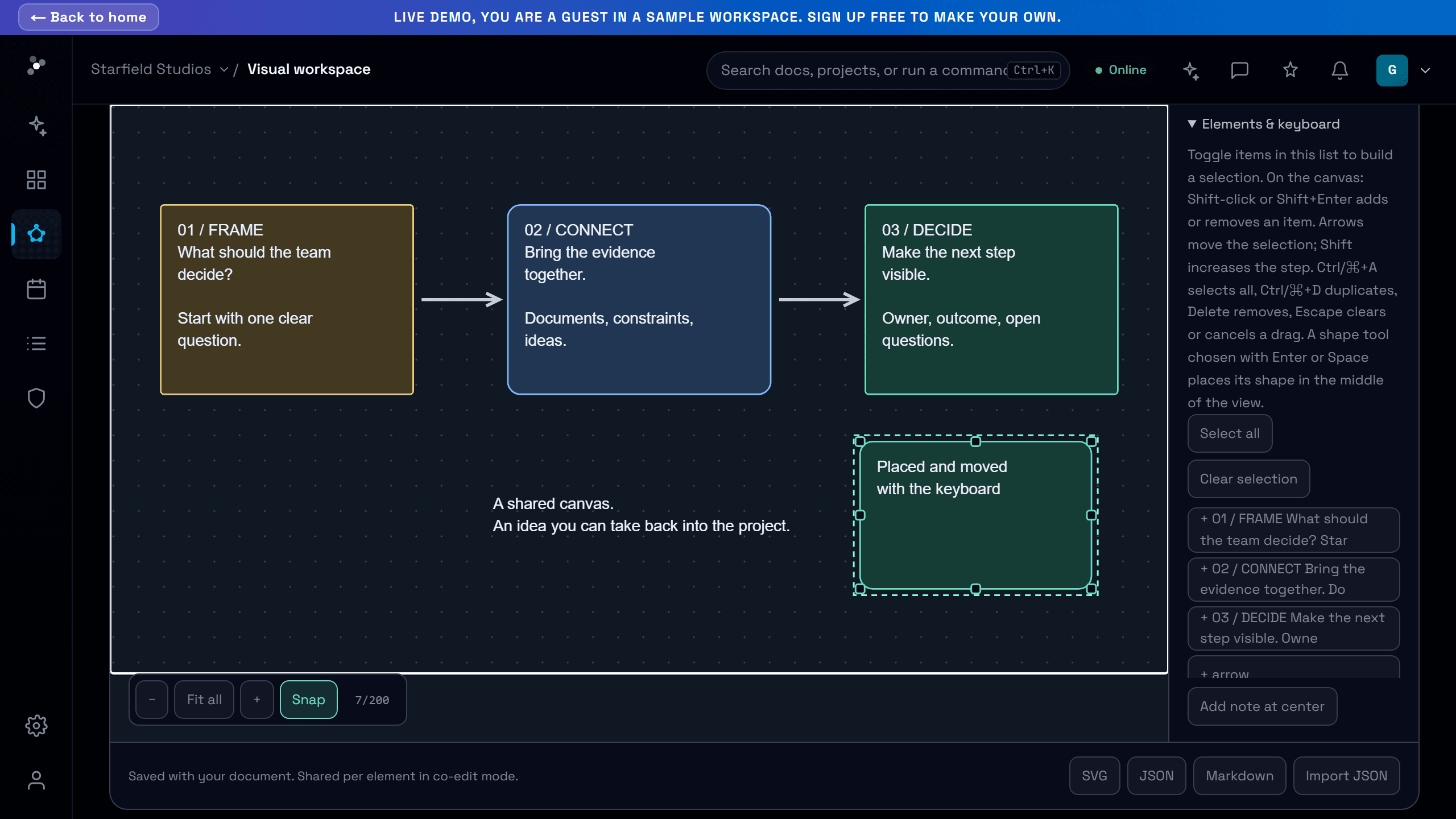
Everything you can drag, you can now do without dragging.
Reschedule, move a star, file it in a cluster, relate two stars, place a shape, pan a diagram or restore a version with the keyboard or a tap, and every control is big enough for a finger.
Read the story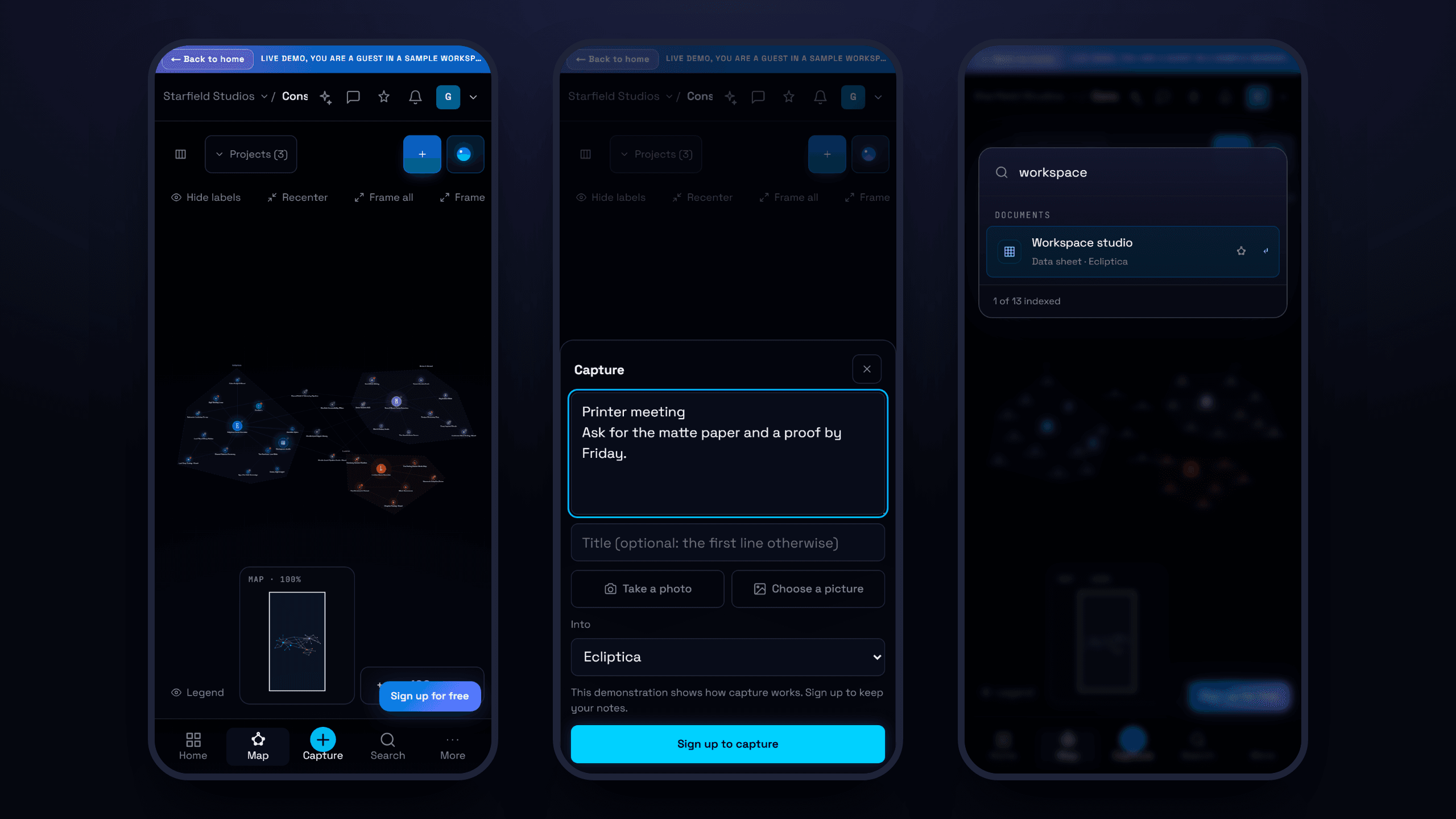
Capture, find, comment and share from your phone.
A tab bar made for thumbs, a capture sheet that takes a note and a photo in seconds, search one tap away, comments that fit the screen, and your phone's own share sheet for links.
Read the story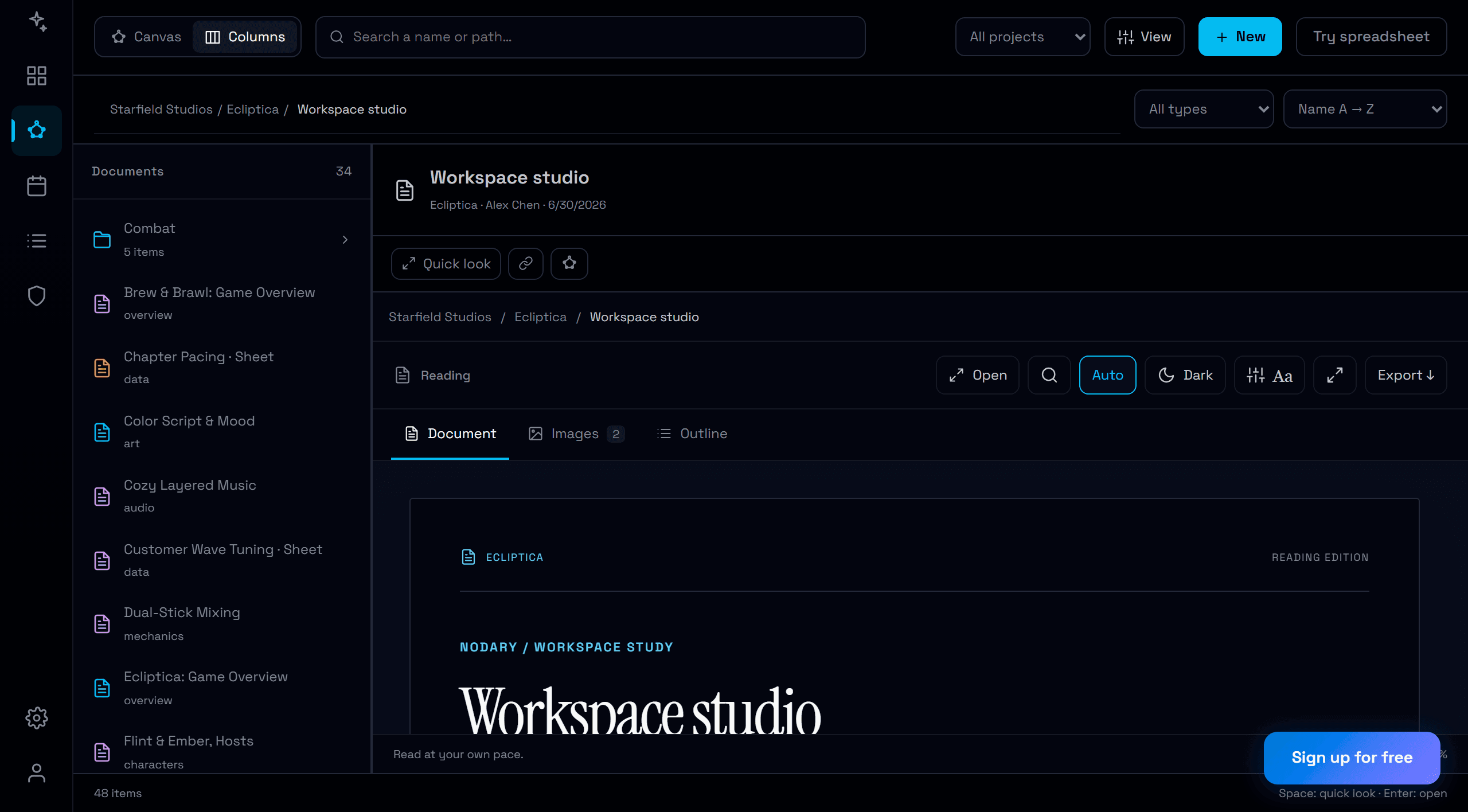
One look, from the map to the page.
Buttons, fields, menus and windows now share the same sizes, corners and text across the map, documents, spreadsheets, boards, print and the AI panel, and main actions look like main actions again.
Read the story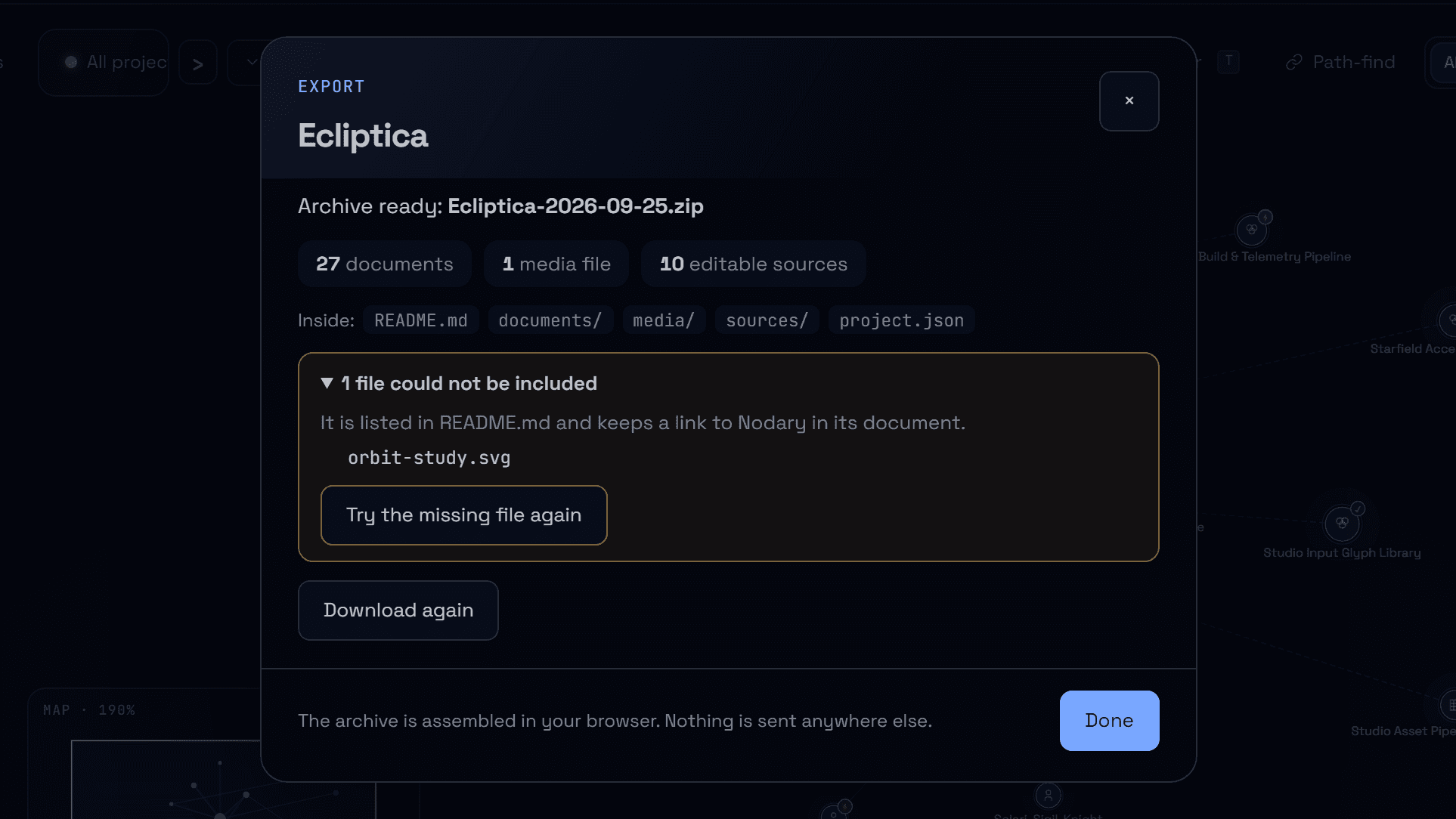
Uploads and imports that survive a bad connection.
Each file shows its own progress, a lost connection pauses the transfer instead of failing it, only what failed is tried again, and an interrupted import picks up where it stopped without duplicates.
Read the story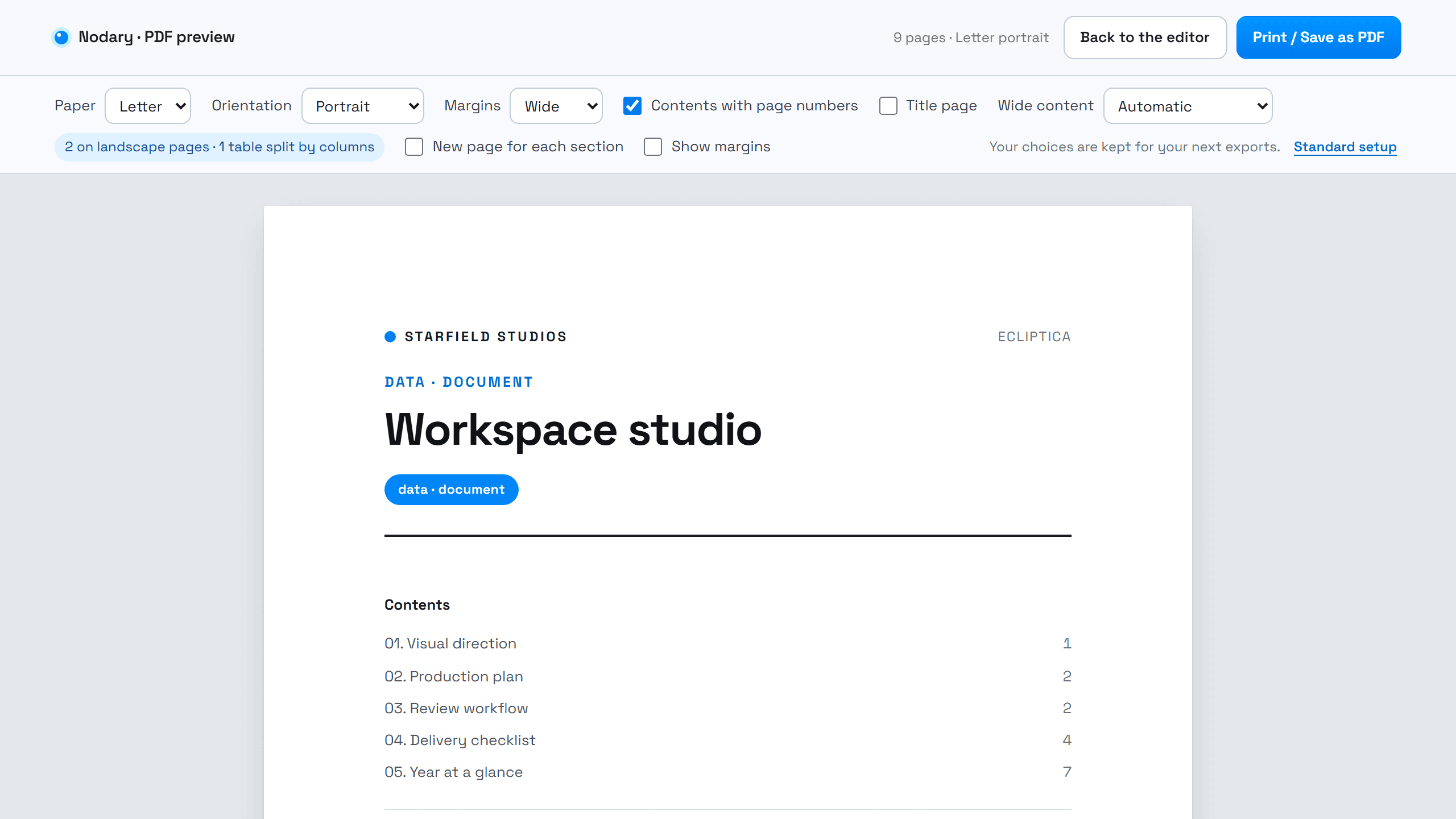
Your export settings, remembered.
Paper, margins, title page, wide content and the project export format now stay as you left them, on every device, and never follow how you like to read on screen.
Read the story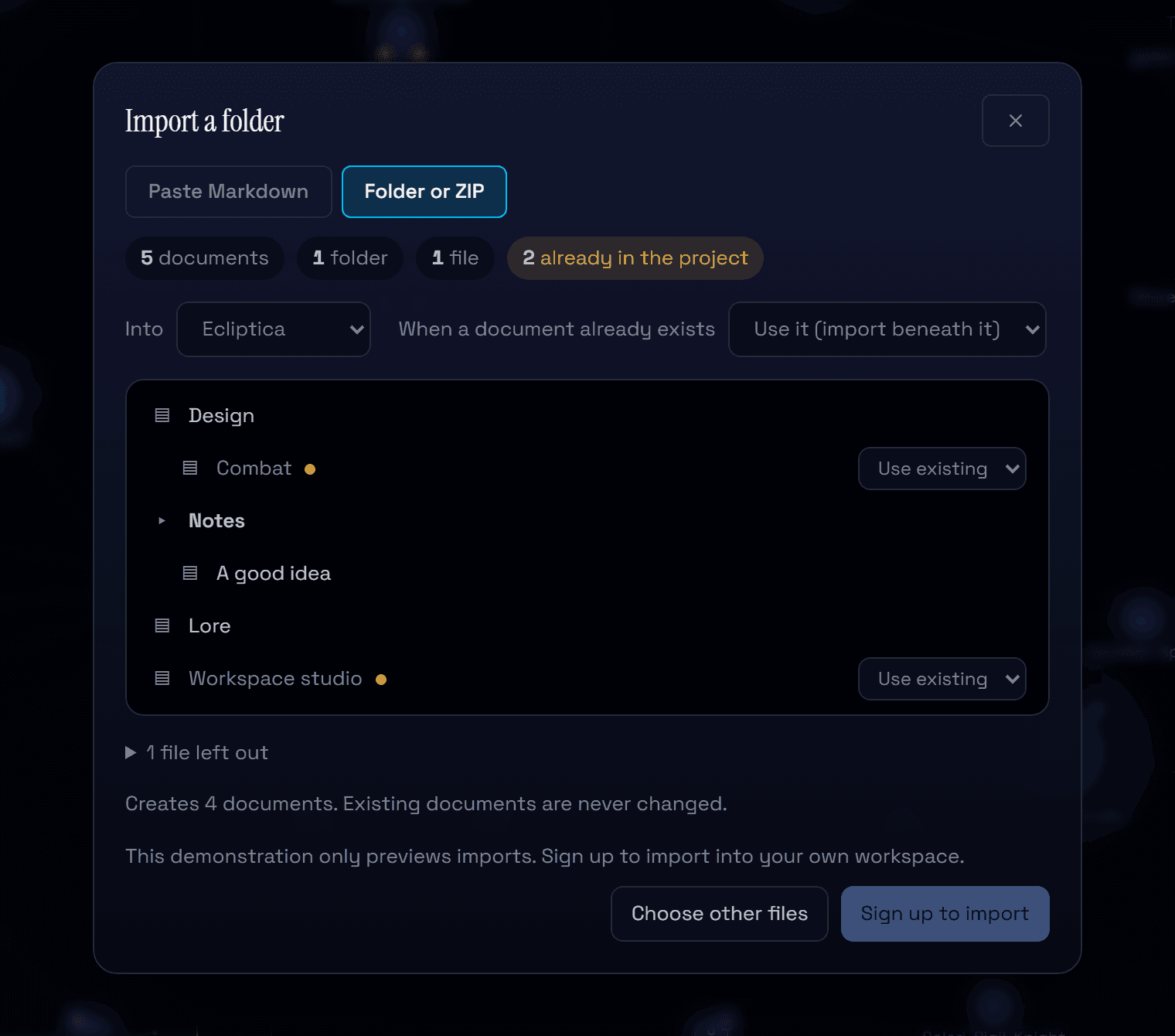
Bring in a whole folder of notes, and see it first.
Import a folder of Markdown or a ZIP, a Nodary archive included: preview the tree, choose what happens to documents that already exist, and know before you start whether it fits your plan.
Read the story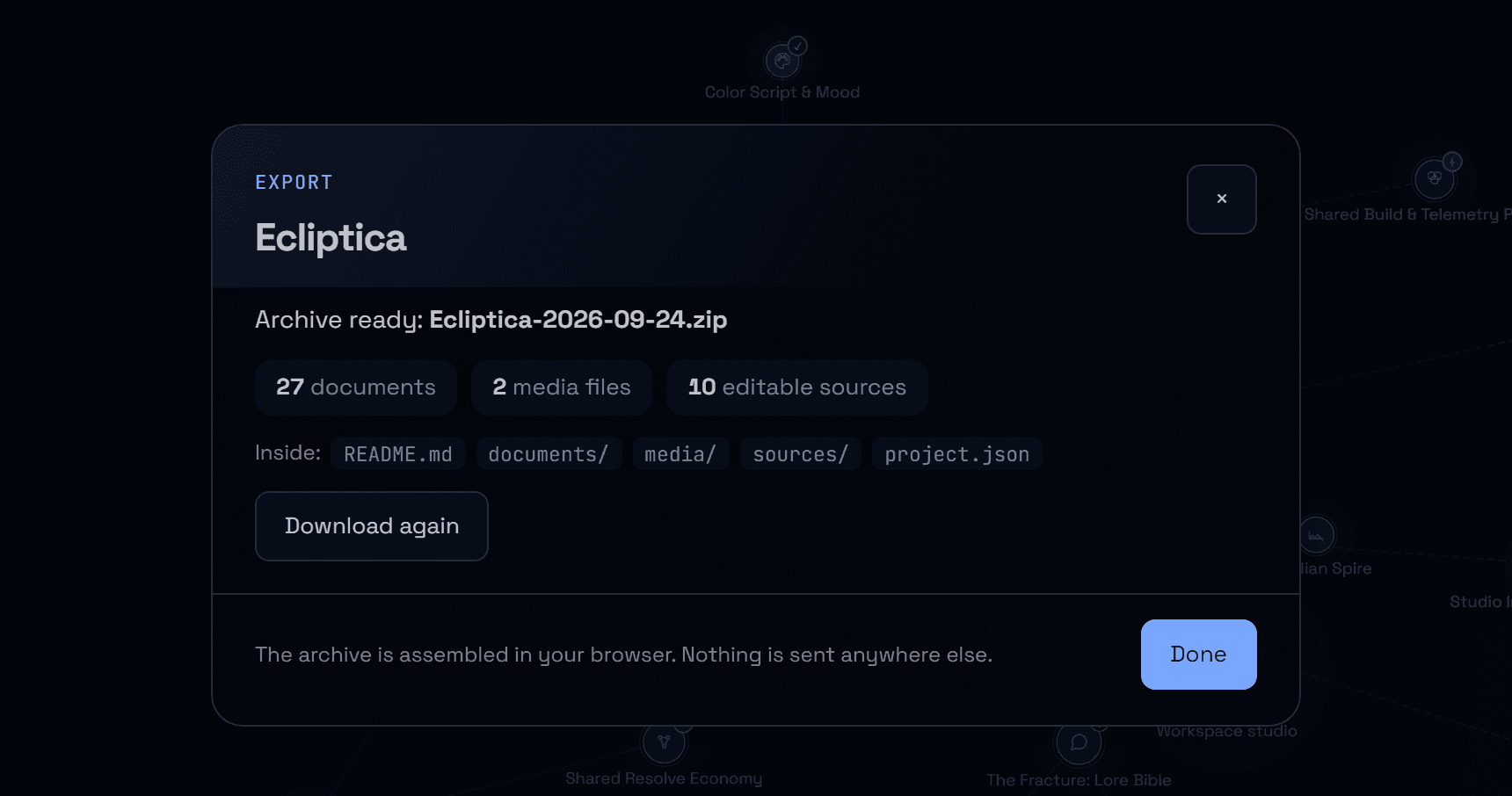
Take a whole project with you, in one archive.
Export a project as a ZIP: every document in Markdown with its images and files, editable sources for diagrams, boards and spreadsheets, and links that still work offline.
Read the story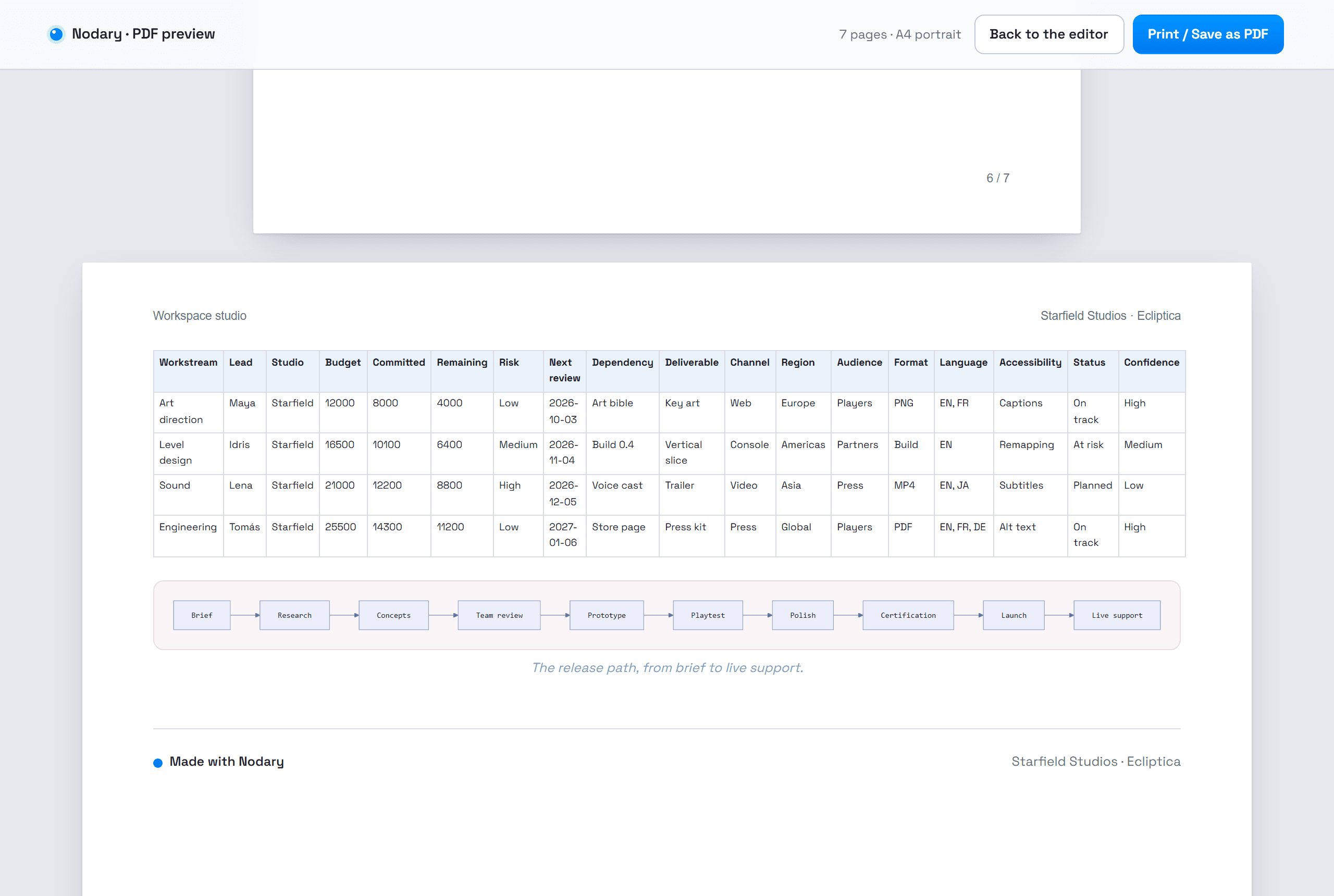
Wide tables and diagrams that stay readable on paper.
A table or diagram too wide for the page now moves to a landscape page, shrinks a little, or splits into parts that repeat its first column, instead of cutting words in half.
Read the story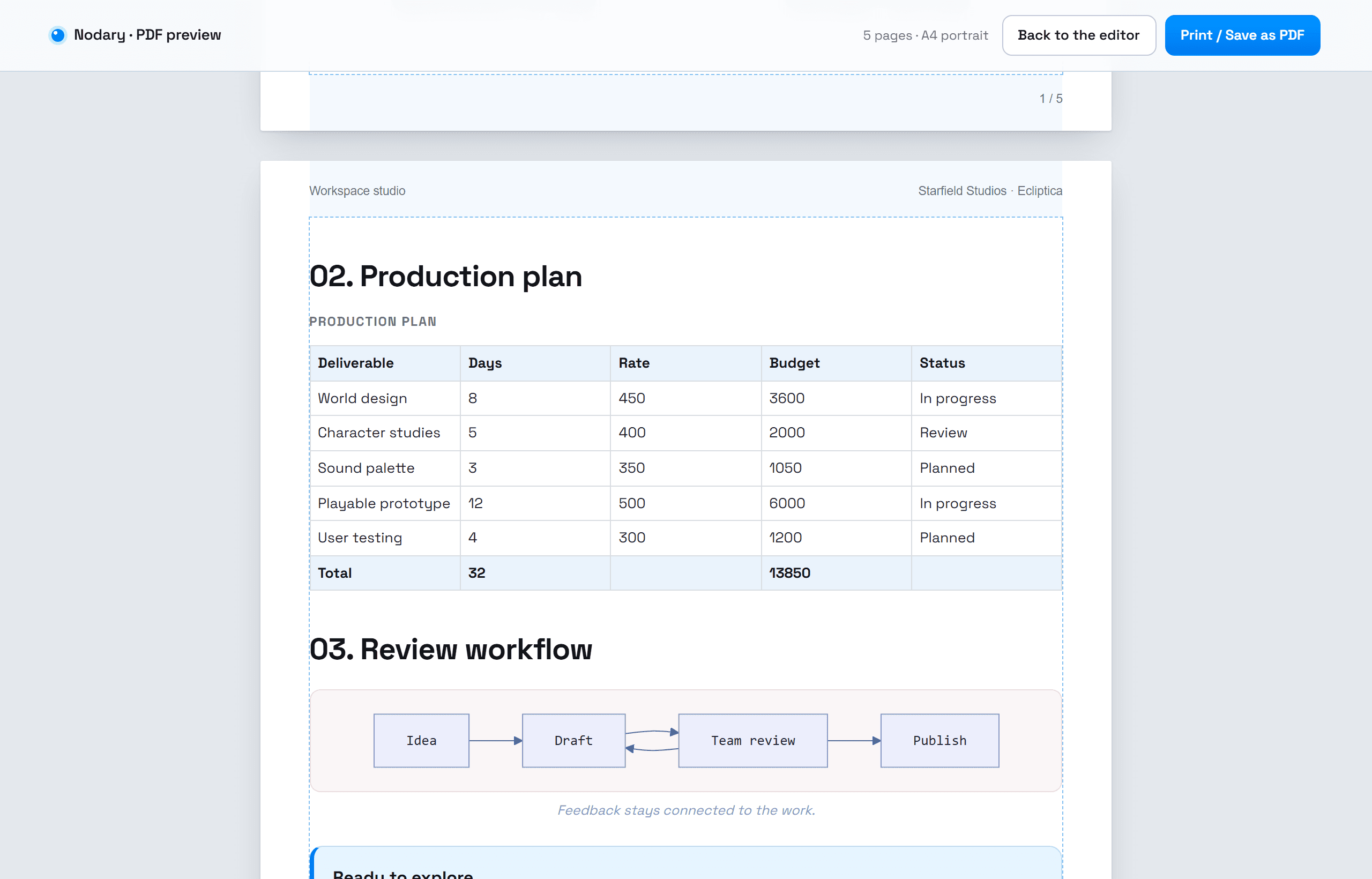
See the real pages before you export.
The PDF preview now shows the actual pages: paper, margins, running headers, page numbers, a contents list with page numbers and section breaks. What you see is what prints.
Read the story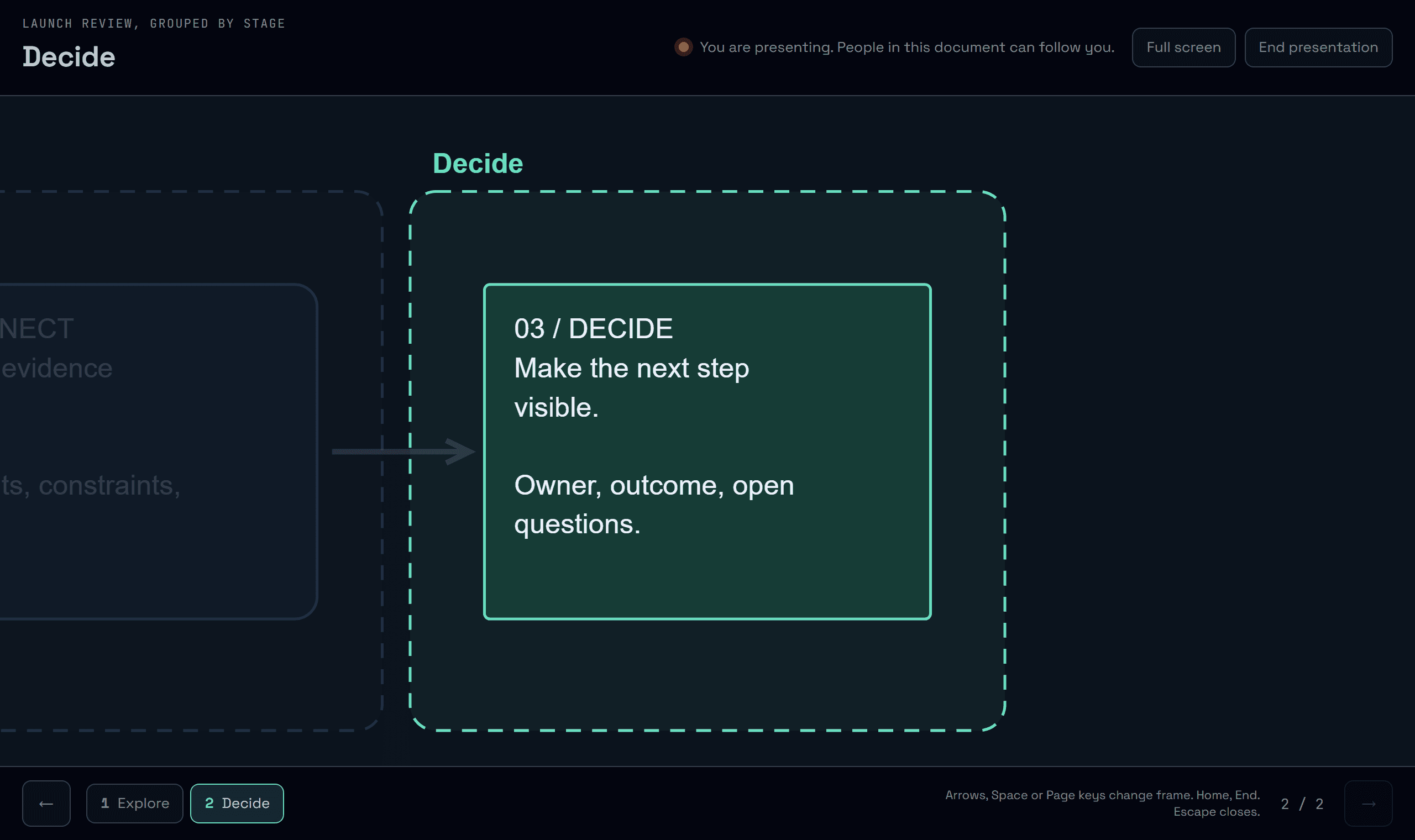
Present a board, frame by frame.
Walk through a board one frame at a time from the keyboard. People in the document can choose to follow you, and step away whenever they like.
Read the story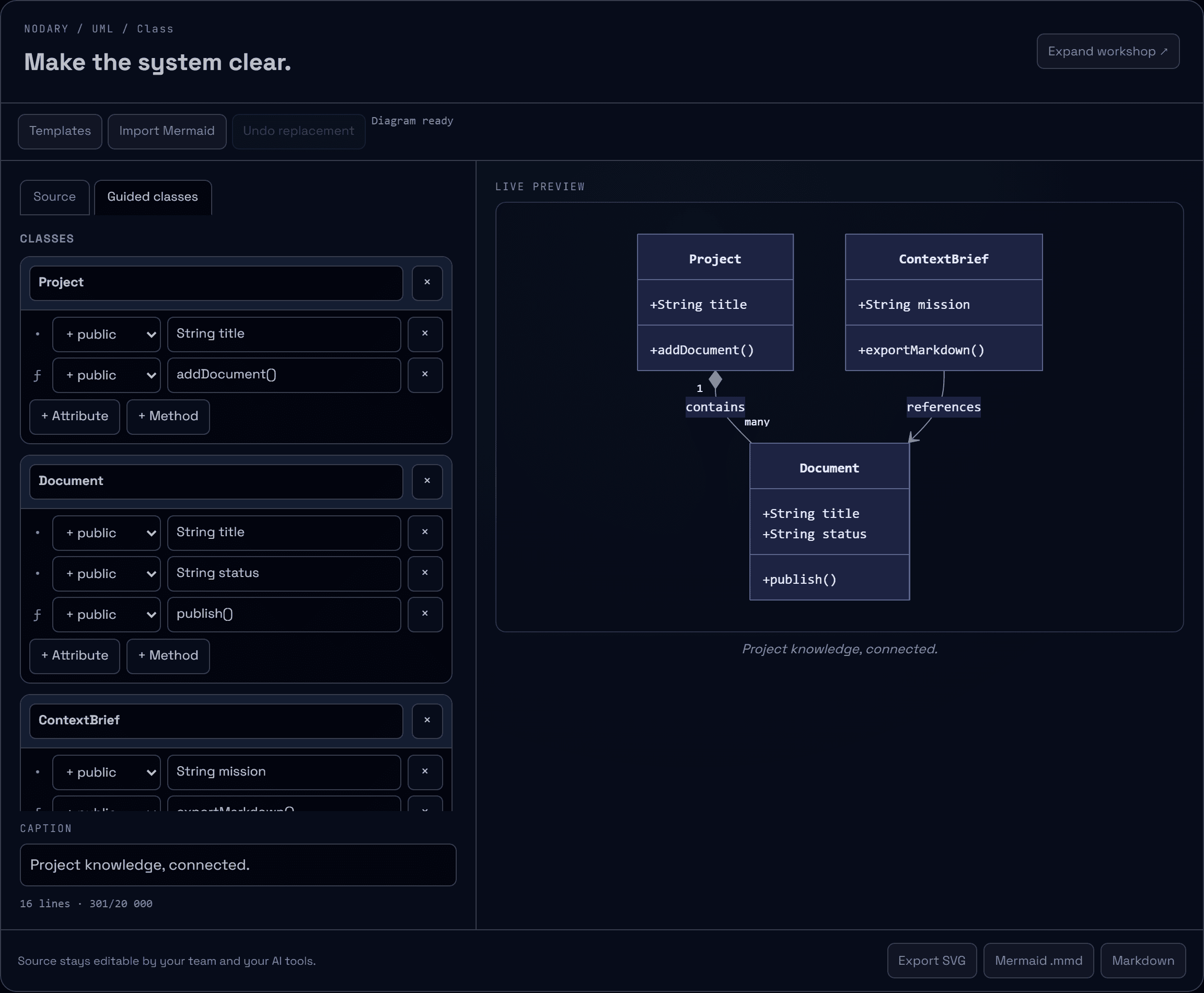
Class diagrams without the syntax.
Edit UML classes, attributes, methods and relations in a form while the Mermaid source stays yours: every line the form does not touch is kept exactly as written.
Read the story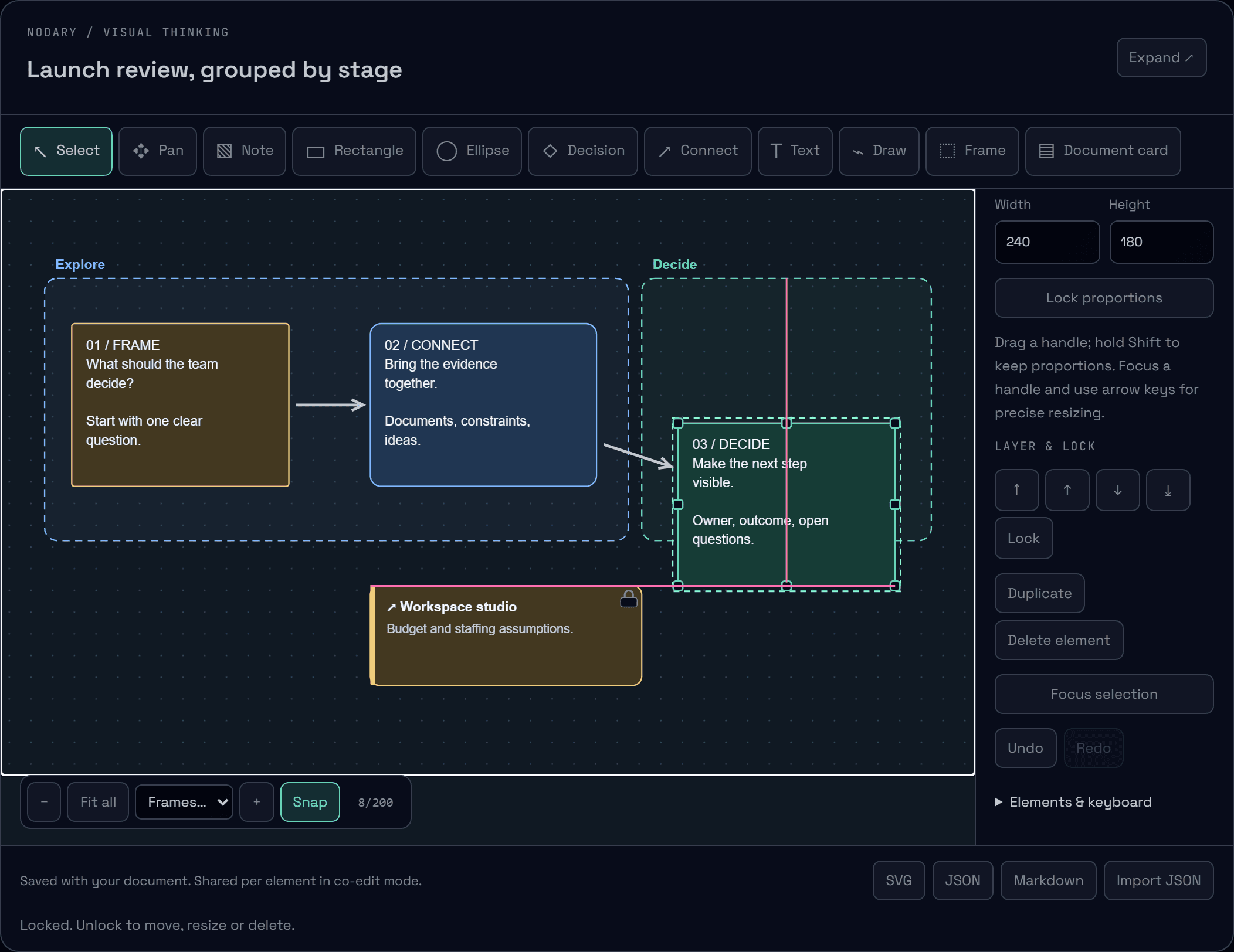
Boards that line up. Pieces that stay put.
Shapes now snap to their neighbors’ edges, centers and spacing while you move them, with visible guides. Lock what must not move and choose what sits in front.
Read the story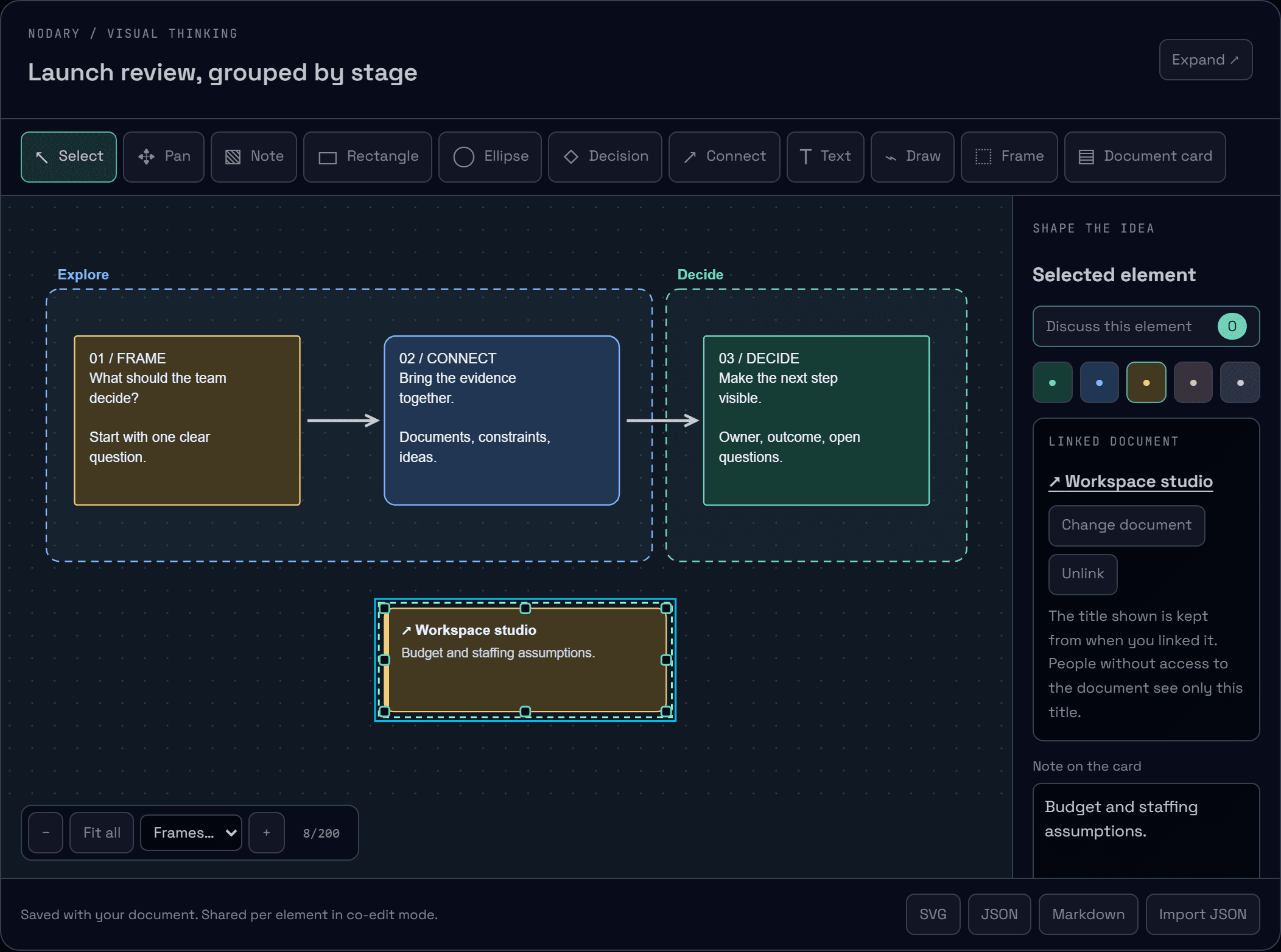
Boards with structure. Ideas with their sources.
Group a board into named frames you can jump to and move as one, and pin document cards that open the source behind an idea.
Read the story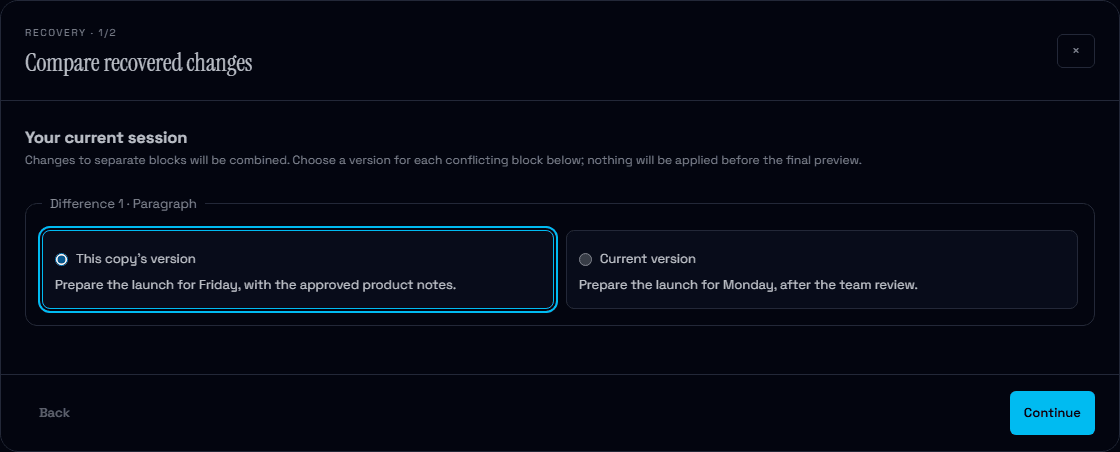
Your work stays within reach.
See what is saved online, keep a local copy when the connection drops and compare recovered changes before applying them. Clearer saving, with more control when two versions meet.
Read the story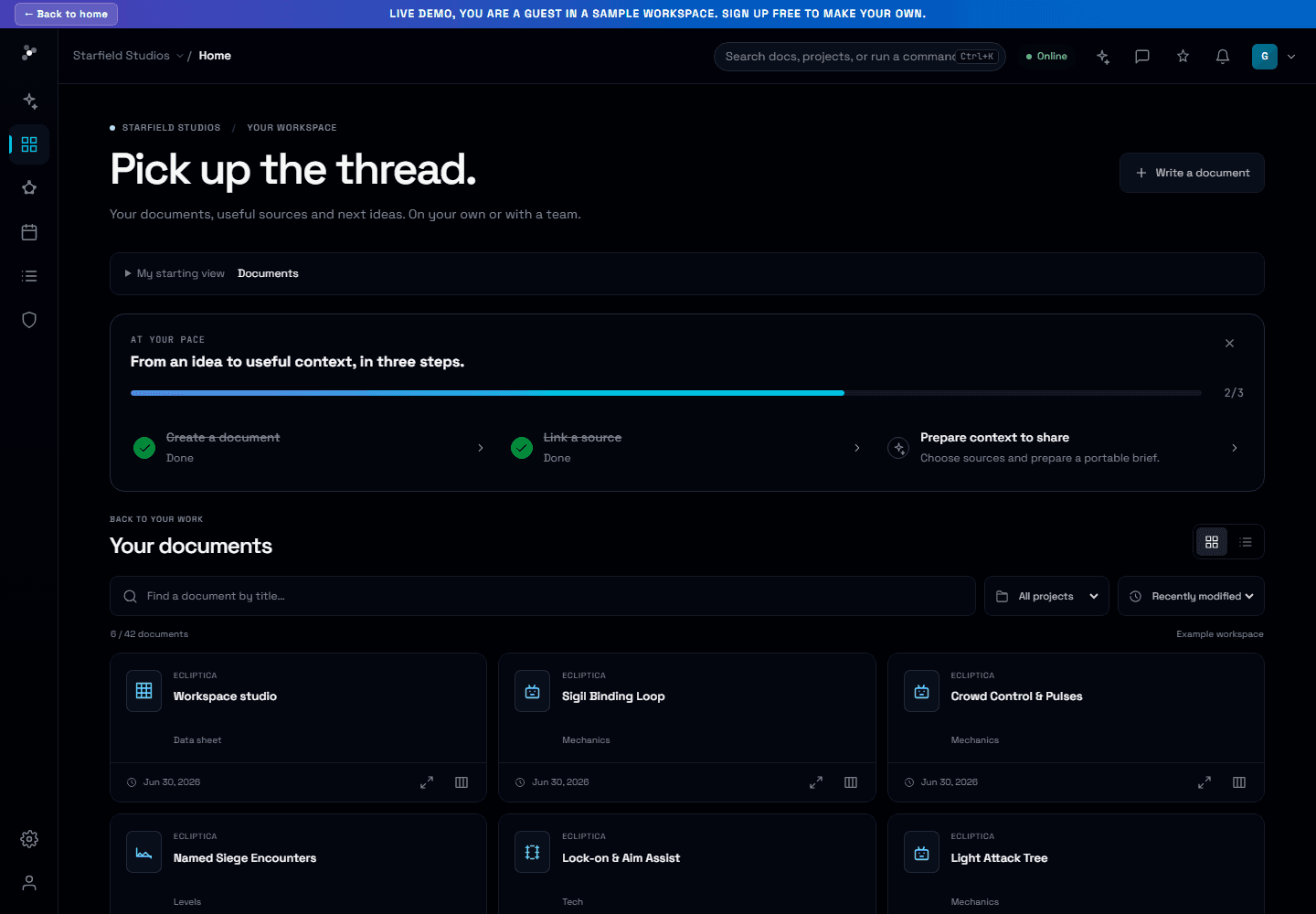
An idea is enough to begin.
Write your first document without setting up a project. Follow three practical steps, choose your starting view and use new missions for travel, studies, job searches and creative work.
Read the story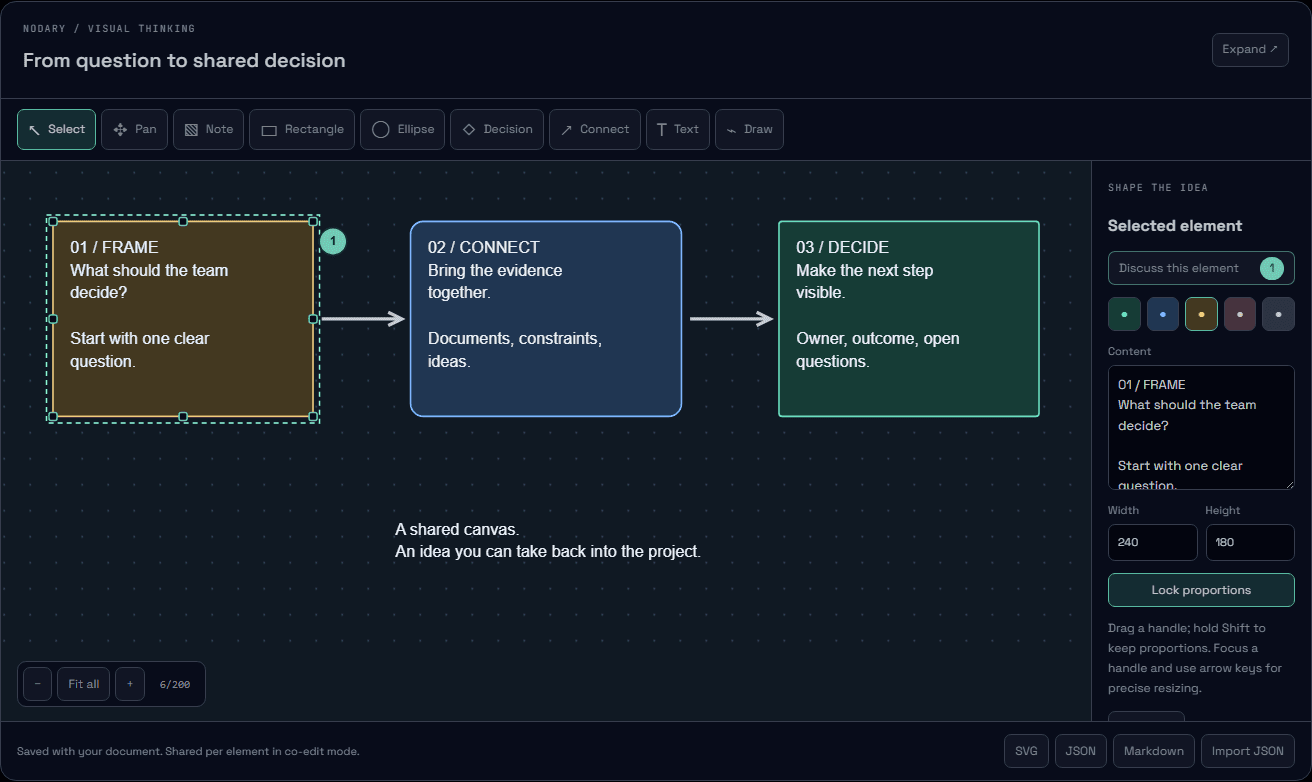
Keep feedback close to the idea.
Resize a shape directly, discuss the decision it represents and return to the right element from its thread. Board feedback now stays attached as your ideas move.
Read the story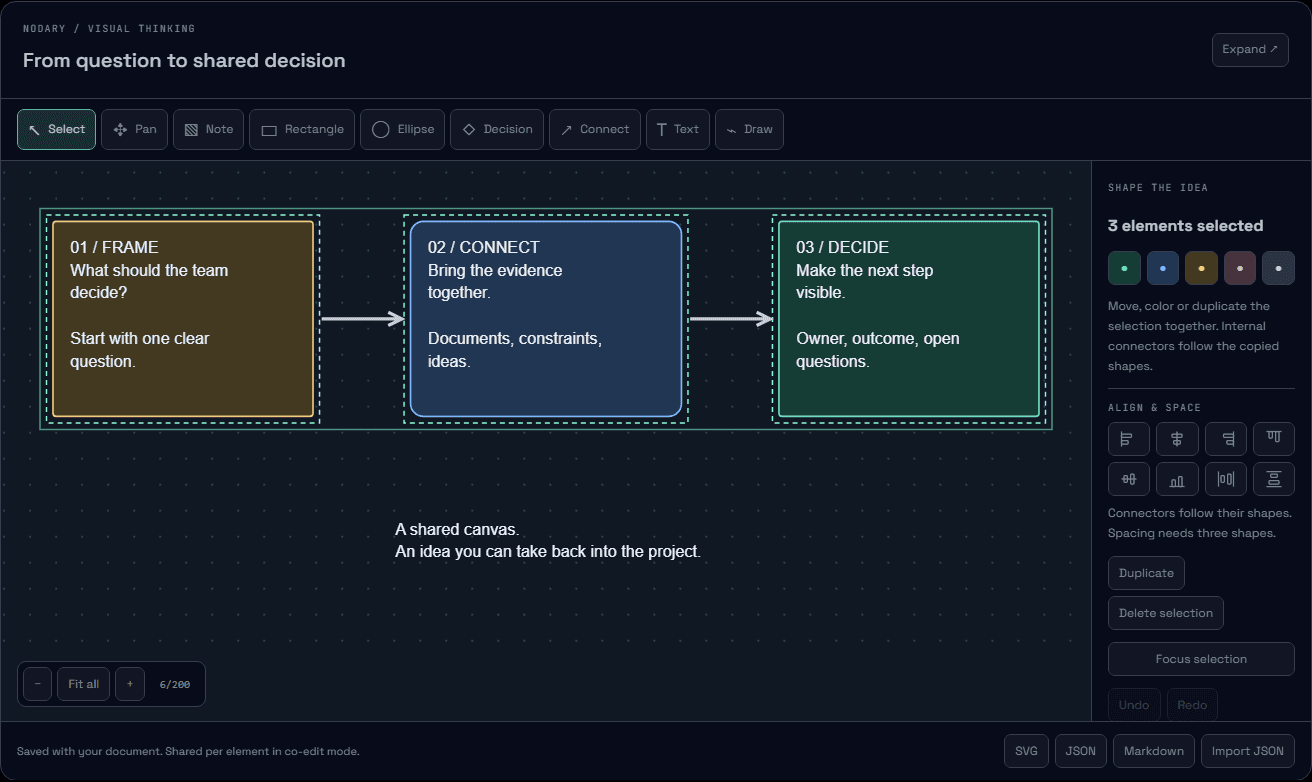
Shape the whole idea together.
Select a set of notes, move a connected flow and give every idea its space. Boards now offer group editing, alignment and duplication that keeps internal connections intact.
Read the story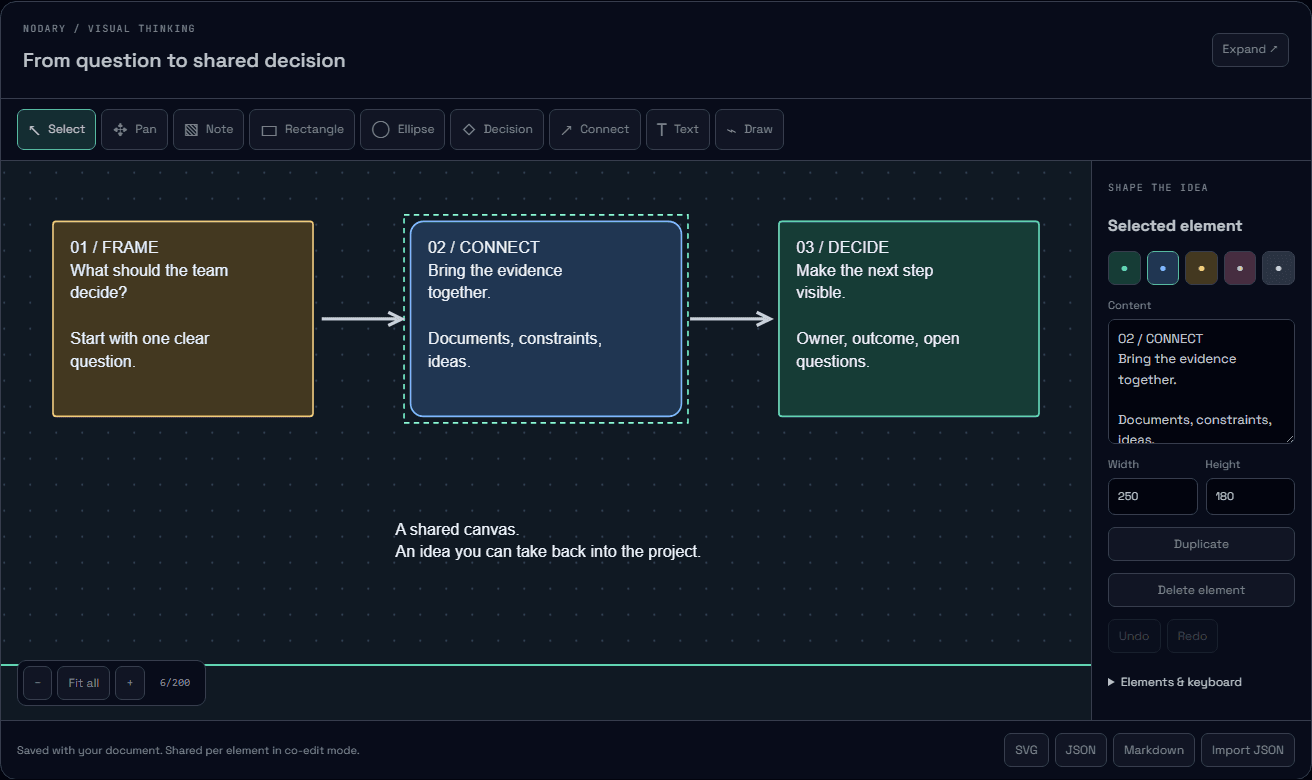
Give the idea shape. Keep the context.
Sketch on a board inside your documents, connect decisions and explain systems with a new UML workshop. Keep the source editable and take your work with you.
Read the story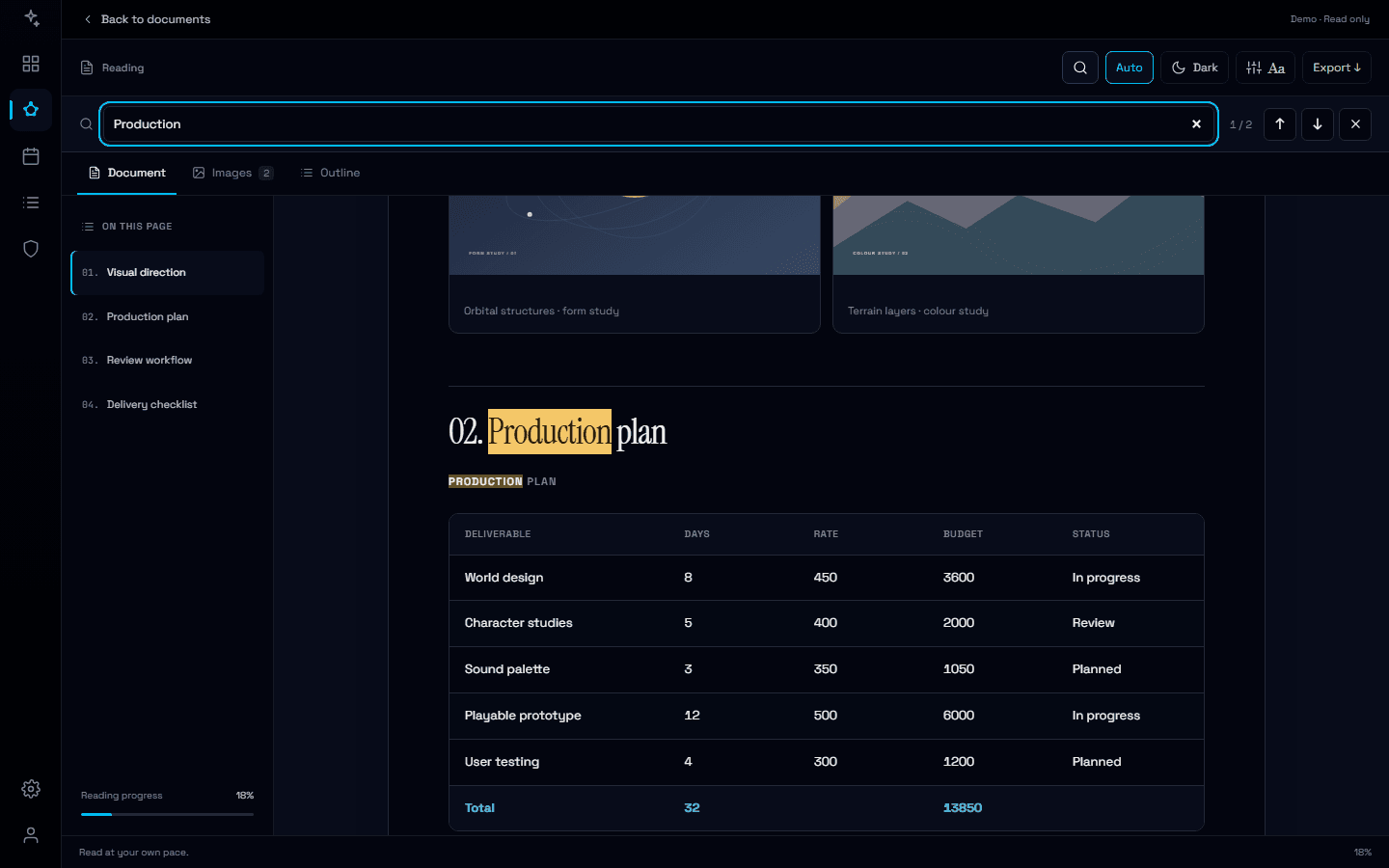
Find the detail. Keep the context.
Search inside a document, follow highlighted matches and jump straight to the right passage or table row, even from a quick preview.
Read the story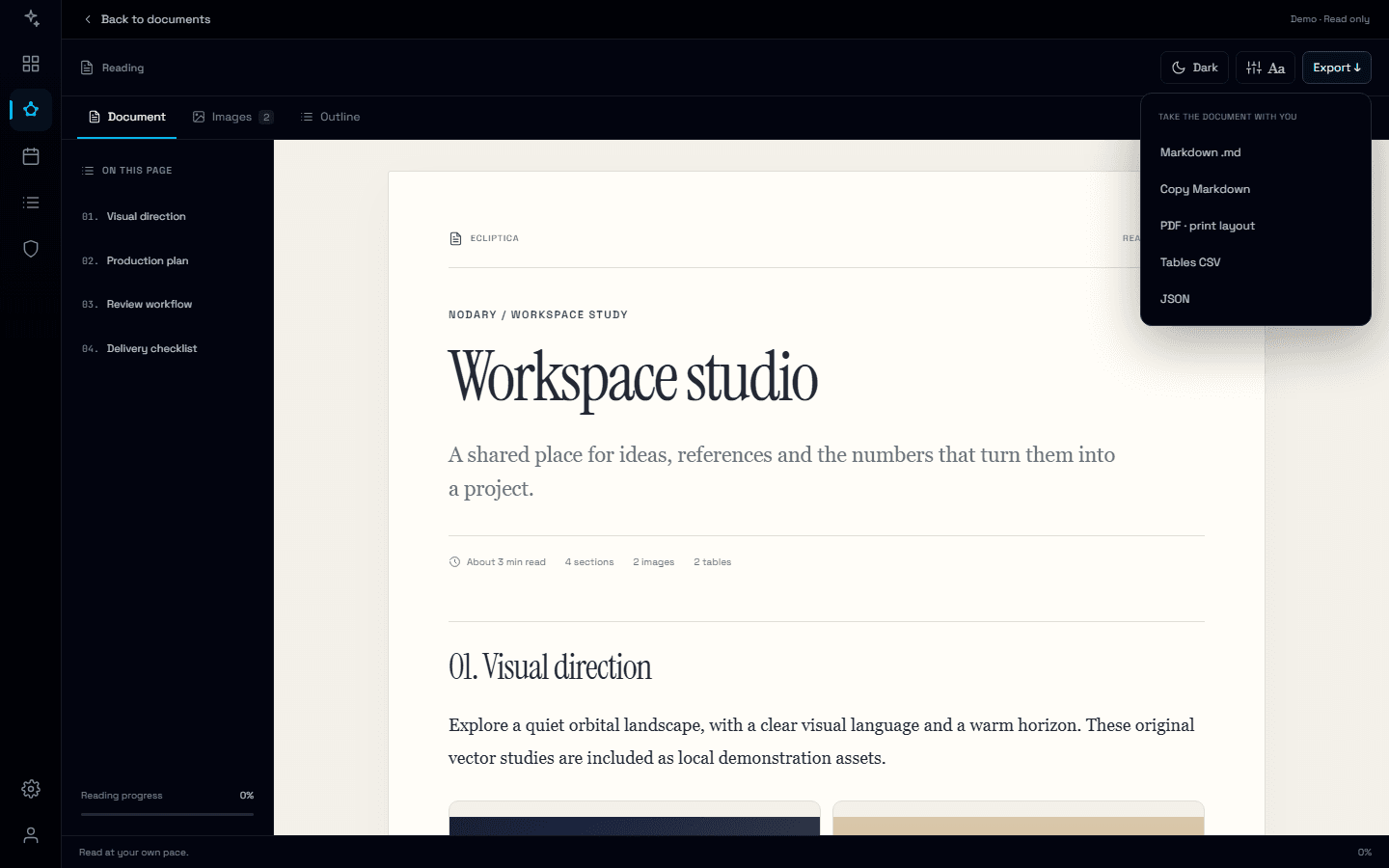
Shared edits. Ready to read, ready to use.
Collaborative saves now commit the merged document and its readable content together, keeping saved sources consistent for reading, exports and AI context.
Read the story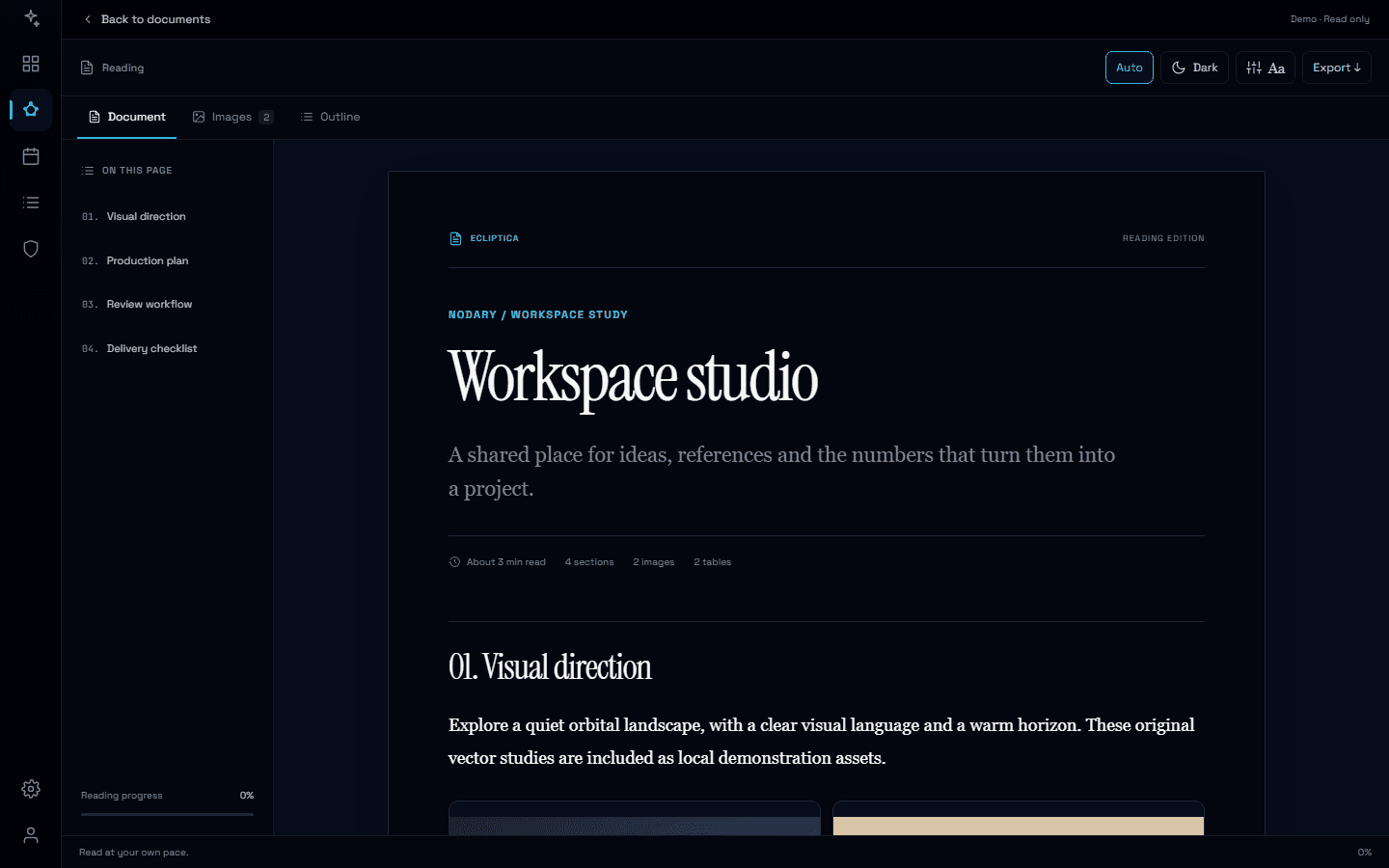
A little less interface. A lot more document.
Meet the new reading experience: thoughtful typography, a visual library, complete exports and a dark mode that is yours to choose.
Read the story